AI alternative to Tome
Tome alternatives after the shutdown: what to use instead in 2026
Tome Slides closed on April 30, 2025. These six tools cover what Tome users relied on: a deck from a prompt, a web-style format and easy sharing.
Free: 1 document, plan up to 12 pages, first 3 built, no credit card. Plans from €7.99/mo

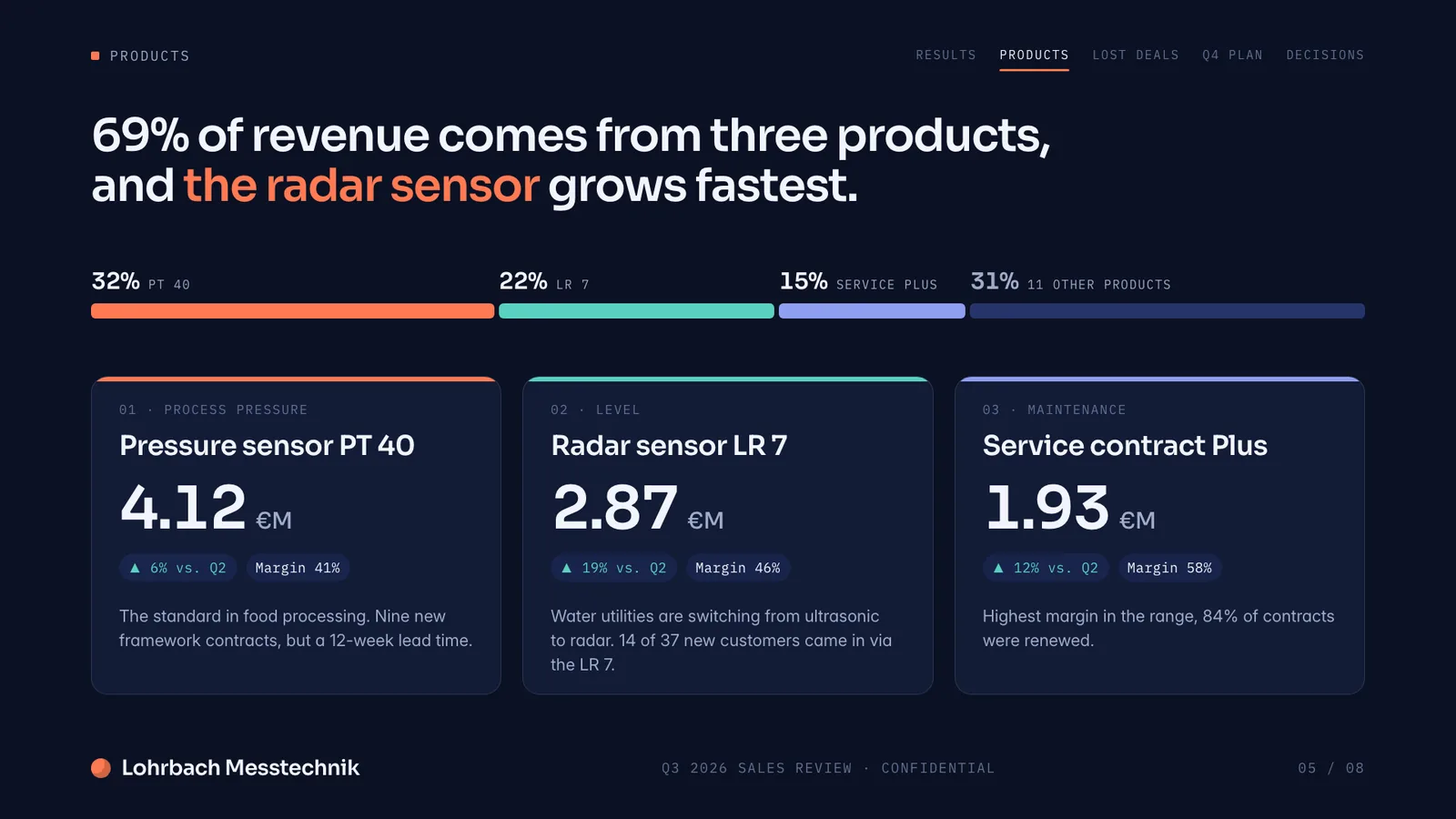

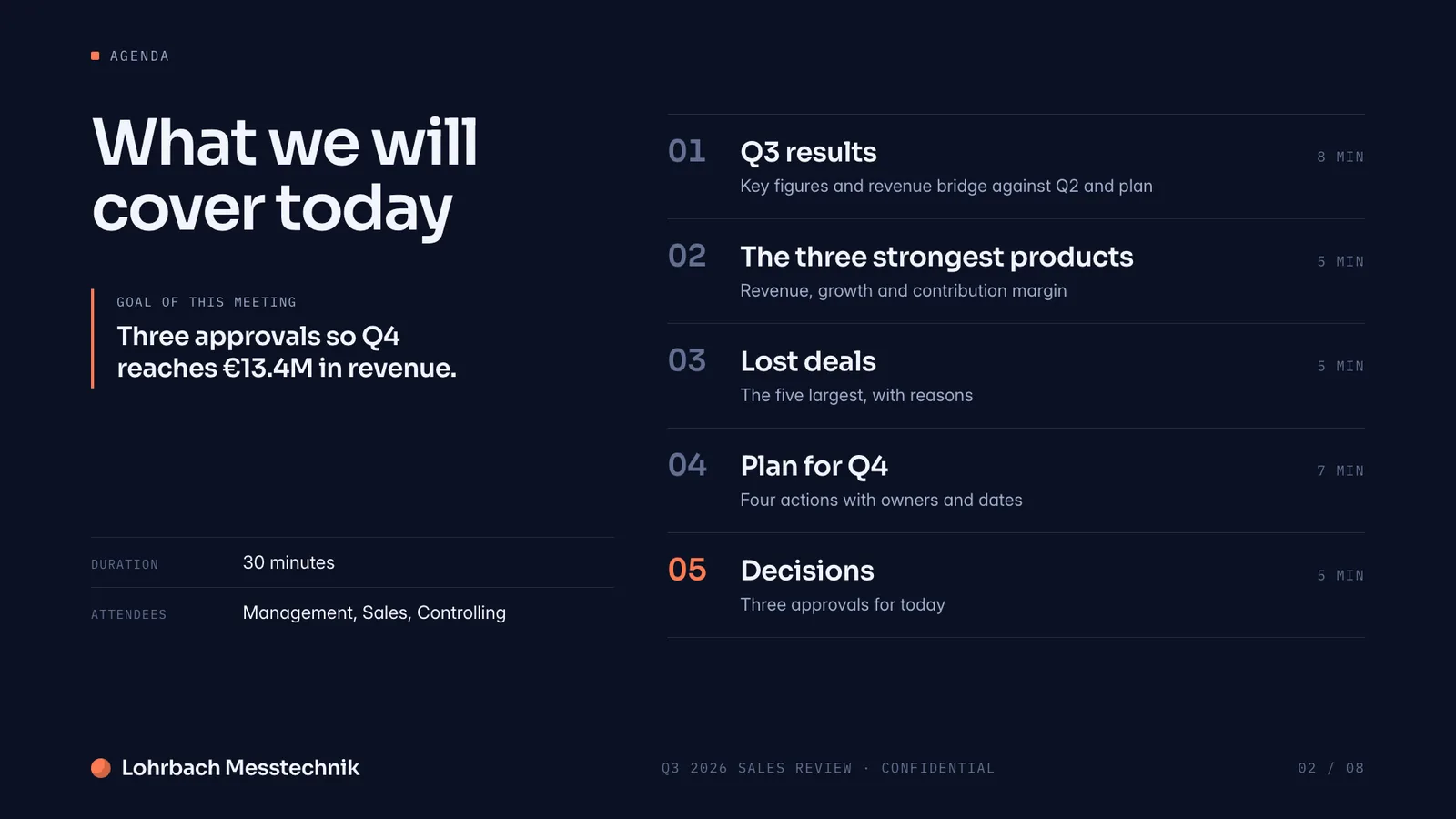
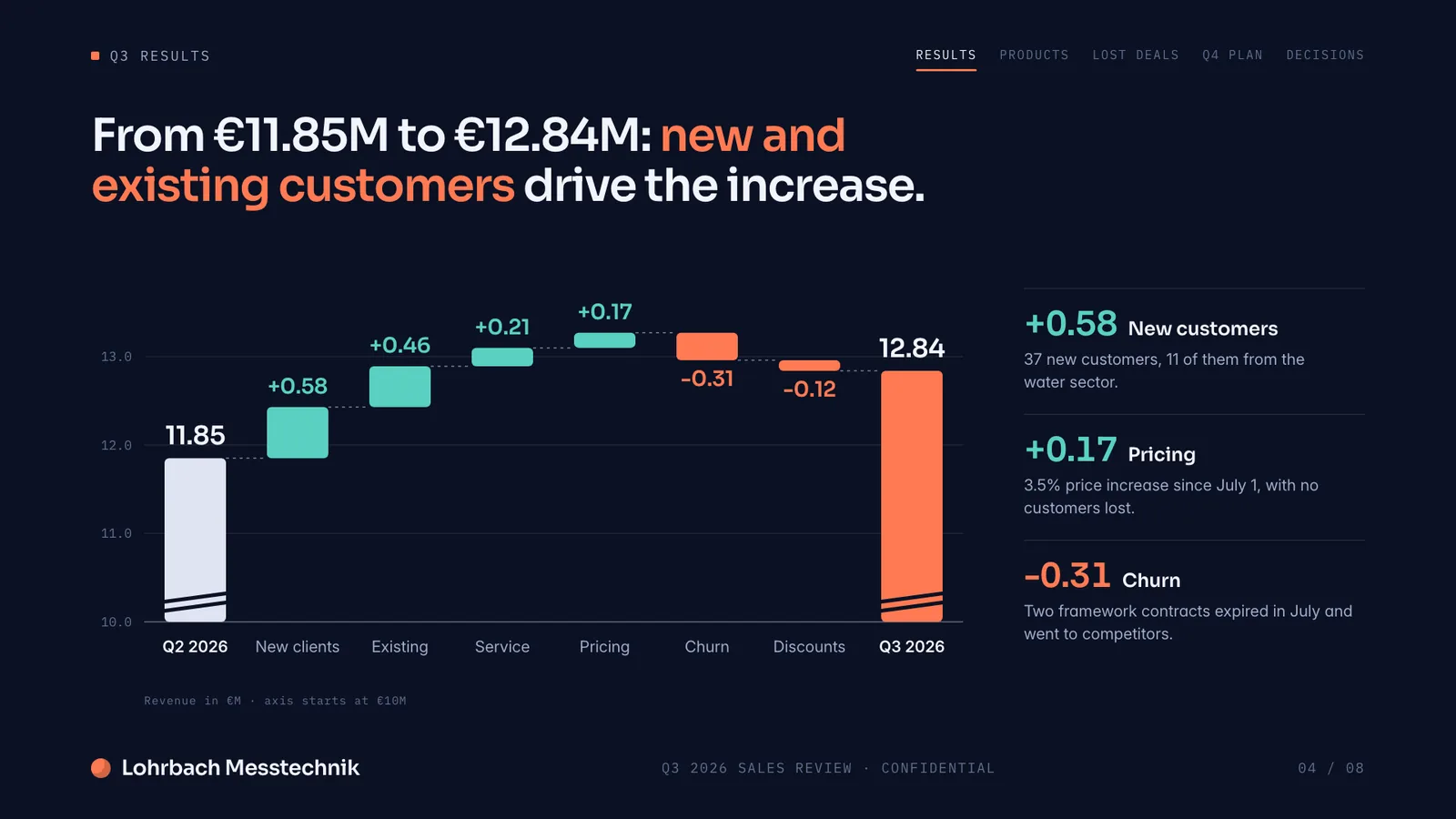
Example presentation for a fictional company. Names and numbers are sample valuesSee all 8 slidesExample in detail
Tome shut down its slide product, Tome Slides, on April 30, 2025: sign-in ended that day, and Tome said all files would be deleted afterwards. Its founders now build Lightfield, an AI CRM. The closest match to Tome's web-style format is Gamma; Pitch and Beautiful.ai suit decks you share and track, Microsoft Copilot suits people who work in PowerPoint, and Presentations.AI has a free plan with PowerPoint export. Slaide, which publishes this page, builds a finished deck from a prompt and exports an editable PowerPoint file.
We make Slaide, so weigh this list with that in mind. Every plan and price comes from the vendor's own pricing or help pages, read on September 27, 2026. Tools are listed alphabetically, each with the case where another tool is the better pick.
What a finished result looks like
Every page below was designed as a real deck: layout, charts and copy. Click a page to see it large.
Making a pitch deck? How the AI tools founders actually use compare for investor decks: output, PowerPoint export, free plans and prices.
Best AI tools for pitch decks
Why professionals look for a Tome alternative
Tome Slides is gone, and so are its files
Tome stopped sign-ins on April 30, 2025, and its help center said all user data, including Tome Slides files, would be deleted after that date. tome.app now returns an error page.
PDF was the only way out
Tome's help center offered one export: PDF, on the paid plan, and videos and live links did not survive it. Pick a tool that exports a file you can change in PowerPoint.
The free plan had no AI
Tome's pricing page listed “AI features not included” on its free Basic plan from at least April 2024. Four of the six tools below let you try AI generation on a free plan.
You may need more than decks
Tome was built for decks you share as a link. If you also need Word documents, reports or Excel spreadsheets with working formulas, Slaide makes those from the same prompt box.
Slaide vs Tome: feature by feature
| Feature | Slaide | Tome | Winner |
|---|---|---|---|
| Still available | Yes, actively developed | No, Tome Slides closed on April 30, 2025 | Slaide |
| AI deck generation | Plans, writes, designs and checks each page | Paid plan only; the free plan had no AI | Slaide |
| PowerPoint export | Editable .pptx with text boxes, shapes and speaker notes | None; PDF export on the paid plan | Slaide |
| Web-style format shared as a link | Slides and pages made for PowerPoint, PDF and Word | Yes, the core of the product | Tome |
| Other document types | Reports, Word documents, one-pagers, Excel spreadsheets | Decks and pages in Tome's own format | Slaide |
| Free plan | One free document: 3 generated pages, plan up to 12, branded exports, no card | Gone; before the shutdown: editing and sharing, no AI | Slaide |
What happened to Tome: the shutdown timeline
From Tome's own help center, archived before the site went offline, and reporting on the founders' next company.
| When | What happened |
|---|---|
| Before the shutdown | Tome announces that Tome Slides will close, pauses new sign-ups and upgrades to Tome Pro, and cancels active subscriptions by March 31, 2025, with refunds for the time remaining. |
| April 30, 2025 | Tome Slides closes: no more sign-in or access to content. Tome said all user data, including Tome Slides files, would be deleted after this date. |
| 2025 | The founders move on to Lightfield, an AI-native CRM for sales teams. |
| September 2026 | tome.app returns an error page. |
Sources: Tome Help Center, archived, VentureBeat, November 2025, Lightfield
Tome alternatives compared: PowerPoint export, free plan and price
Six tools, listed alphabetically and checked on each vendor's own pricing and help pages on September 27, 2026. Prices are the lowest paid entry point before tax; the currency depends on your region.
| Tool | Best for | PowerPoint export | Free plan | Price from |
|---|---|---|---|---|
| Beautiful.ai | Teams that want tidy, consistent slides and viewer analytics | Yes, PowerPoint import and export | No, a 14-day trial that needs a credit card | $14.50 a month, billed yearly |
| Gamma | The closest thing to Tome's web-style, prompt-to-deck format | Yes, on every plan; free exports carry a “Made by Gamma” badge | Yes, 400 credits at sign-up that do not renew | Business $40 per member a month, billed yearly; Plus and Pro prices on gamma.app |
| Microsoft Copilot in PowerPoint | People who already work in PowerPoint and Microsoft 365 | Native, it works inside PowerPoint | No, it comes with paid Microsoft 365 Personal, Family and Premium | Microsoft 365 Personal, $9.99 a month or $99.99 a year (US) |
| Pitch | Teams that build decks together and track how they are viewed | From the Plus plan; the free plan exports PDF only | Yes, 100 AI credits that do not renew, branded PDF export | Plus €10 a month, billed yearly |
| Presentations.AI | A free prompt-to-deck generator with PowerPoint download | Yes, PowerPoint and PDF export listed on every plan | Yes, 100 AI credits and up to 20 slides | Pro $20 a month, billed yearly |
| Slaide | A finished deck or document from a prompt, delivered as PowerPoint, Word or PDF | Yes, editable .pptx on every plan; free exports carry a small badge | Yes, one document: all pages planned, the first 3 built | Plus €5.99 a month billed yearly, or €7.99 monthly |
Gamma's pricing page blocks automated checks, so only the Business price from its help center is shown. Canva is not in the table because its pricing and help pages could not be checked for this update. Sources: Beautiful.ai pricing, Gamma help: exports, Gamma help: credits, Gamma help: Business plan, Microsoft 365 plans, Pitch pricing, Presentations.AI pricing
What each Tome alternative does better
A “choose it if” for every tool, Slaide included, and the case where you should pick something else.
Moving your Tome decks: what is left and how to rebuild them
Tome said all Tome Slides files would be deleted after April 30, 2025, so the only copies left are PDFs exported before that date. Check your downloads, old emails and shared drives.
A PDF is enough to get an editable deck back. Upload it to Slaide's PDF to PowerPoint converter: each page is rebuilt as text boxes, shapes and images in the original layout, ready to download as .pptx. A free account converts the first 3 pages with a small Slaide badge; Plus covers decks of up to 12 pages without it, Pro longer ones. Tables arrive as positioned text boxes and charts as graphics, so check those slides.
No PDF? Describe the old deck to Slaide: the audience, the slides it had and the numbers you still have. It builds a new version in a few minutes. Gamma can also import a PDF if you prefer a web-style format.
Keep comparing
- Best AI presentation tools
The wider list, with what each tool makes and costs.
- Gamma alternative
If you moved to Gamma after Tome and need cleaner PowerPoint files.
- PDF to editable PowerPoint
Turn the PDFs you exported from Tome back into slides you can edit.
Our verdict
There is no Tome to go back to: the slide product closed on April 30, 2025, and the team now builds a CRM. The right replacement depends on what you used Tome for.
For the web-style format and sharing by link, start with Gamma. For a team that builds and shares decks and wants to see who read them, look at Pitch or Beautiful.ai. If your decks have to live in PowerPoint, Copilot works inside it, and Slaide builds the finished deck and exports an editable .pptx.
Four of the six have a free plan, so run the same brief through two of them and compare the files. Slaide's free plan builds the first 3 pages of one document, no card needed.
FAQ
Anything missing? Ask us
Was Tome shut down or discontinued?
Yes. Tome Slides, the AI presentation product, closed on April 30, 2025, and Tome's help center said users could not sign in or access content after that date. Before that, Tome paused new sign-ups and cancelled active subscriptions by March 31 with refunds.
What happened to Tome, and is Lightfield the new Tome?
Tome's founders moved on to Lightfield, which describes itself as an AI-native CRM. It is customer relationship software, not a presentation tool, so it does not replace Tome Slides.
Can I still export my Tome decks?
No. Sign-in ended on April 30, 2025, and Tome said all user data, including Tome Slides files, would be deleted after that date. PDFs you exported before then are your copies; Slaide's PDF to PowerPoint converter turns them back into editable slides.
Did Tome export to PowerPoint?
No. Tome's help center named Export to PDF as the way to download a tome, on the paid plan only; free users could share a link. Videos and live web links did not carry over into the PDF.
What is the best free Tome alternative?
Gamma's free plan comes closest to Tome's format, with 400 one-time credits and a badge on exports. Presentations.AI's free plan includes 100 AI credits and PowerPoint download, Pitch's exports PDF only, and Slaide's builds the first 3 pages of one document with a small badge.
Which Tome alternative exports to PowerPoint?
Slaide, Gamma, Beautiful.ai and Presentations.AI export .pptx files, and Copilot works inside PowerPoint itself. Pitch exports PowerPoint from its Plus plan; its free plan exports PDF only.
Which alternative is closest to Tome's format?
Gamma. Like Tome, it turns a prompt into a web-style deck you share as a link, and it also makes documents and simple websites. Full viewer analytics need its Pro plan or higher.
Can I turn my old Tome PDFs into an editable presentation?
Yes. Upload the PDF to Slaide's PDF to PowerPoint converter and each page comes back as text boxes, shapes and images in the original layout. A free account covers the first 3 pages with a small badge; Plus covers up to 12 pages without it.
How is Slaide different from Tome?
Slaide builds a finished document from a prompt: it plans the pages, writes and designs each one and checks it before you see it. It exports editable PowerPoint, Word, PDF and images. Tome was stronger at the web-style format you shared as a link.
Does Slaide's free plan add a watermark?
Free exports carry a small Slaide badge. The free plan covers one document, with all pages planned and the first 3 built, no credit card needed; Plus, from €7.99 a month, and the higher plans export without it.
The AI alternative to Tome
Describe what you need. Slaide plans the structure, writes the content, designs every page and self-checks its own work. Free to start, no credit card.