AI presentation maker: describe it, get finished PowerPoint slides
A useful presentation begins with the decision the audience needs to make, not with a slide theme. Describe a customer meeting, a board update or a training and name the outcome you need. Slaide plans the sequence, writes the content, designs each page from scratch and checks the layout.
Free: 1 document, plan up to 12 pages, first 3 built, no credit card. Plans from €7.99/mo
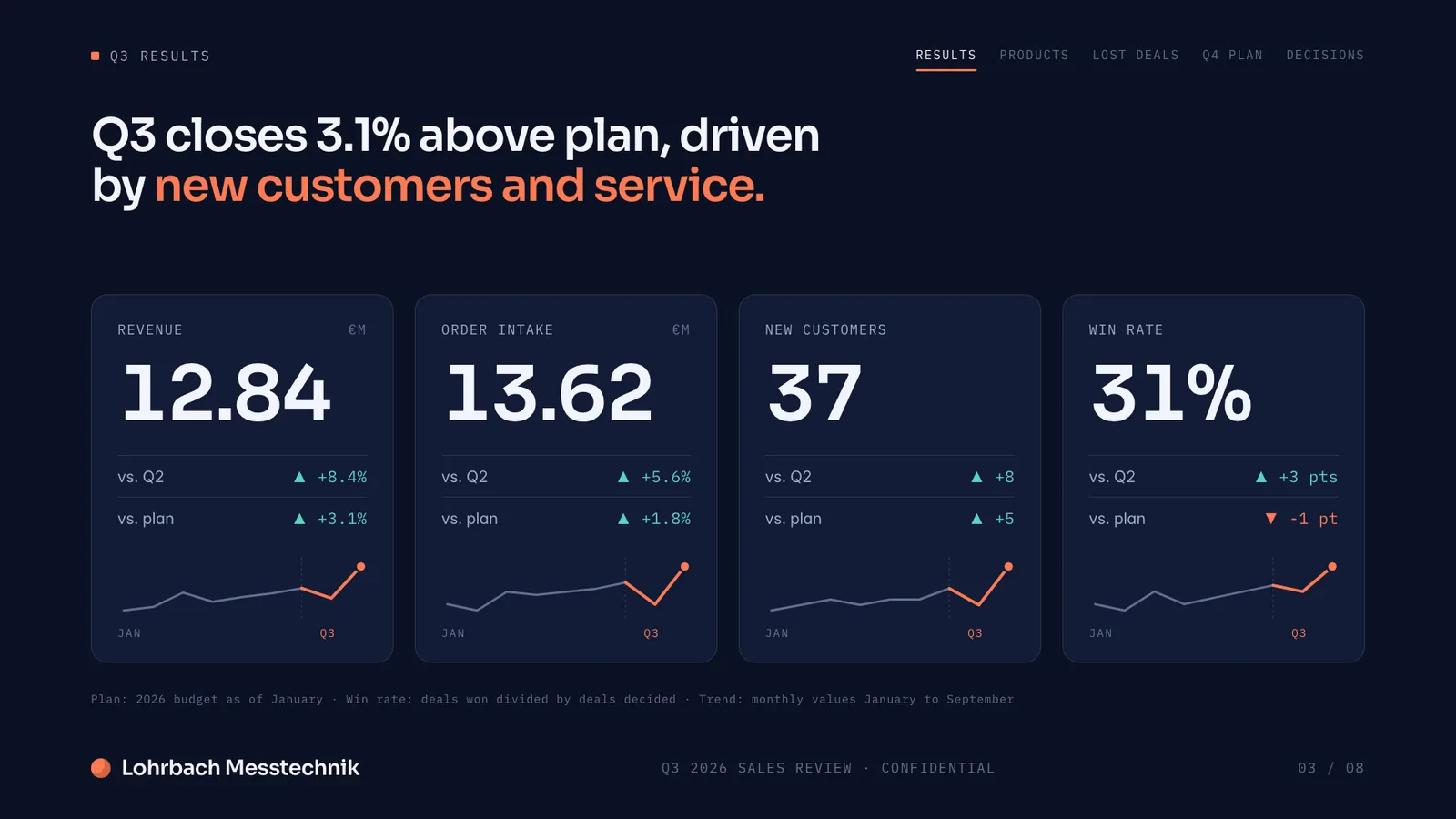
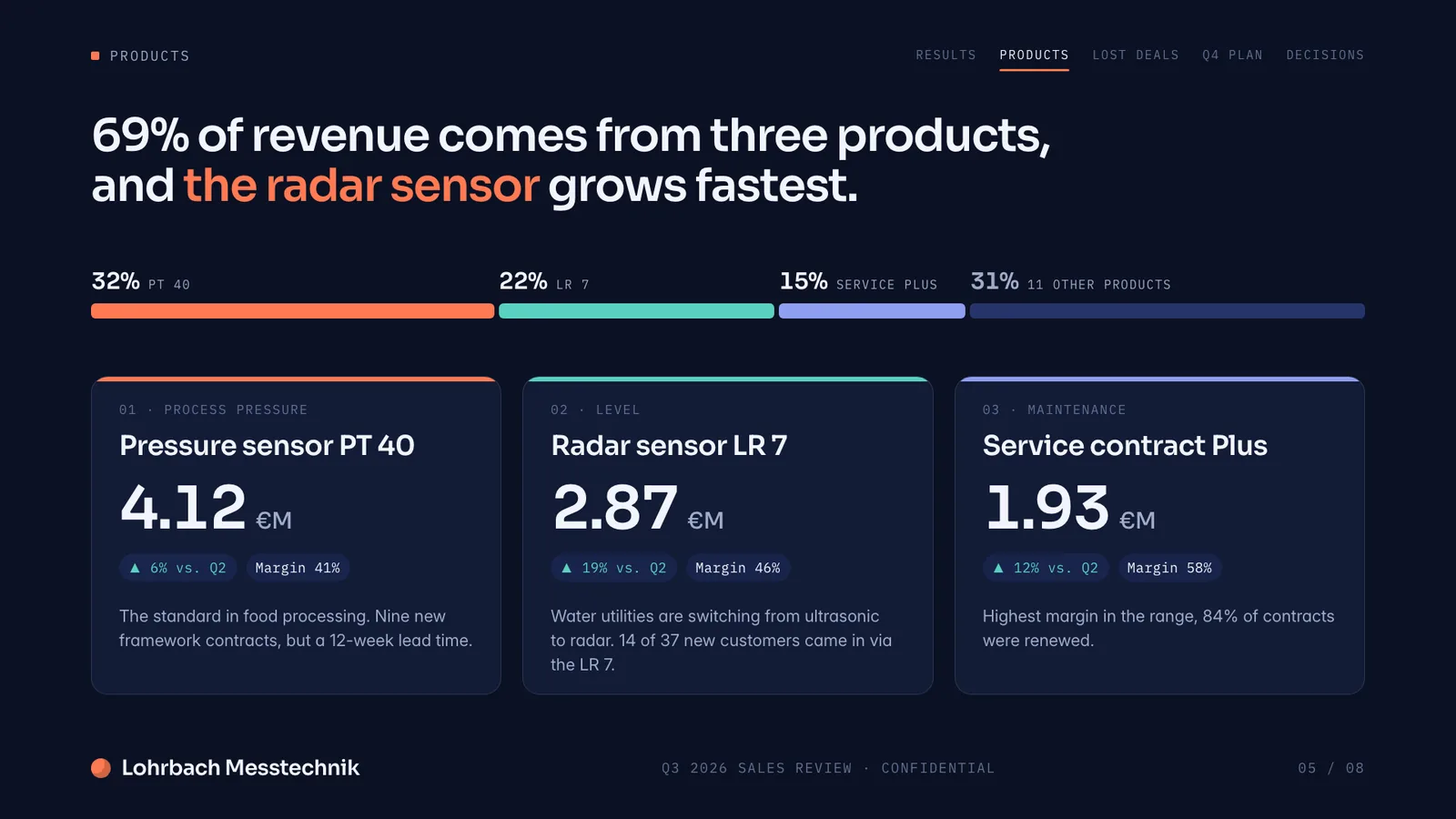
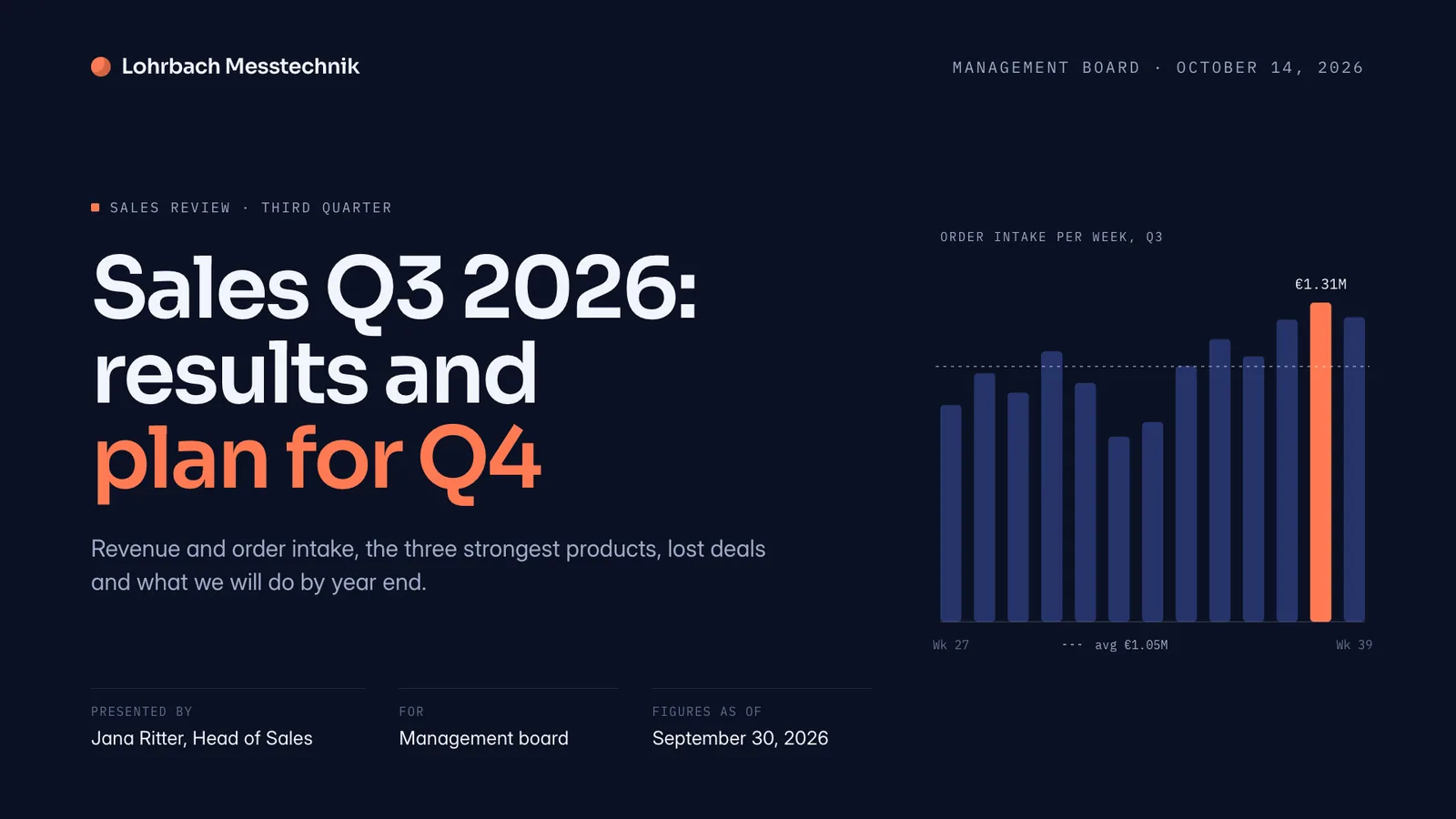
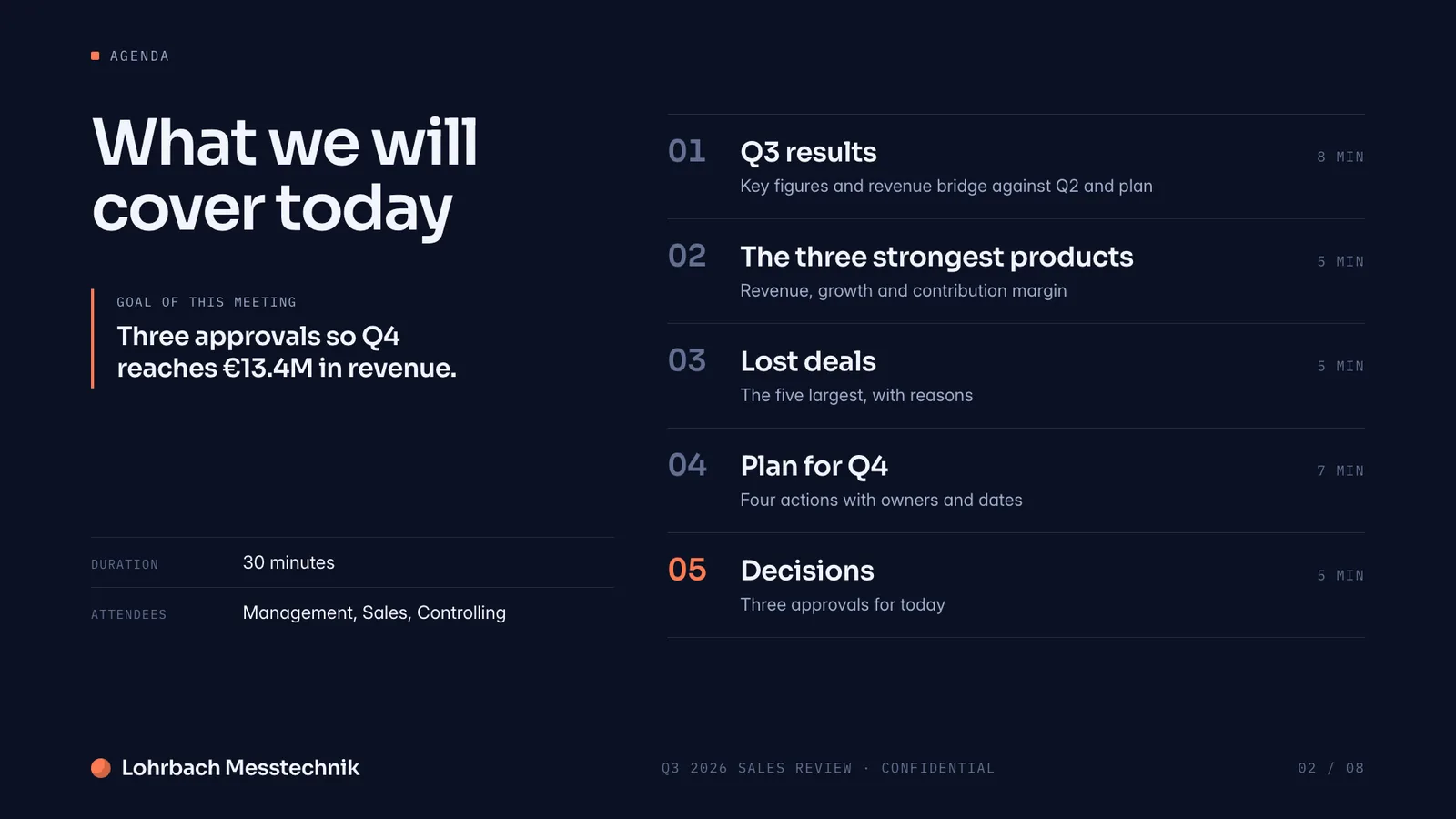
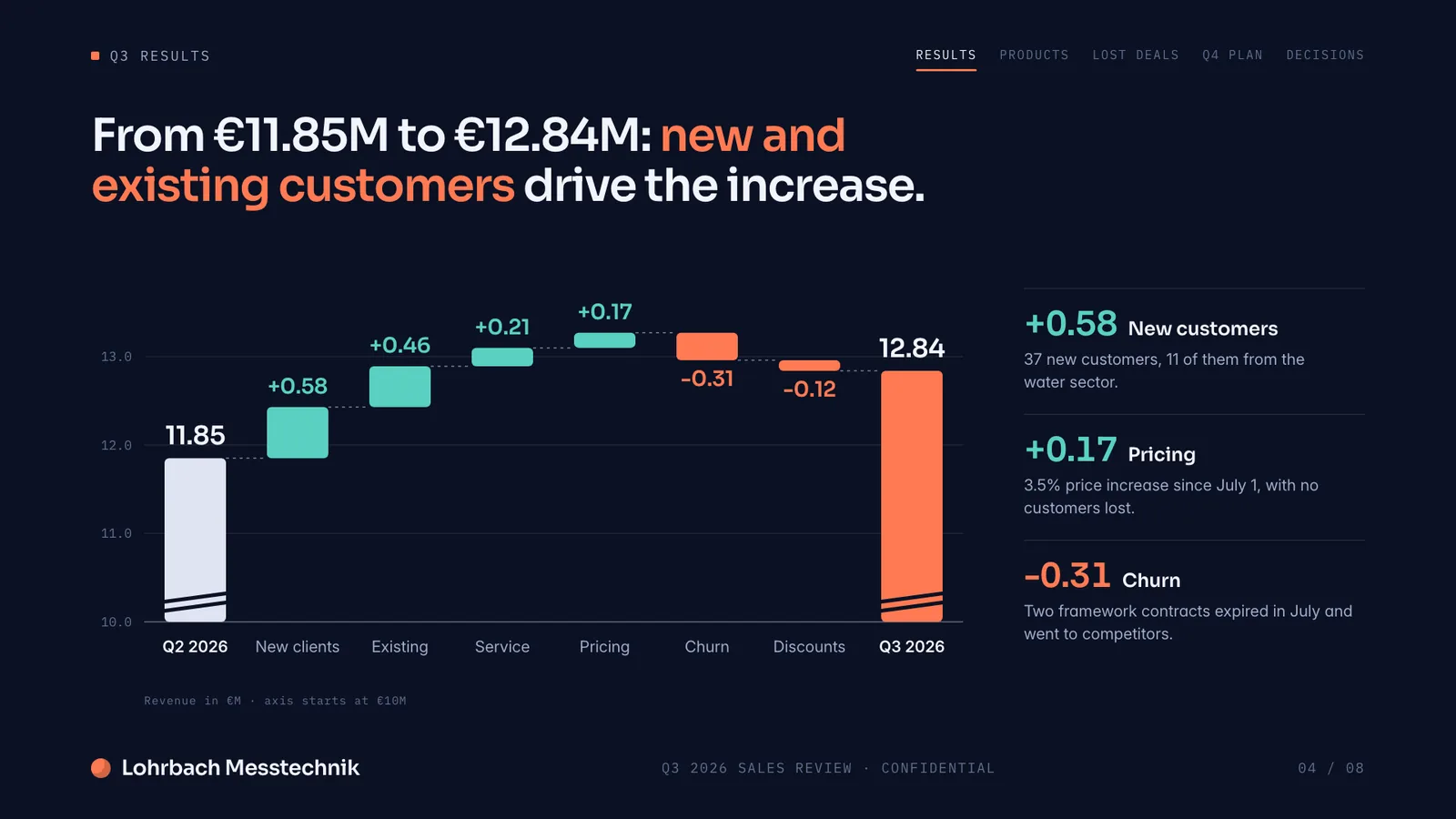
Example presentation for a fictional company. Names and numbers are sample valuesSee all 8 slidesExample in detail
Slaide is an AI presentation maker and PowerPoint generator for business work: describe the audience, the decision and your material, and it plans the story, writes and designs the slides, then checks their layout. You edit the result in Slaide and export a real .pptx, a PDF or slide images. It works from a prompt alone or from attached PDF, Word, Excel and PowerPoint files, and it can improve a deck you already have.
You can paste a brief or attach an existing report, spreadsheet, PDF, Word document, PowerPoint file, images or notes. Slaide uses that material as context and can research the web for current information. Check the finished slides, edit any wording and export in the format your audience needs. The example deck on this page is fictional.
What a finished result looks like
Every page below was designed as a real deck: layout, charts and copy. Click a page to see it large.
What Slaide does
Complete presentations from a single prompt
Structure, copy and design are handled by Slaide. State the audience, the decision and the evidence so the result has a purpose.
Reads PDFs and data files
Upload reports, meeting notes or spreadsheets. Slaide uses relevant content, but you should check selected facts and chart labels against the originals.
No design skills required
Slaide designs every page from scratch and can take your logo and brand colours from your website. No templates to adjust, no layouts to wrestle with.
Web search for live context
Slaide can search the web for current context. Its sources show in the run activity; add citations to any external claim your audience must verify.
How it works
Describe the presentation
Tell Slaide what the audience already knows, what decision follows and how long the presentation should be. Add the desired tone and any must-use facts.
Optionally add source files
Upload PDFs, Word files, Excel workbooks, PowerPoint decks or images when you have source material. Identify which file holds the final numbers.
Slaide builds
Slaide plans the structure, writes each slide, designs the layout, then renders and checks the pages for layout problems.
Edit and export
Click a text element to edit it, ask the AI for a change or use undo. Export as PowerPoint, PDF, PNG or JPEG after your final factual review.
AI slide generator from text, PDF or Word
A text brief is enough to begin, but a source document makes the deck more specific. Attach a customer proposal to make a meeting deck, a board report to make a review, or a product memo to explain a release. A spreadsheet or CSV file can supply chart values. Name the source of record in your prompt and say what Slaide should ignore, especially when old files contain superseded figures.
Document to presentation does not mean placing each paragraph on its own slide. Ask for the question each slide should answer and what evidence supports it. If a long PDF mixes background, methodology and recommendations, ask Slaide to prioritize the decision and put technical detail in an appendix. Check that no conclusion became stronger than its source.
Sales pitch, proposal, board update, training or talk: what to give Slaide
The same notes should produce a different story for each audience. Name the situation before you ask an AI PPT maker for slides.
| Situation | Typical slides | What to give Slaide | What you get |
|---|---|---|---|
| Sales pitch | 8 to 10: their problem, your offer, proof, price, next step. | Notes from the first call, your offer and one customer result. | A deck for that prospect, with speaker notes if you ask. |
| Customer proposal | 6 to 10: goals, approach, timeline, team, price. | The client's request, your scope and your rates. | Proposal slides that end with a clear decision. |
| Board update | 6 to 10: results against plan, risks, decisions. | KPIs for the period, plan figures and open issues. | Charts against plan and a decisions slide. |
| Staff training | 10 to 12: goals, steps, examples, check questions. | Your procedure or policy as PDF or Word. | Training slides plus notes for the trainer. |
| Conference talk | 10 to 12: one idea per slide, few words. | Abstract, key points and the time slot. | A talk deck with notes for rehearsing. |
AI PowerPoint generator: a real .pptx, not a picture of slides
Slaide exports a real PowerPoint file. Text sits in text boxes you can edit, shapes stay shapes, photos stay pictures, and speaker notes you asked for land in PowerPoint's notes pane. Charts stay visible; they become editable shapes and text where possible, otherwise an image. Open the exported file and check the parts your team expects to change.
The PDF is useful for a fixed handout, and slide images work for previews. If you already have a PowerPoint deck, import it into Slaide and ask for targeted text, layout or slide changes instead of starting over. On paid plans, slides you leave unchanged are exported exactly as they were in your original file.
Slaide vs. Copilot in PowerPoint vs. Gamma vs. ChatGPT
As of September 2026. Plans and features change, so check each vendor's current terms.
| Tool | Where you work | What it builds from | PowerPoint and PDF | Free use |
|---|---|---|---|---|
| Slaide | In the browser; you export when done. | A prompt, attached files, web research and your website's logo and colours. | Editable .pptx with text boxes, shapes, pictures and speaker notes; PDF, PNG, JPEG. | One document, first 3 pages built; small badge on exports. |
| Copilot in PowerPoint | Inside PowerPoint for Windows, Mac and the web. | A prompt, or a Word document; Microsoft lists file references in Agent Mode as coming soon. | The deck is a PowerPoint file from the start. | Included in Microsoft 365 Personal, Family, Premium and Pro with AI credits; at work it depends on your Copilot licence. |
| Gamma | Gamma's own editor. | A prompt, or imported PowerPoint, Word, PDF, CSV, Google Drive or Notion files. | PDF, PNG and PPTX export; Gamma notes exports follow Present Mode and can differ slightly. | Free plan PDF and PPTX exports carry a Made by Gamma badge. |
| ChatGPT | ChatGPT on the web or desktop, or a sidebar inside PowerPoint with the ChatGPT for PowerPoint add-in. | A prompt, source material you attach, or an existing deck. | With the add-in the deck is a PowerPoint file; ChatGPT Work also creates editable presentation files. OpenAI names limits with templates, charts and shapes. | Free and Go include limited use of the PowerPoint add-in. |
Copilot, Gamma and ChatGPT cells follow their official help pages, checked on September 27, 2026. No cross-tool output test is claimed. Sources: Microsoft Support, create a presentation with Copilot, Microsoft Support, Copilot in Microsoft 365 Personal, Family and Premium, Microsoft Support, keep your presentation on brand, Gamma Help, export, Gamma Help, export differences, Gamma Help, import, OpenAI, ChatGPT for PowerPoint, OpenAI, files with ChatGPT Work
Presentation prompts for business meetings
Fictional companies with sample numbers. Replace their facts with yours.
Customer proposal
Create an 8-slide proposal presentation for Feldkamp Studio, a fictional design agency, for a website relaunch at a regional furniture retailer. Goal: more online bookings for store consultations. Scope: 6 weeks in 3 phases at a fixed price of €18,500. Show the goals, approach, timeline, team, price and what we need from the client.
Start with this promptBoard update
Build an 8-slide Q3 board update for Brightline Bakeries, a fictional chain of 14 bakeries. Revenue €3.2 million against a plan of €3.4 million, margin 9 percent, two new stores opened, energy costs up 18 percent. Show results against plan, the causes, the risks and three decisions for the board.
Start with this promptStaff training
Create a 12-slide training for new warehouse staff at Kestrel Logistics, a fictional company. Topics: safety rules, scanning goods in and out, handling damaged parcels and who to call. Use simple language and one step per slide, end with five check questions and add speaker notes for the trainer.
Start with this promptConference talk
Create a 12-slide conference talk titled 'What 200 support tickets taught us about onboarding' for a software industry conference. The speaker leads customer success at a fictional software company. Three lessons with one example each, few words per slide, and speaker notes for a 20-minute slot.
Start with this prompt
AI presentation maker pricing
The Free plan shows the planned document and completes its first pages. Paid plans extend the page allowance and remove the export badge.
More ways to work with your presentation
- Improve an existing PowerPoint with AI
Upload your .pptx and have it shortened, translated or updated with new numbers.
- ChatGPT for presentations
What a chatbot and its PowerPoint add-in can do.
- AI pitch deck generator
Investor decks, from the first pitch to the investor update.
- AI report generator
Monthly, board and client reports as Word or PDF.
- PDF to PowerPoint
Turn an existing PDF into editable slides.
- Word to PowerPoint
Turn a Word document into a presentation.
- Gamma alternative
Where Slaide and Gamma differ, in detail.
- Microsoft Copilot alternative
Slaide next to Copilot in PowerPoint.
- Best AI presentation tools
A shortlist based on the result you need.
FAQ
Anything missing? Ask us
What types of presentations can Slaide make?
Slaide can make pitch decks, sales presentations, customer proposals, board updates, trainings and conference talks. Name the audience and the decision so the structure fits. Use your own material for a real meeting.
Is Slaide better than Canva or Gamma for presentations?
It depends on your workflow. Canva centers on design, Gamma creates decks in its own editor, and Slaide builds the finished deck from a brief and your files. Try the same brief in each and inspect the PowerPoint export.
Can ChatGPT make a presentation, and how is Slaide different?
ChatGPT can draft a slide story, and OpenAI's ChatGPT for PowerPoint add-in creates and revises slides inside PowerPoint, with limited use on the Free and Go plans. Slaide builds and checks a designed deck from your brief and files, then exports .pptx or PDF.
Is the generated PowerPoint really editable?
Yes. Text sits in editable text boxes, shapes stay shapes and requested speaker notes land in PowerPoint's notes pane. Charts become editable shapes or, for complex ones, an image; photos stay pictures.
Can I improve an existing PowerPoint instead of starting over?
Yes. Upload the .pptx and it opens as an editable deck: ask for new wording, a cleaner layout or extra slides, or click any text to change it. The free plan reads the first 3 slides, Plus up to 12. On paid plans, slides you leave unchanged are exported exactly as they were in your original file.
Which files can I attach to make slides?
PDF, Word (.docx), Excel (.xlsx), CSV, PowerPoint (.pptx), images and text notes. Identify the file with the final figures. Slaide can also take your logo and colours from your website.
How long does it take, and how many slides can I make?
A short deck is usually ready in a few minutes; web research and long attachments add time. Plus builds up to 12 slides per document, Pro and Max have no page limit, and the free plan builds the first 3.
Does the free PowerPoint export have a watermark?
Yes, free exports carry a small Slaide badge. Plus, Pro and Max exports do not.
What does Slaide cost?
Free covers one document: Slaide plans all slides and builds the first 3, no credit card. Plus costs €7.99 a month, or €5.99 a month billed yearly, and exports without the badge; Pro and Max have no page limit.
How does Slaide handle privacy and GDPR?
Accounts, uploads and documents are stored with Supabase in the EU. To generate, the needed content goes through OpenRouter in the USA to the language model, and training on customer content is contractually excluded. Transfers rely on the EU-US Data Privacy Framework, otherwise on the EU's standard contractual clauses.
AI Presentation Maker, try it free
Describe what you need and Slaide plans, writes, designs and self-checks the whole document. Free to start, no credit card.