For consultants & sales
AI proposals, client decks and reports for consultants
The thinking is the work. The formatting, the layout, the slide structure, that's the part that eats the evening before the client deadline.
Free: 1 document, plan up to 12 pages, first 3 built, no credit card. Plans from €7.99/mo
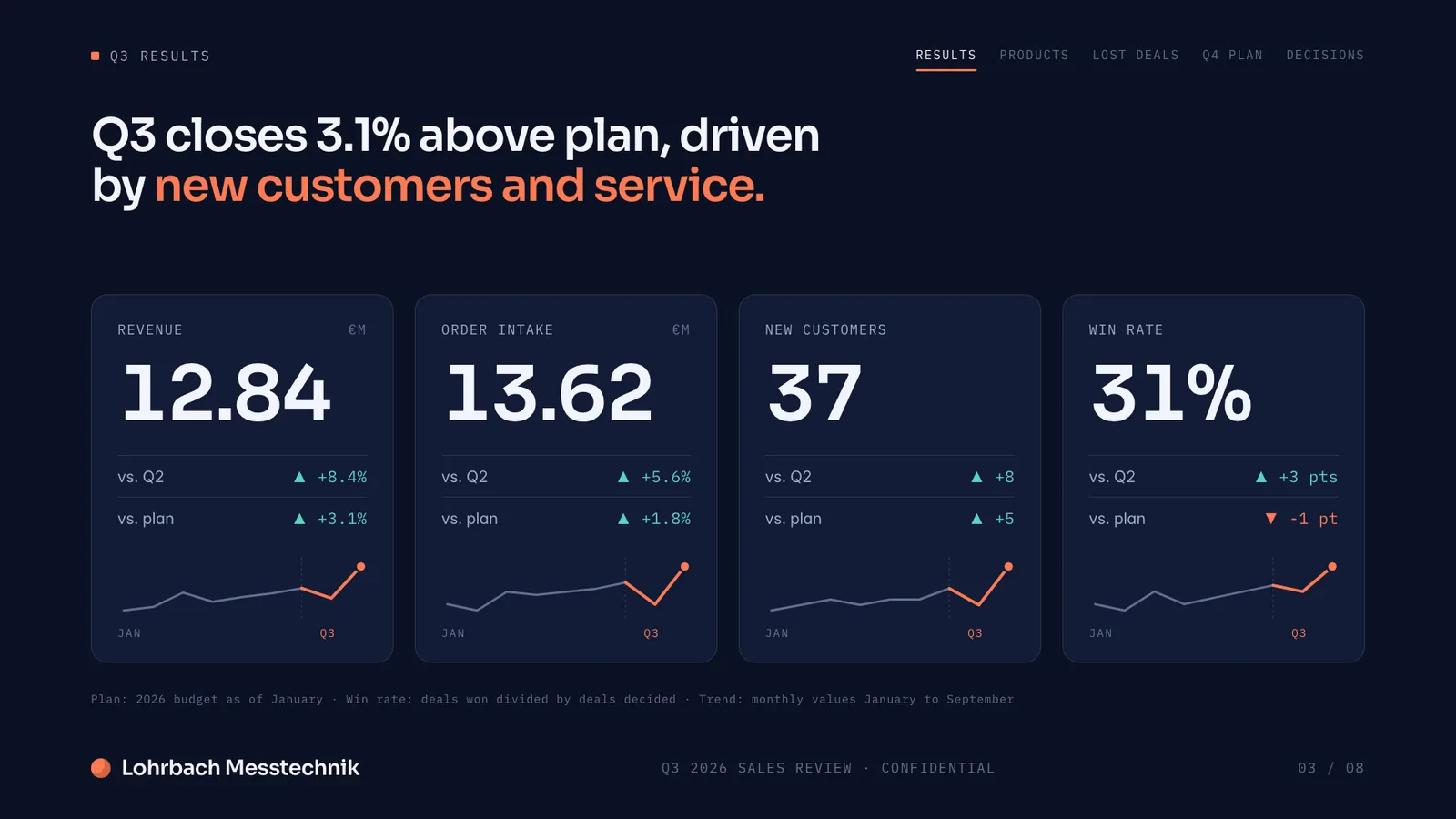

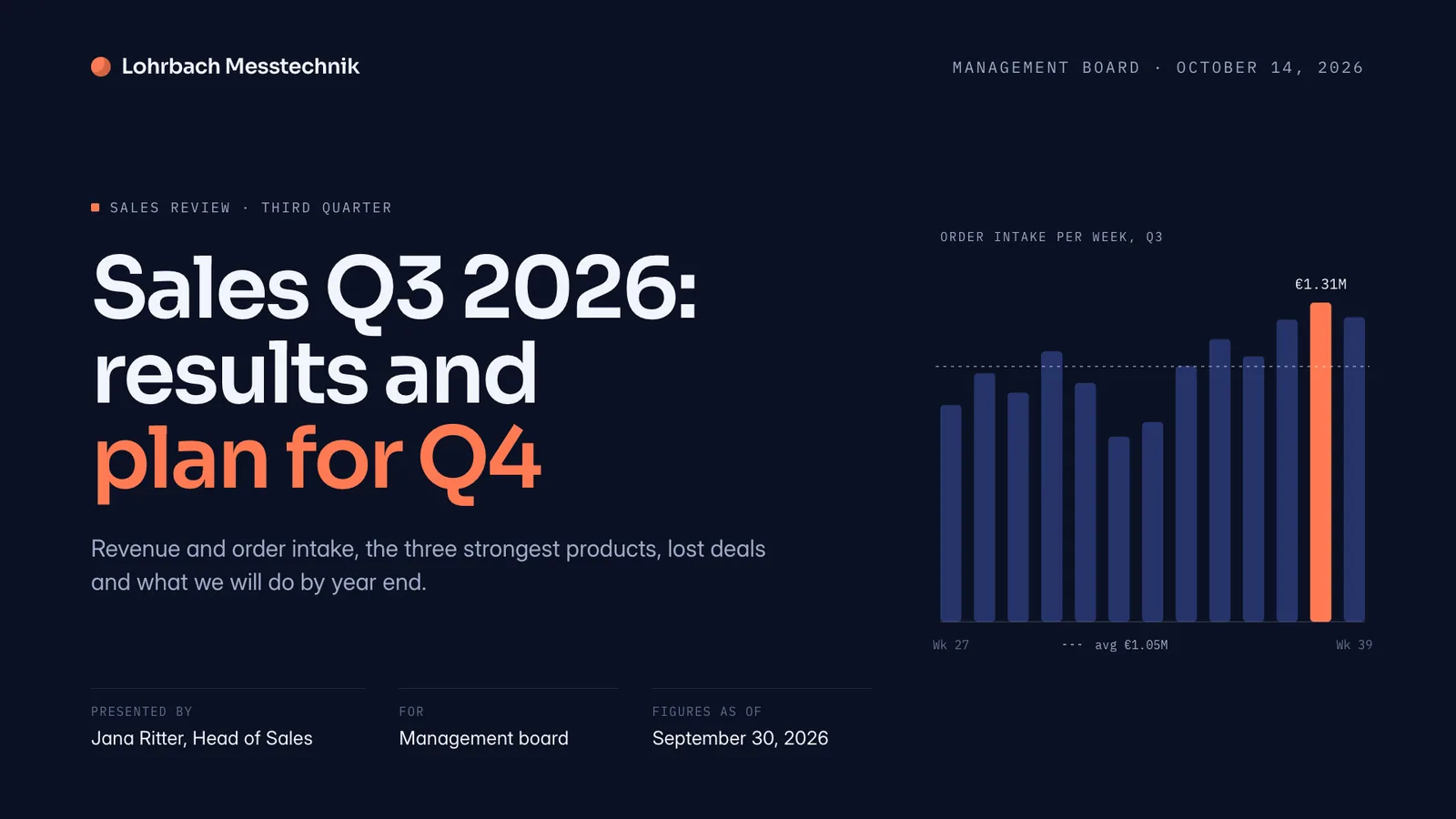
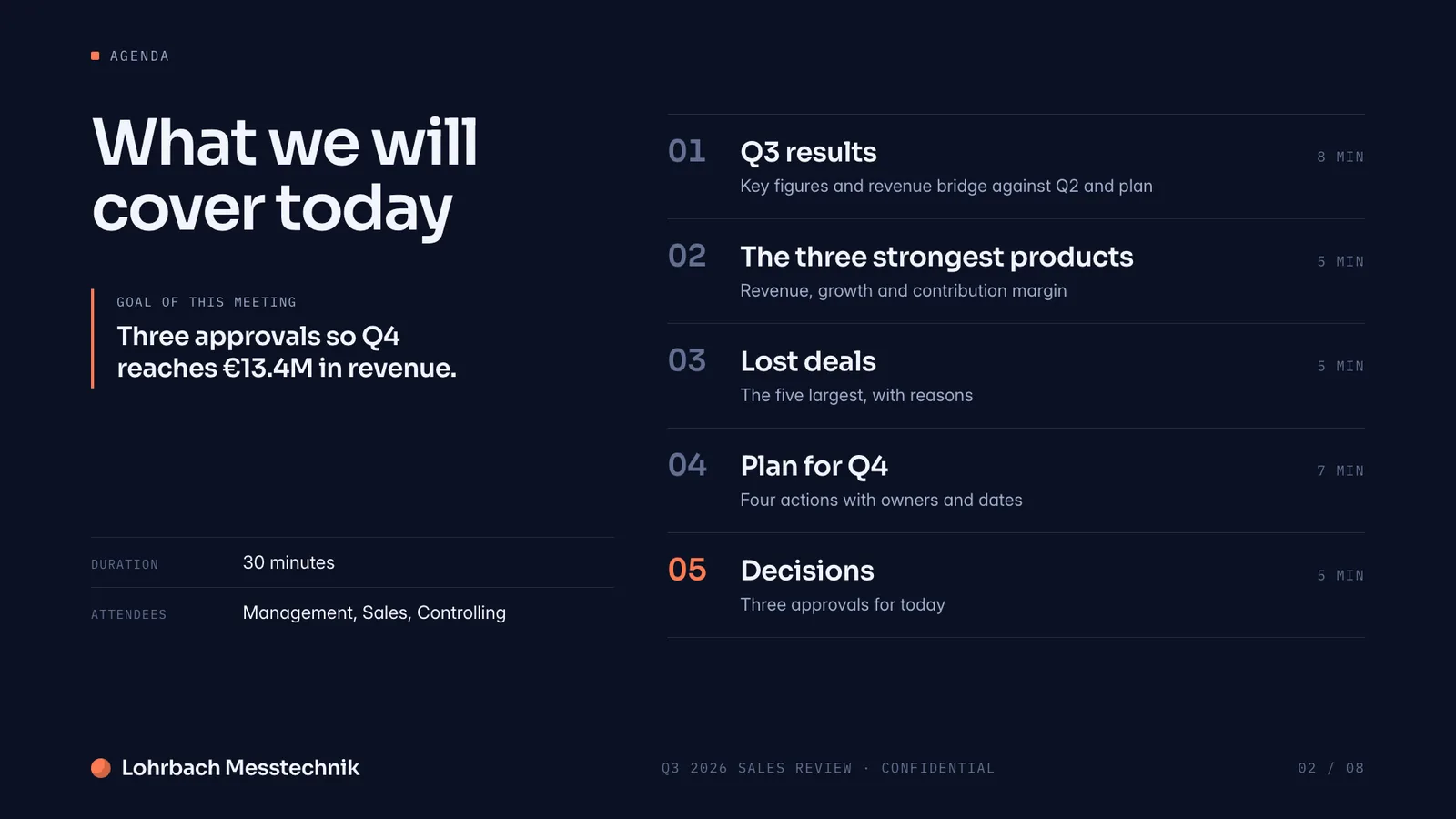
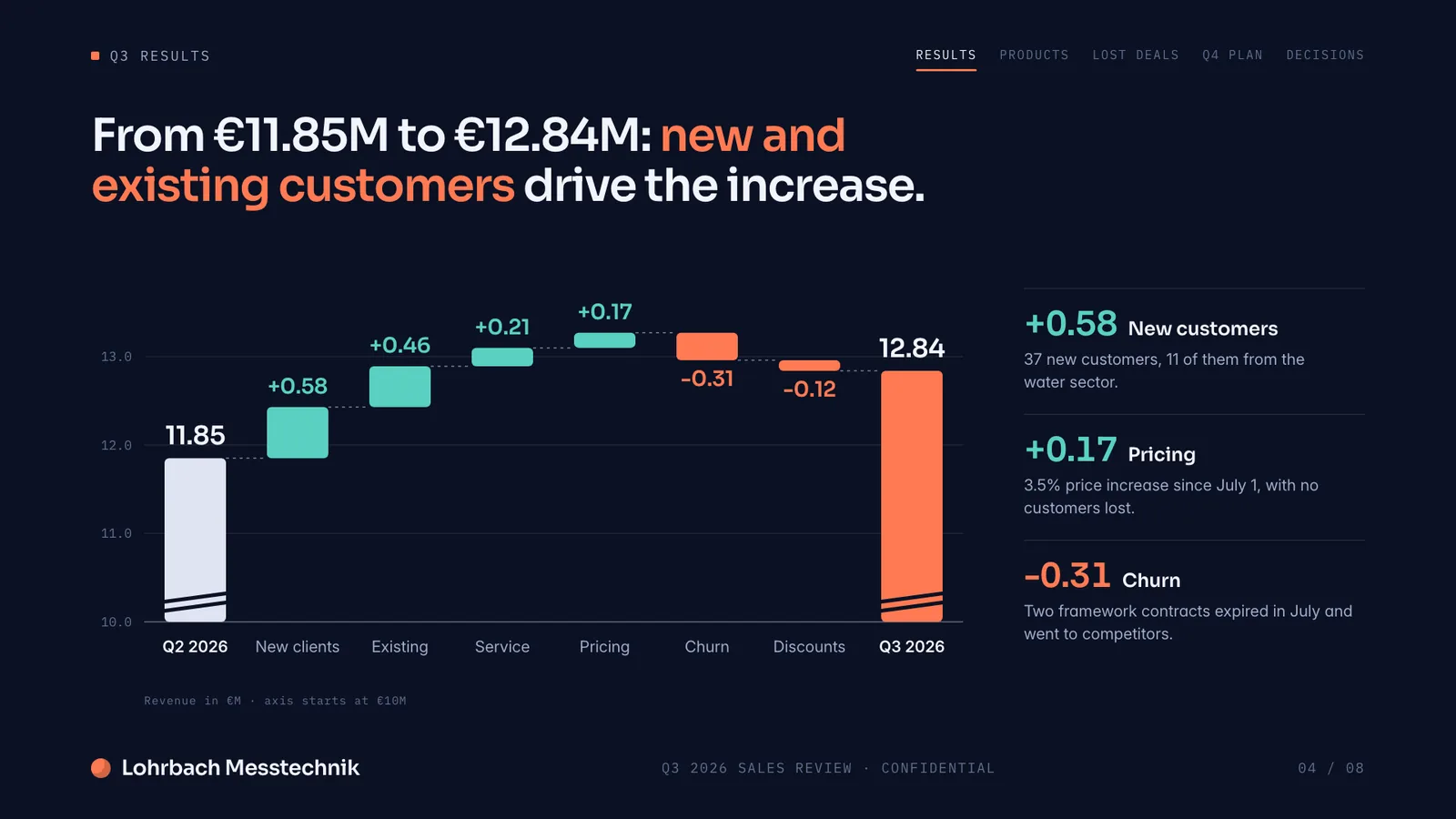
Example presentation for a fictional company. Names and numbers are sample valuesSee all 8 slidesExample in detail
Slaide helps consultants and sales teams turn research, data and notes into finished client proposals, strategy and analysis decks, reports and sales one-pagers. You describe the deliverable and Slaide plans the structure, writes the content, designs every page and self-checks its own layouts. Attach an Excel file and Slaide builds a report around it, charts laid out, narrative written, and can export back to a live Excel file with working formulas.
Slaide takes that off your plate. Describe the deliverable: the client, the scope, the tone, what the document needs to land. Slaide plans the structure, writes the content, designs every page and self-checks its own layouts. You get a finished, polished document. Click anything to refine it, then export and send.
It works across the full range of consulting and sales output: client proposals, strategy decks, market analyses, project reports, executive summaries, one-pagers, sales presentations, real estate exposés, due diligence overviews.
What a finished result looks like
Every page below was designed as a real deck: layout, charts and copy. Click a page to see it large.
What Slaide does for consultants & sales
Client proposals
Describe the engagement and Slaide builds a structured, designed proposal: scope, approach, timeline, team, fees. Reads like a considered deliverable, not a formatted template.
Strategy and analysis decks
Turn your research and framework into a designed strategy deck, problem statement, analysis, recommendations, next steps. Slaide structures the argument and designs the slides.
Reports from data
Attach your Excel data and Slaide builds a report around it: figures and charts laid out, narrative written, conclusions drawn. Exports as PDF or back to Excel.
Sales decks and one-pagers
Turn your offer into a clean sales deck or leave-behind one-pager, tailored to the prospect. Slaide designs it to carry the pitch without distracting from it.
How it works
Describe the deliverable
Say who the client is, what the proposal, deck or report needs to cover, the tone and the level of detail expected.
Attach your material
Add research notes, data files, prior decks, PDFs or anything relevant. Slaide reads mixed files together and builds around your real content.
Slaide builds it
The system plans the structure, writes the content, designs every page and checks its own layouts. You get a finished, polished deliverable.
Refine and export
Click any text, figure or section to adjust it. Every change is undoable. Export to PDF, PNG or Excel to send to the client.
Build a 15-slide client proposal for a retail market-entry project, covering our assessment of the opportunity, recommended approach, team and a fee summary, using the research notes and Excel data I'm attaching.
FAQ
Anything missing? Ask us
Can Slaide build a report straight from my spreadsheet?
Yes. Attach your Excel file and Slaide reads the data to build a report or deck around it, figures and charts pulled into the right layout, narrative written around the numbers. Slaide also exports back to a live Excel file with working formulas.
Can I match a client's branding?
Yes. Slaide designs the deliverable, and you click any colour, font or element to bring it in line with the client's or your firm's branding. Every change is undoable.
Does Slaide work for a team editing together?
In a simple form: you invite colleagues by email to edit a document live, and each consultant can also build and export their own documents quickly. There are no comments, live cursors or shared team workspaces. If heavy team co-editing is essential, a collaboration-first tool fits that need better.
Try Slaide free
Describe what you need and add your files. The free plan builds the first 3 pages of one document, no credit card.