Integration
Use Slaide from ChatGPT, Claude or Grok
Connect once, then ask your assistant to build a deck, change a page or hand you the PowerPoint. It all happens in your own Slaide account, with your brand.
Free: 1 document, plan up to 12 pages, first 3 built, no credit card. Plans from €7.99/mo
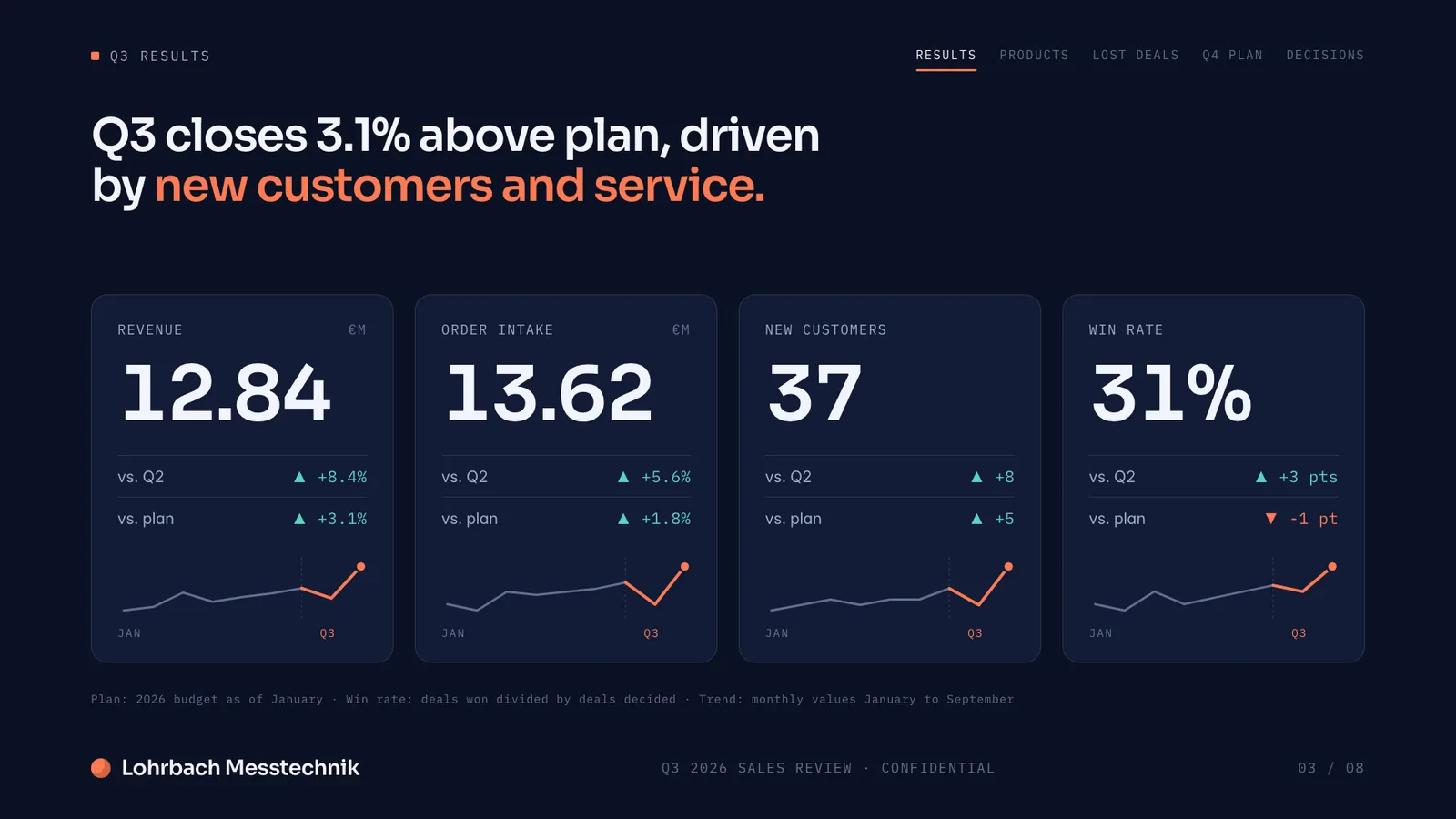
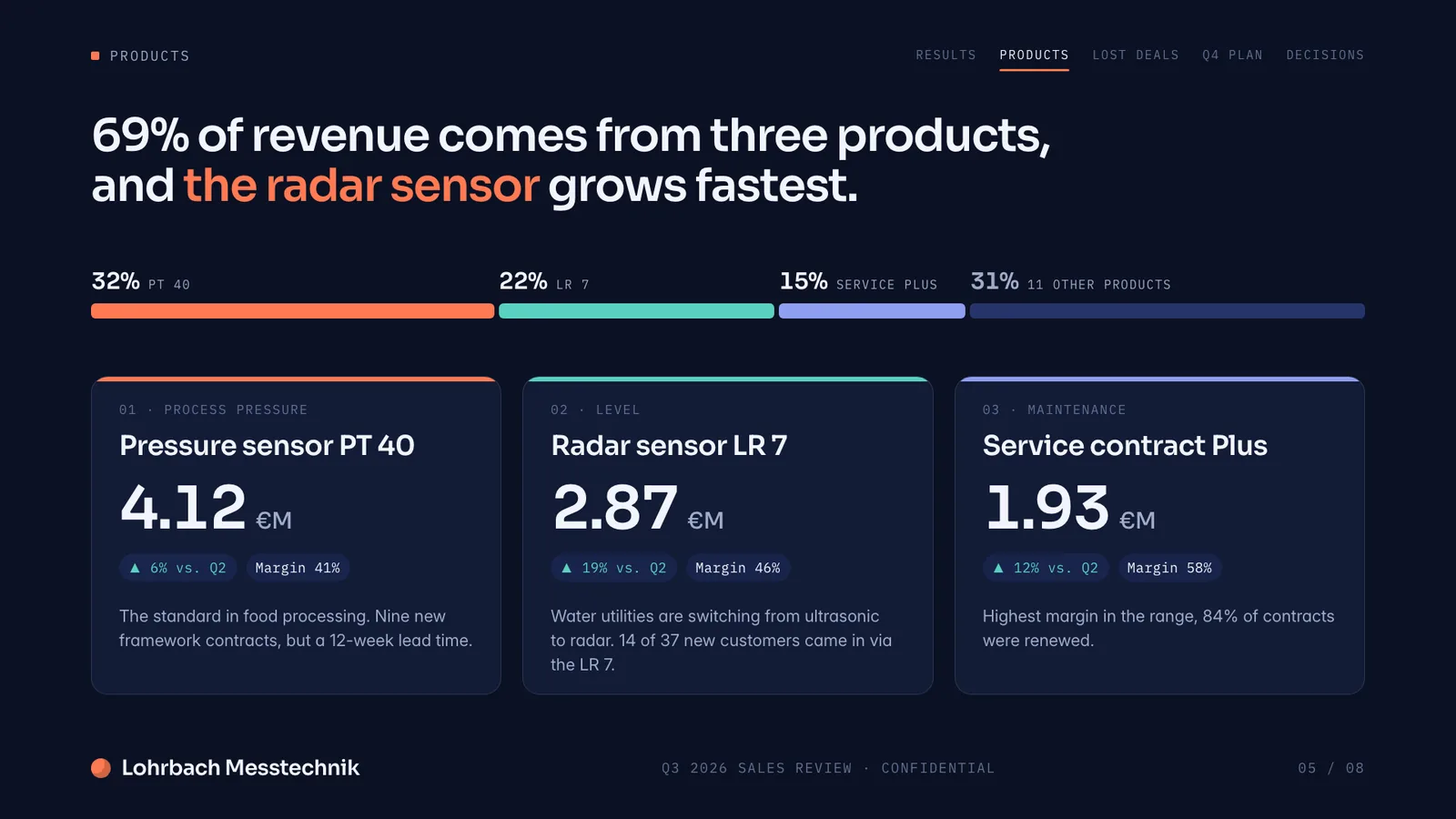
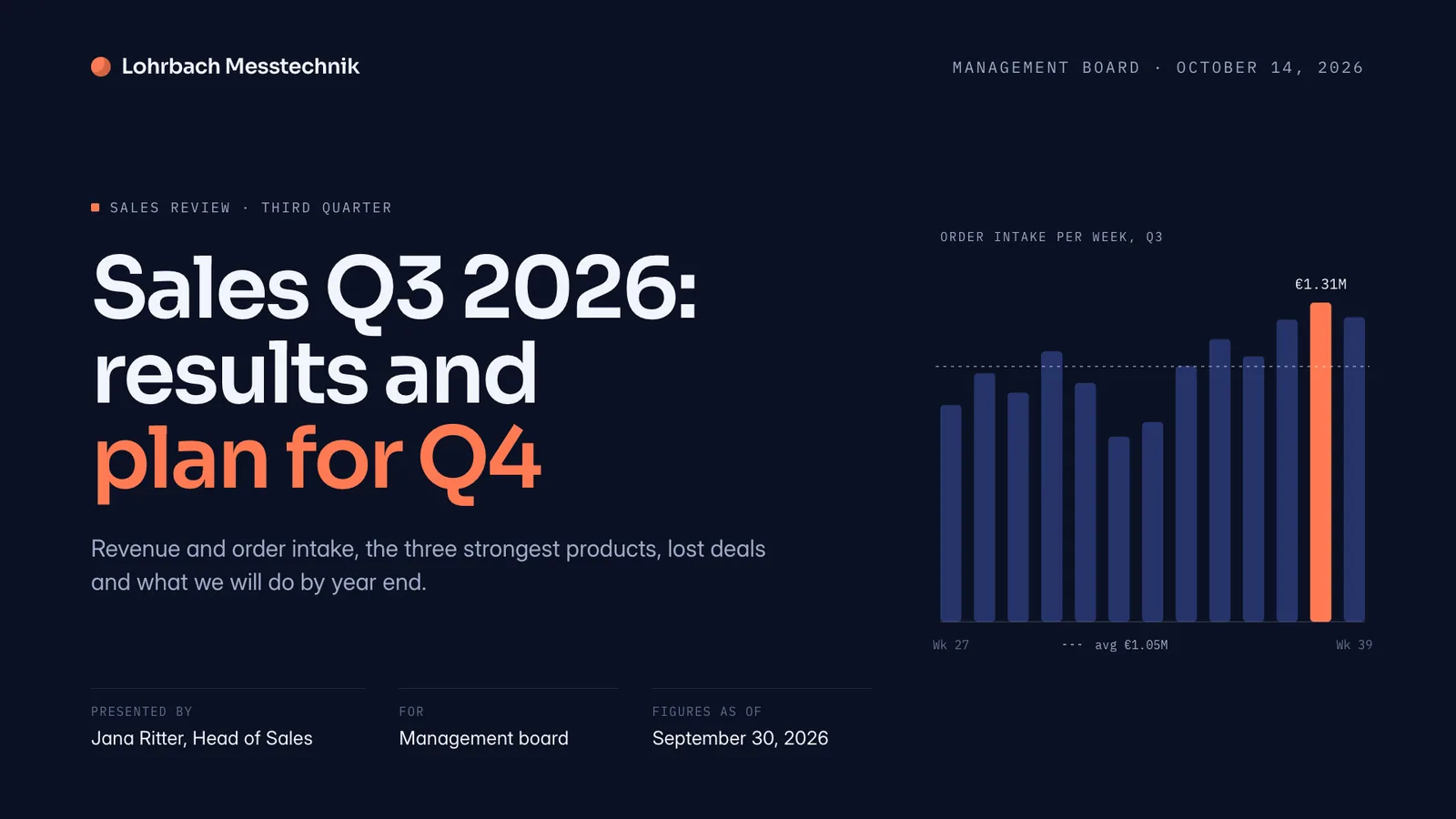
Example presentation for a fictional company. Names and numbers are sample valuesSee all 8 slidesExample in detail
Connect in three steps
- 1
Add Slaide to your assistant
Turn on Developer mode (Settings → Security and login), then add Slaide as an app at chatgpt.com/plugins and paste the address below.
Slaide server address
https://app.slaide.de/api/mcp - 2
Approve it in Slaide
Your assistant opens Slaide. Sign in, or create a free account, check what it may do and select Connect. You land straight back in your assistant.
- 3
Just ask
Building takes a few minutes. Your assistant reports progress and hands you a link into Slaide and, if you ask, the file.
Use Slaide to build a 10-page investment committee deck from these notes, then give me the PowerPoint.
What an assistant can and cannot do
Find and read your documents
Search your library and read a document you own, including speaker notes.
Create and edit
Start a presentation, document or spreadsheet from a brief or from files you attach (PDF, Word, Excel, PowerPoint, images), or change an existing one. Slaide designs it with your brand; every change can be undone.
Export real files
Editable PowerPoint, PDF, Word, Excel or images. On your company template if one is attached.
Never: delete, buy or snoop
No deleting, no purchases or plan changes, no password or billing data, no documents that are not yours.
FAQ
Anything missing? Ask us
Does this cost extra?
No. Work started from an assistant runs on your existing Slaide plan, with exactly the same limits as in Slaide itself. Exports are free. There is no separate account and no separate price.
Does the assistant get my password?
No. Connecting runs through OAuth: you sign in on slaide.de yourself and approve the connection there. The assistant only receives a token limited to what you approved.
What data does Slaide send to the assistant?
Only what it asks for and you approved: document titles, page text, speaker notes, spreadsheet cells, job status and private download links for exports you requested, which expire after 15 minutes. No email address, no billing data, no other people's documents. What you type into your assistant is processed by its provider under their terms.
What happens to files I attach in the chat?
When you ask for a document based on an attachment, Slaide downloads that file once through the link your assistant provides and keeps it privately in the new document, exactly like an upload in Slaide. It belongs to that document and is deleted when you delete it. Old Office formats (.doc, .xls, .ppt) are not read; save them as .docx, .xlsx or .pptx first.
Where do the documents end up?
In your normal Slaide library, with the usual version history. You can keep editing them in Slaide as usual.
How do I disconnect?
In Slaide, open Settings → Account and select Disconnect next to the assistant. Access stops at once, and your documents stay exactly as they are.
Which assistants work?
Any client that supports remote MCP servers with OAuth: ChatGPT, Claude and Grok, plus developer tools such as Claude Code or Cursor.
Your first deck from a conversation
Create a free Slaide account, connect your assistant and let it work in a document you own.