Webpage to presentation
How to turn a webpage into a presentation: one click, or several sources in one deck
Open the page, click the Slaide icon and press “Turn this page into slides”. Or collect several pages and highlighted passages first, say what the deck should be and review the plan. Either way you get an editable PowerPoint file.
For Chrome on desktop. One Slaide account, one presentation pipeline.
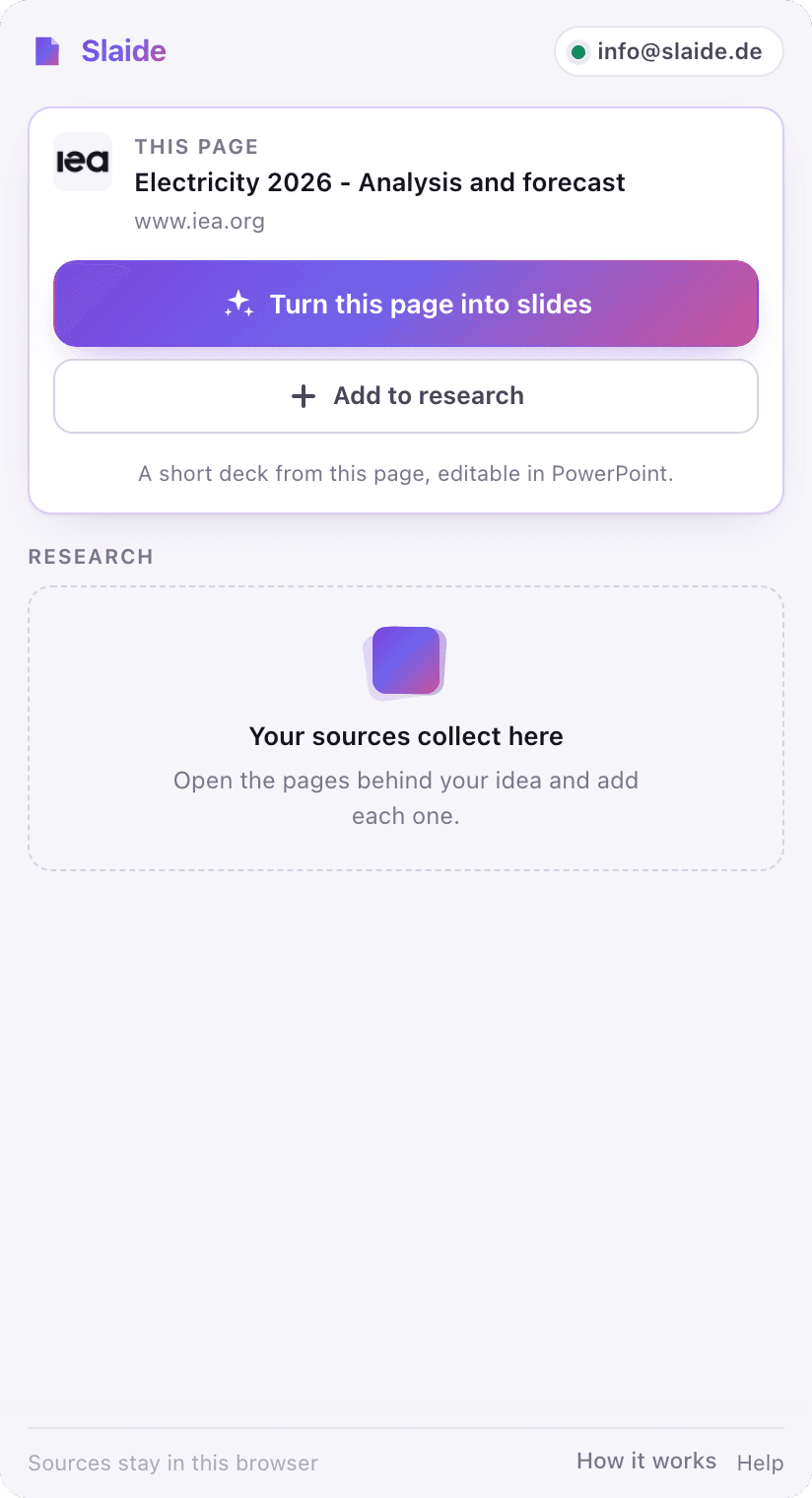

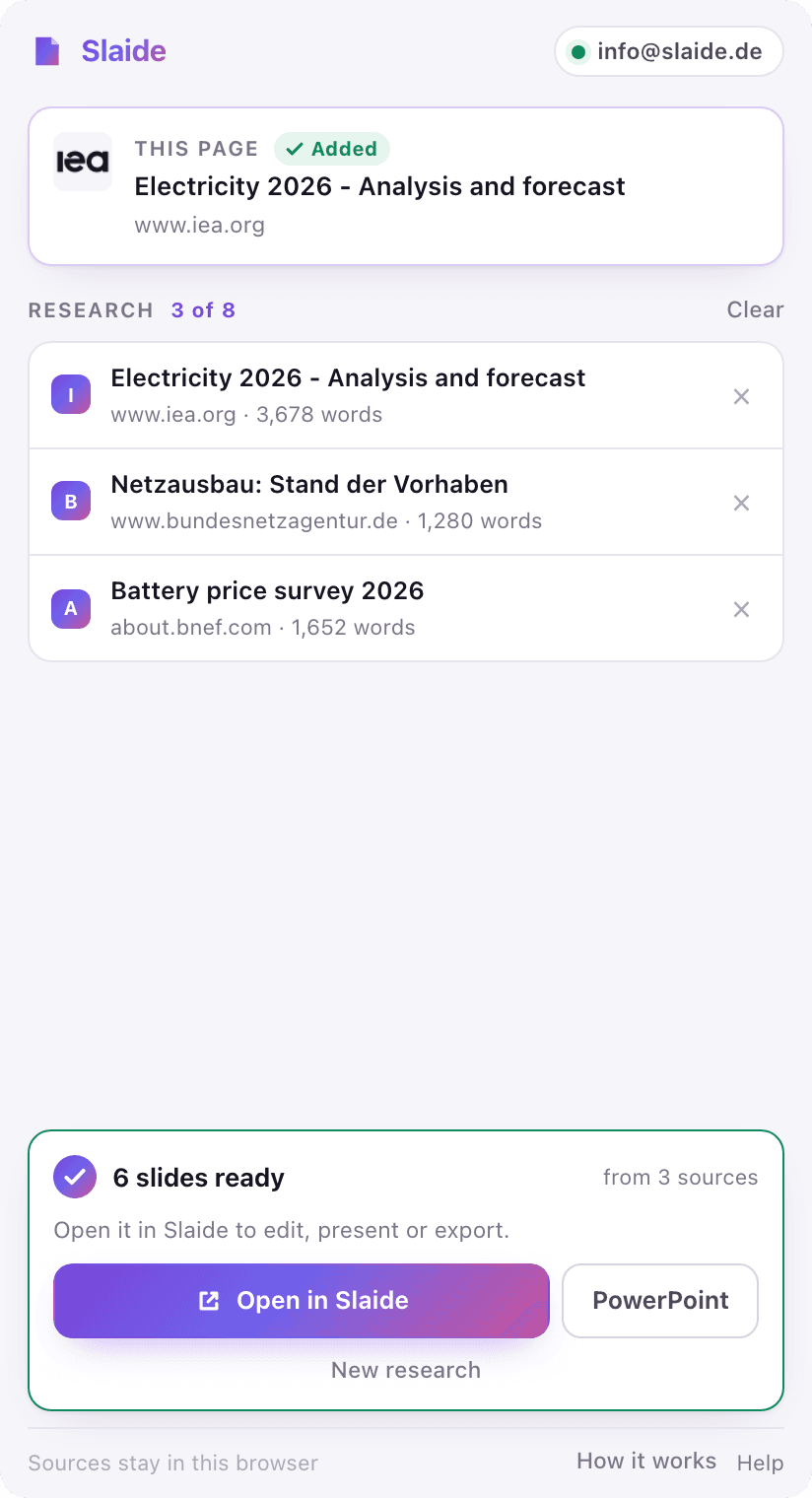
To turn a webpage into a presentation, open it in Chrome, click the Slaide icon and press “Turn this page into slides”: Slaide reads the page and builds a designed, editable deck you can download as PowerPoint. For a deck from several pages, add each page or highlighted passage to the side panel, say in one line what the deck is for, and review the plan before Slaide builds it.
From scattered tabs to a clear story
Collect what matters
Add any page from the side panel or the right-click menu, or just the passage you highlighted. Works on every tab; the set stays in your browser.
Say what you need
One line is enough: audience, length, focus. Or leave it empty and let Slaide read the sources for the story.
Review, then watch it build
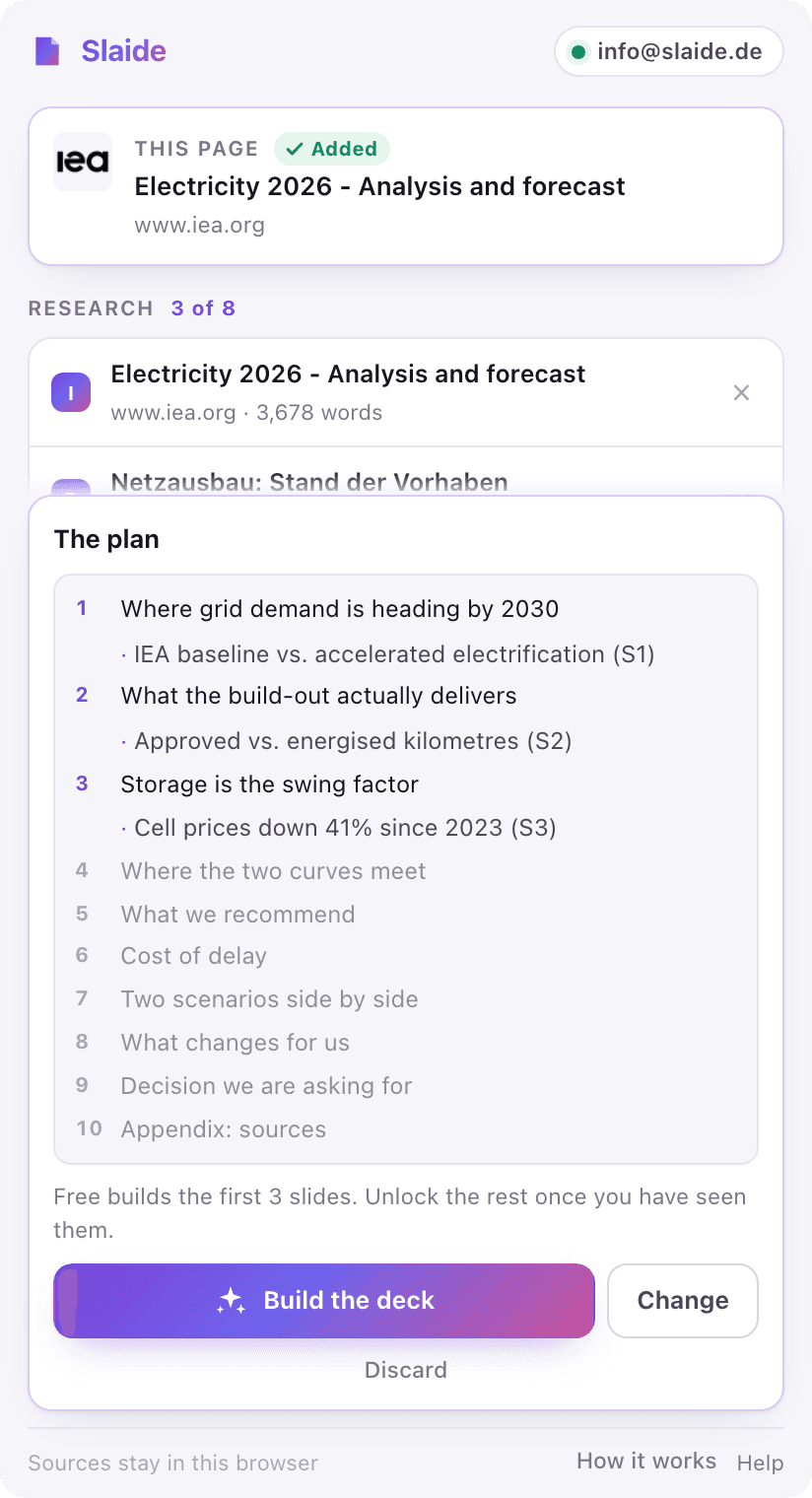
For a collected set, the plan appears in the panel: build it, or change it in one line. A single page with "Turn this page into slides" skips straight to building. The deck is built while you keep reading, with the source URLs attached; download it as PowerPoint or open it in Slaide to edit.
Keep the evidence attached to the idea
A presentation is easier to trust when the source trail stays close. Slaide receives the pages you chose and keeps their URLs in the document.
The plan is the moment to think
When you combine sources, the plan appears in the side panel before any design work starts. Build it, or say in one line what should change and Slaide reworks it.
FAQ
Anything missing? Ask us
How do I turn a webpage into a presentation?
The fastest way is the free Slaide Chrome extension: open the page, click the Slaide icon and press "Turn this page into slides". Slaide reads the page and builds a designed, editable deck you can download as PowerPoint. For a deck from several pages, add each page or a highlighted passage first, then create one presentation from all of them.
Can I convert a website to PowerPoint for free?
Yes. The extension is free to install and your first presentation is free: Slaide plans up to 12 slides and builds the first 3, exported as an editable .pptx with a small Slaide mark.
What does the Slaide Chrome extension capture?
Only the pages and highlighted passages you add, from the side panel or the right-click menu, on any tab. It does not collect browsing history or read pages in the background.
Can I add sources from more than one webpage?
Yes. Add a full page, then move to another article and add that page or a highlighted passage, by clicking the icon, right-clicking or pressing Alt+Shift+S. The side panel keeps the research set in your browser until you create the presentation.
Are the source URLs kept in the presentation?
Yes. Sources added by the extension are attached to the Slaide document as context and provenance. When you combine several sources, Slaide shows you the plan before anything is built.
Do I need a separate extension account?
No. If you are signed in to Slaide in Chrome, the panel is signed in too. The extension uses the same credits, document library and presentation pipeline as Slaide on the web.
Keep exploring Slaide
Have a research tab open?
Collect the context that matters and turn it into a presentation you can actually edit. Your first presentation is free.