AI alternative to Canva
Canva AI alternative: a finished business document, no template to fill
Canva is the world's most popular visual design tool. Excellent for social media graphics, marketing assets, and quick visuals. You pick a template, drag elements, and adjust the layout.
Free: 1 document, plan up to 12 pages, first 3 built, no credit card. Plans from €7.99/mo
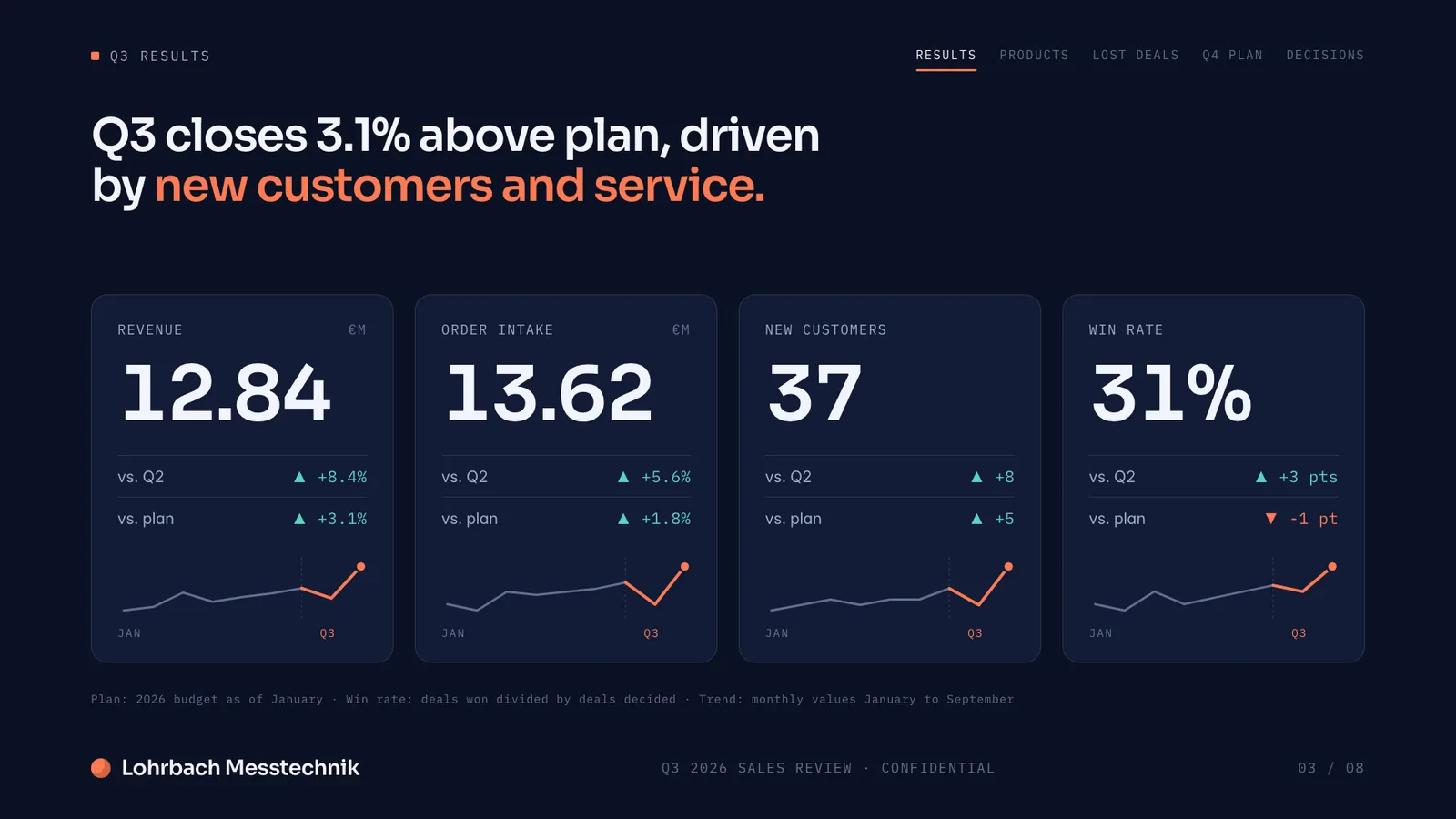
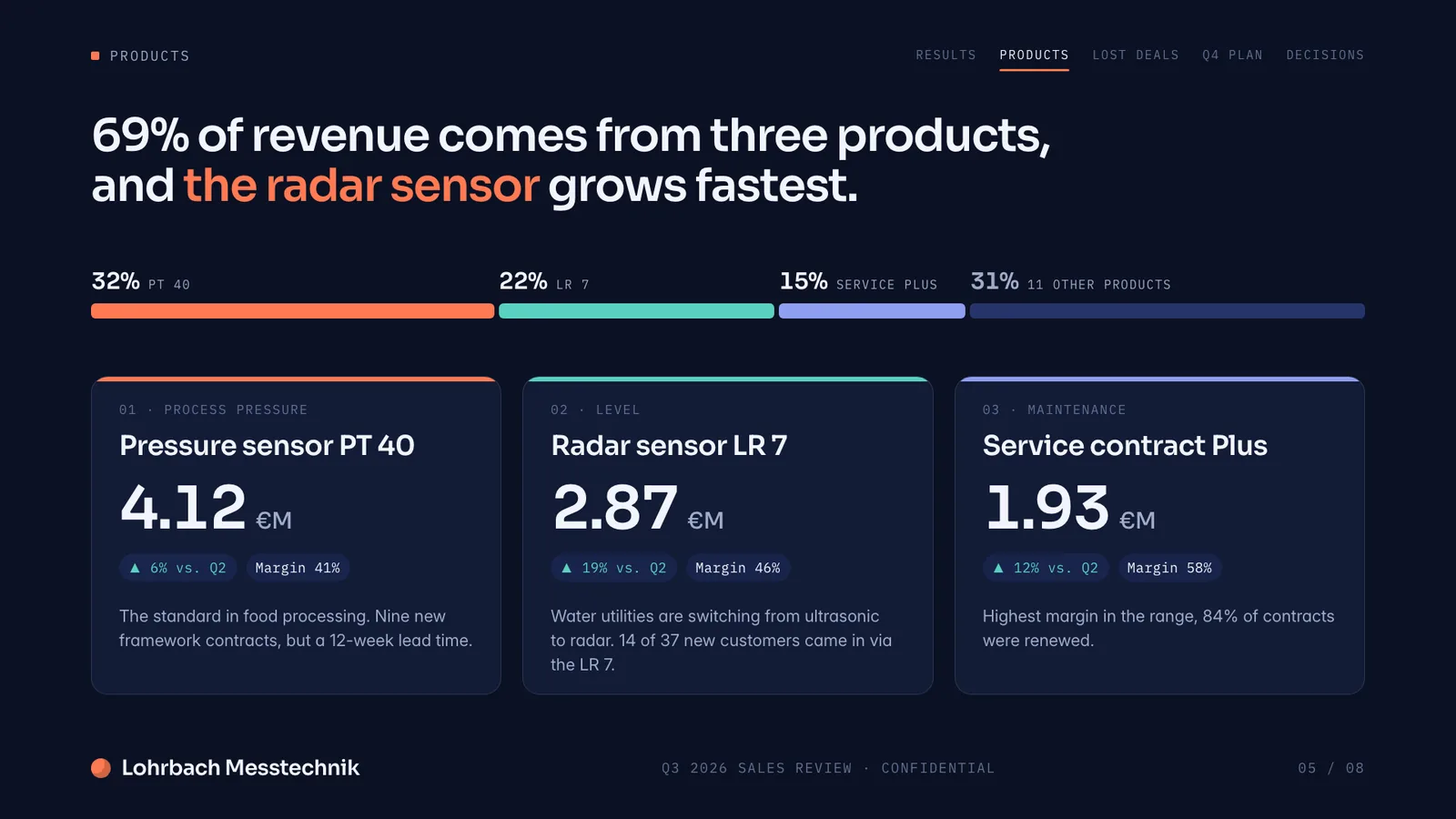
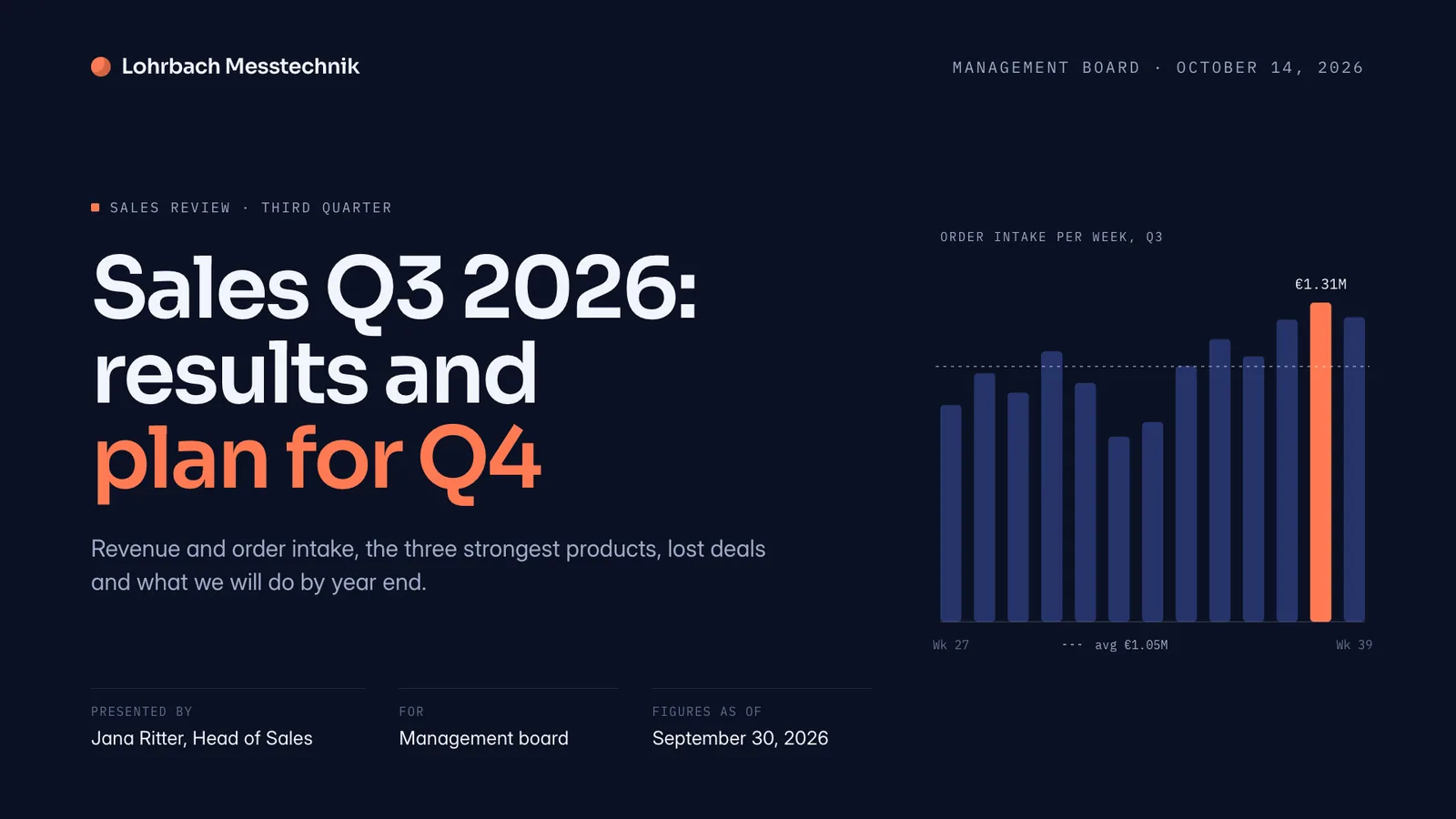
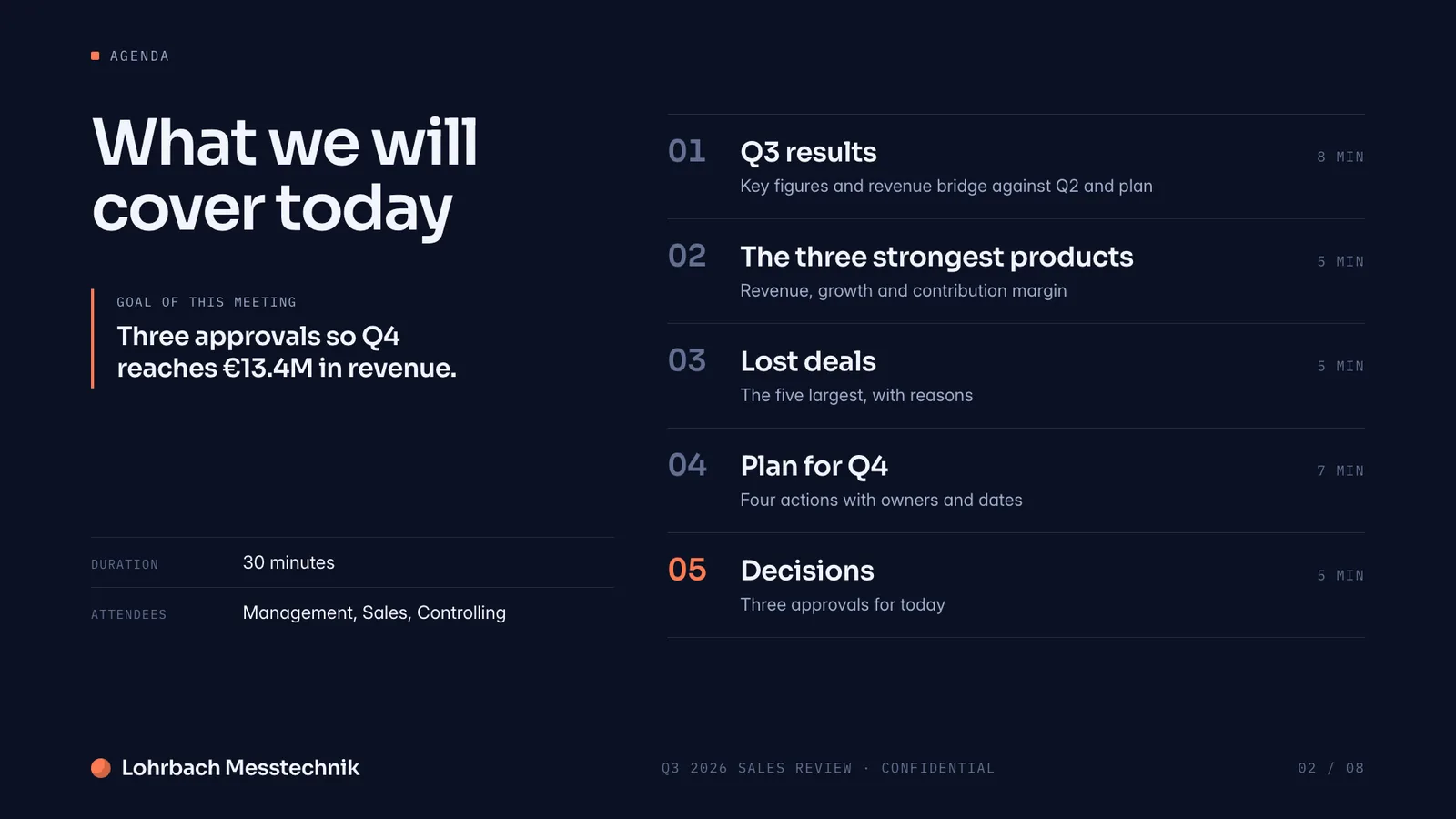
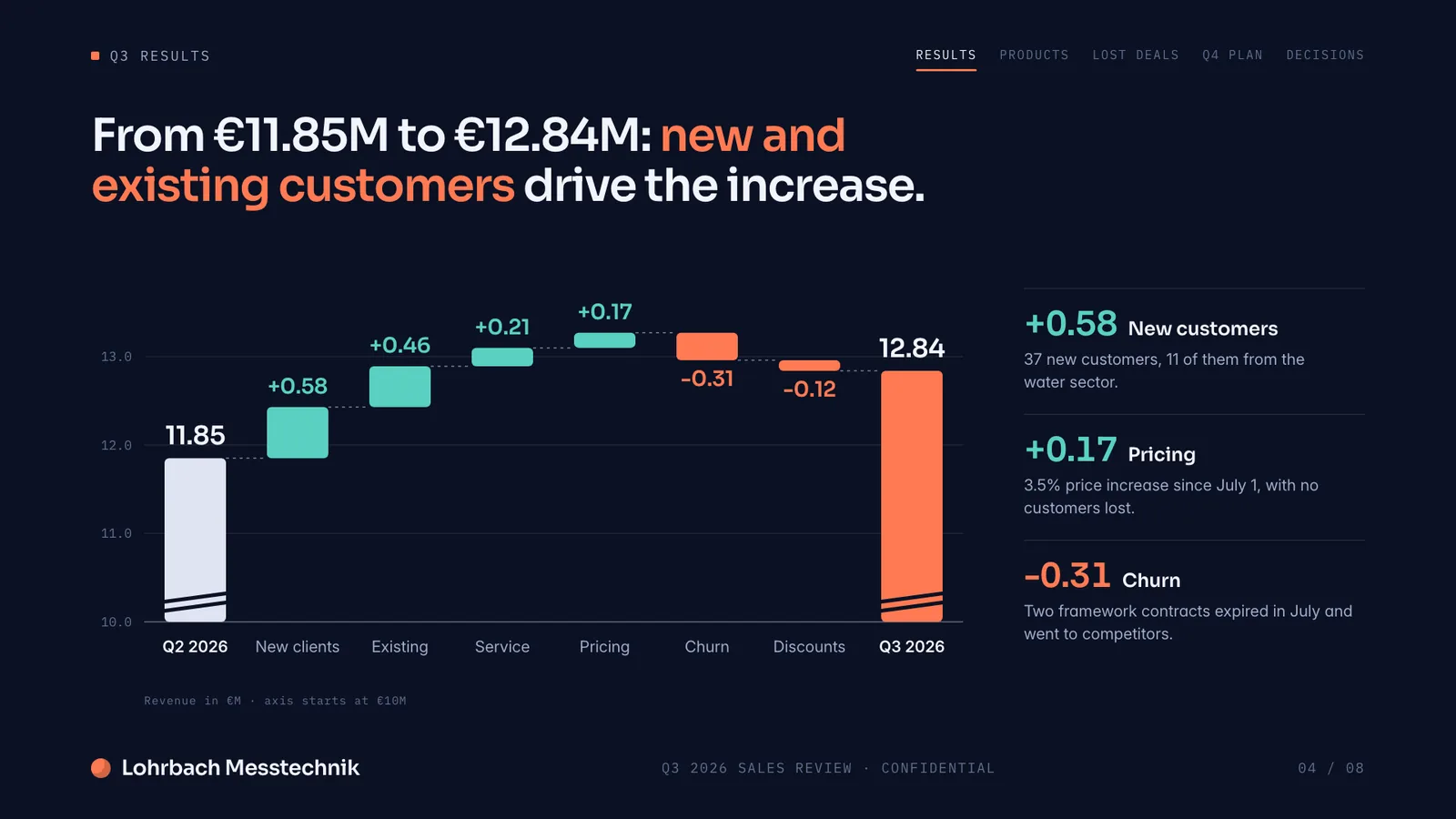
Example presentation for a fictional company. Names and numbers are sample valuesSee all 8 slidesExample in detail
If you want AI to write and design the whole document instead of filling a template you picked, use a generator built for business documents: Slaide plans every page of a pitch deck, report or proposal, designs it for your content, checks it and exports PowerPoint, Word or PDF. Canva stays the better choice for social media graphics, marketing visuals and video, and many teams use both.
Slaide works differently. Describe the professional document you need. Slaide plans the structure, writes the content, designs every page, and self-checks the layout. No template browsing. No manual element placement. A finished document is the output.
What a finished result looks like
Every page below was designed as a real deck: layout, charts and copy. Click a page to see it large.
Why professionals look for a Canva alternative
Brand Kit restyles a template, it doesn't design one
Canva's Brand Kit drops in your logo, colors and font across a template, which is why every presentation, resume, and report from Canva starts to look the same after a while. The layout underneath is still the template you picked from the same library everyone else uses. Slaide designs each document fresh, structure and content together, with no shared template fingerprint.
AI usage is allowance-based
On paid plans, Canva's Standard AI tools such as Magic Write sit outside the allowance under fair-use limits, but Premium and Ultra tools, including generating a design with Canva AI, share one monthly allowance: Canva Pro includes up to 200 Premium or 20 Ultra uses. More takes AI Pass, a recurring add-on at USD 100 per person a month (Canva help center, September 27, 2026).
Whole designs draw the most allowance
Canva AI 2.0 can generate and refine multi-page designs through conversation, and Canva counts that as an Ultra AI tool that uses the most allowance, more for larger presentations. Slaide plans, writes and designs every page of a deck, report or proposal and self-checks each one before you see it.
Built for business documents
Canva is strong for presentations and visual assets. Slaide is built for the documents that go to clients and investors: data-backed reports, Excel files with working formulas and multi-section proposals, written and designed from one prompt.
Slaide vs Canva: feature by feature
| Feature | Slaide | Canva | Winner |
|---|---|---|---|
| AI document creation | Full AI creation: plans, writes, designs, self-checks | Canva AI generates designs from a prompt; Premium and Ultra uses count against a monthly allowance | Slaide |
| Document types | Pitch decks, reports, CVs, spreadsheets, proposals, one-pagers | Presentations, social graphics, video, print | Tie |
| Templates required | No, designed fresh for each document | Usually you start from a template; Canva AI can also generate a design from a prompt | Slaide |
| Design freedom | Structure and layout designed around your specific content | Brand Kit applies logo, colors and font to a fixed template | Slaide |
| Social media graphics | Possible but not the focus | Excellent, purpose-built with large library | Canva |
| Pricing | Free: one document, 3 generated pages, plan up to 12; Plus €7.99/month; exact usage beyond balance with a monthly limit | Free available; Pro price varies by market and billing term; AI Pass USD 100 per person a month | Slaide |
Our verdict
Canva and Slaide serve different jobs. Canva wins for social media graphics, marketing assets, and visual branding at scale. The template library and multi-format export make it the obvious choice for anyone producing regular visual content for campaigns or channels.
Slaide wins for professional documents where the content matters as much as the design. A pitch deck for investors, a consulting proposal, a data-backed market report, these need AI-generated structure and content, not a template you fill in.
If you've used Canva before, Slaide tends to feel familiar but simpler: there's no template to browse and no element to drag into place, you describe what you need and get the finished page. Many professionals use both. Canva for social and marketing. Slaide for the documents that go to clients, investors, and decision-makers. They don't overlap much.
FAQ
Anything missing? Ask us
Can Slaide make social media graphics like Canva?
Slaide can produce one-pagers and visual documents that work for social sharing. For bulk social media asset creation with brand kits and multi-format resizing, Canva is purpose-built and remains the better tool.
Does Slaide use templates?
No. Slaide designs every document fresh based on your description. There are no templates to browse or customise. The output style varies by document type and content.
How does Slaide pricing compare to Canva Pro?
Canva Pro pricing varies by market and billing term. Pro includes up to 200 Premium or 20 Ultra AI uses a month, and AI Pass adds 40 times that for USD 100 per person a month (Canva help center, September 27, 2026). Slaide Plus starts at €7.99/month with no annual commitment required. Slaide Free includes one document with 3 generated pages, a visible plan for up to 12 pages and branded exports, no card. Optional usage billing charges only completed-run usage beyond the available balance, up to a monthly limit, without adding credits.
The AI alternative to Canva
Describe what you need. Slaide plans the structure, writes the content, designs every page and self-checks its own work. Free to start, no credit card.