Best tools
The best PowerPoint alternatives (2026)
People leave PowerPoint for different reasons: some want AI to build the deck instead of starting from a blank slide, some want free real-time collaboration, and some just want a fresher format. The right alternative depends on which of those matters most.
Free: 1 document, plan up to 12 pages, first 3 built, no credit card. Plans from €7.99/mo
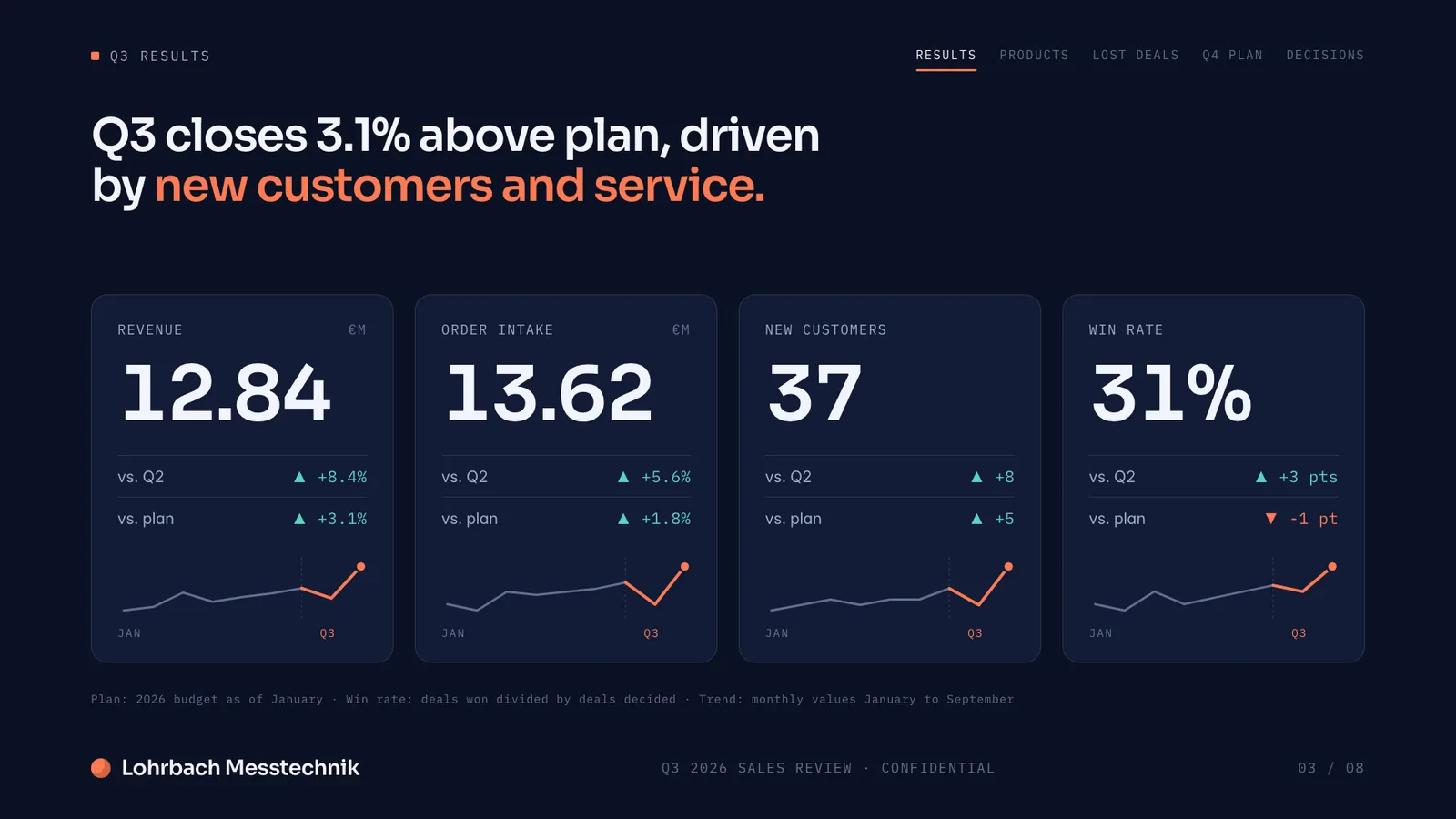
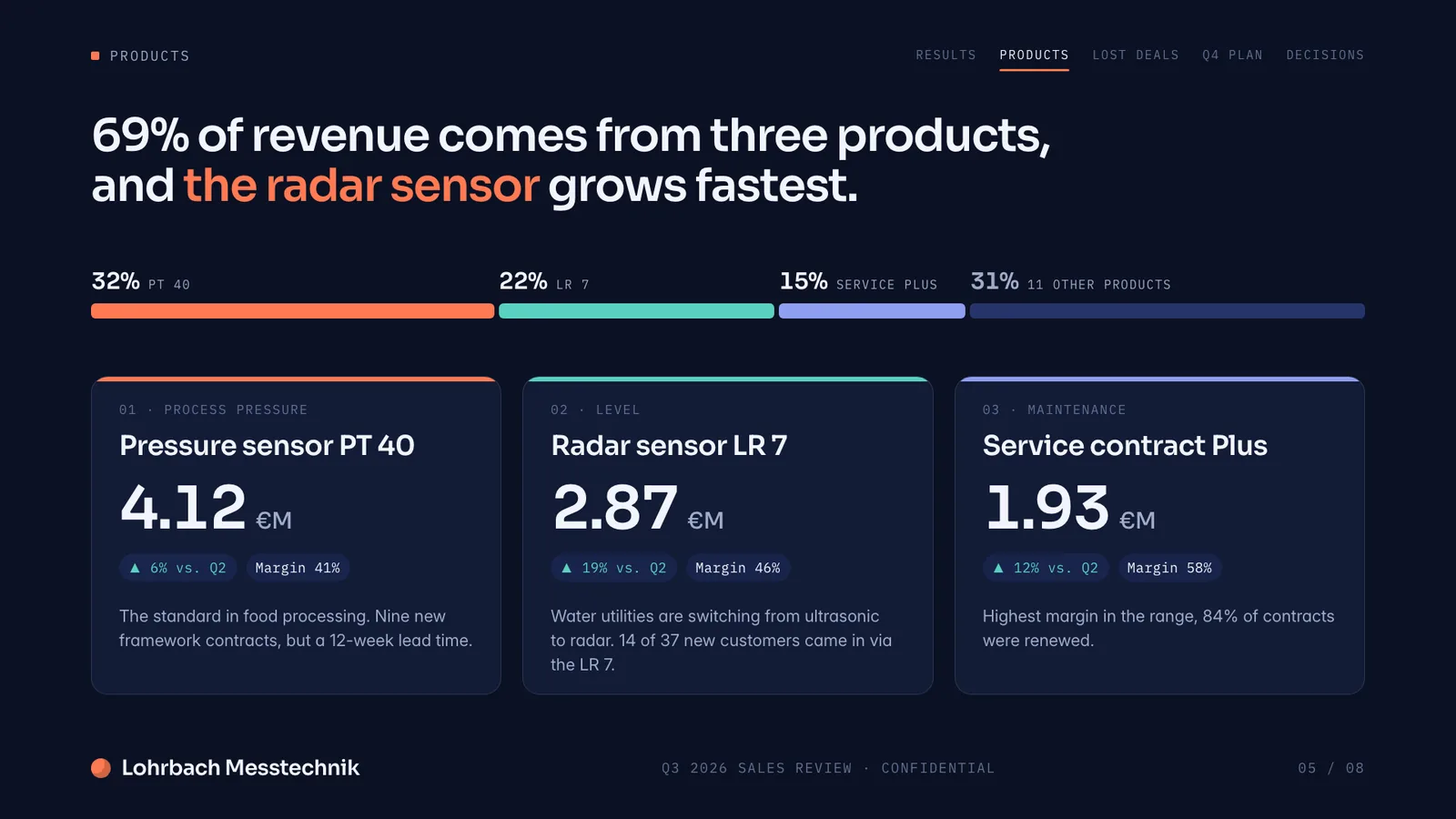
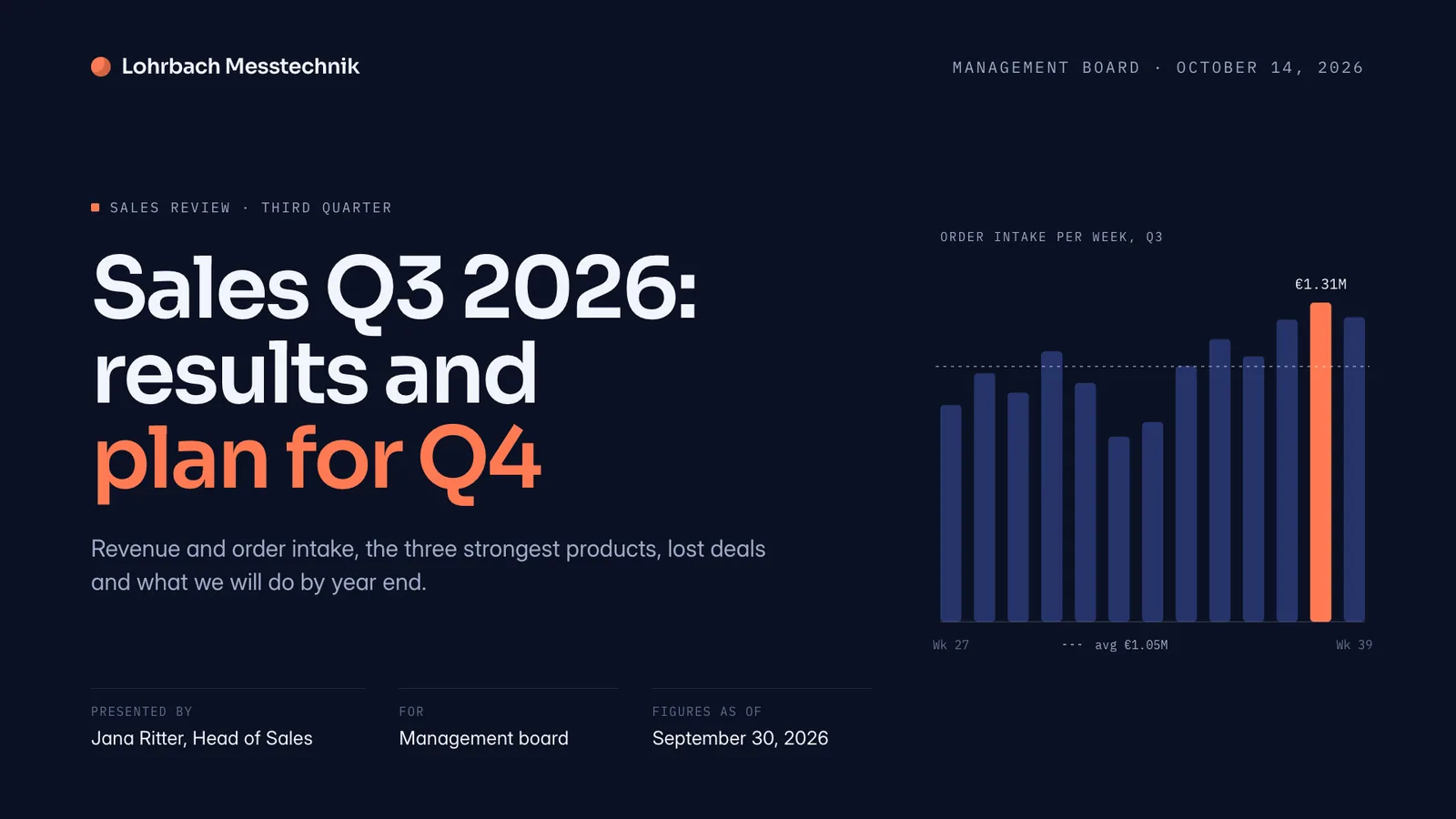
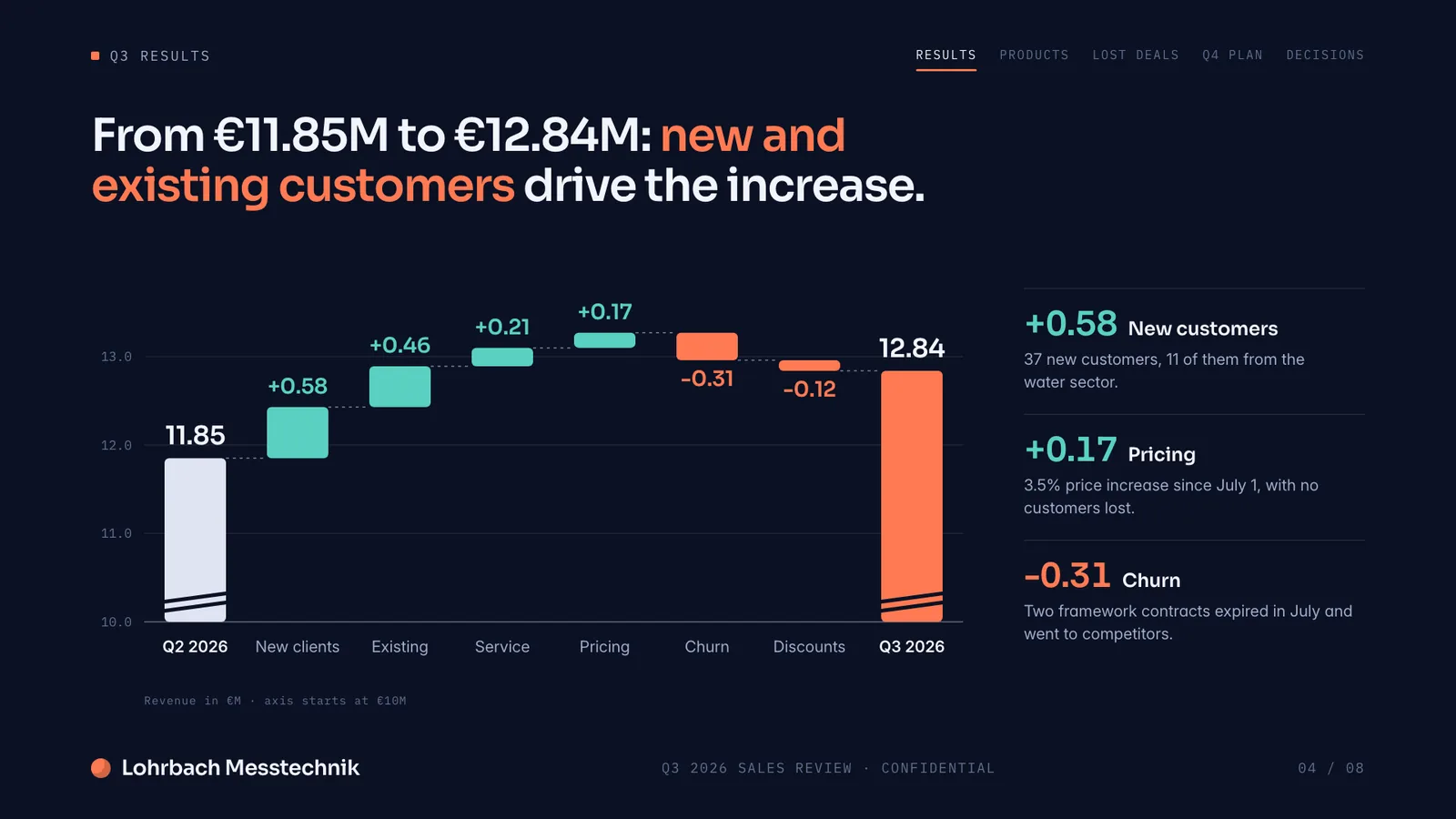
Example presentation for a fictional company. Names and numbers are sample valuesSee all 8 slidesExample in detail
The best PowerPoint alternatives in 2026 are Slaide, Google Slides and Gamma. Slaide builds a finished, designed deck from a prompt and exports it as editable, native-looking PowerPoint, free to start with no card. Google Slides is the best free collaborative editor, while Gamma is the fastest way to get a polished deck straight from a prompt.
This list starts with Slaide and covers the strongest current options, from free editors to AI-native builders. Each entry names where it genuinely leads, and several export straight back to PowerPoint if you still need a .pptx.
The list
Slaide
Our pickBest for: Anyone who wants a finished deck built for them, then exported as editable PowerPoint, free to start with no card.
An AI workspace that builds any professional document from a prompt: presentations, pitch decks, reports, CVs, one-pagers, live spreadsheets and more. Instead of a blank slide, you describe what you need and Slaide plans the structure, writes every page, designs it from scratch and self-checks its layouts. It exports as editable PowerPoint that stays native-looking, so you keep .pptx compatibility without building the deck by hand. Click anything to edit.
Not ideal for: Teams that want comments, live cursors and shared team workspaces on a deck: Slaide only offers simple live editing by invitation, and Google Slides goes further.
Google Slides
Best for: Free real-time collaborative editing with PowerPoint import and export.
A free, browser-based presentation editor with excellent real-time collaboration and tight links to Docs and Sheets, the go-to free PowerPoint replacement for teams. It imports and exports PPTX; the basic editor stays manual, and Gemini generation requires an eligible Workspace or Google AI plan.
Not ideal for: A finished, designed deck built for you: the basic editor stays manual, and Gemini generation needs an eligible Workspace or Google AI plan.
Canva
Best for: A template-led, design-rich deck you finish by hand.
A broad design suite with an enormous template and asset library, real-time collaboration and AI (Magic Design), plus a free plan. Good for a designed deck on a budget across many formats; AI allowances vary by plan, and AI decks lean toward template-fill rather than reasoning over your data.
Not ideal for: Data-heavy business decks where the argument matters more than the template: AI decks lean toward template-fill rather than reasoning over your data.
Gamma
Best for: Quick, good-looking decks straight from a prompt.
Presentation-first and fast: describe a topic and Gamma produces a polished deck in its own responsive, web-native format, with conversational editing. A strong prompt-to-deck choice; note that free exports carry a watermark, credits are a one-time pool, and PowerPoint export can shift fonts, gradients or layout.
Not ideal for: Decks that must end up as a clean .pptx: free exports carry a watermark, and PowerPoint export can shift fonts, gradients or layout.
Prezi
Best for: Non-linear, zooming presentations for storytelling or teaching.
Known for its non-linear, zooming canvas format, with AI that can generate a structured presentation from a prompt. Effective for storytelling, educational or product-demo talks; the distinctive style is rarely right for formal business or investor settings, and it does not make other document types.
Not ideal for: Formal business or investor settings, or any document other than a presentation: the zooming style is rarely right there.
Apple Keynote
Best for: Apple users who want polished, animation-rich decks for free.
Apple's free presentation app for Mac, iPad and iPhone, with refined typography, smooth animations and cinematic transitions. A strong choice inside the Apple ecosystem, and it exports to PPTX. Apple lists an outline-to-presentation feature (in beta) that turns plain text into a themed deck; Keynote is Apple-platform-first, so it suits teams that all work on Apple devices.
Not ideal for: Teams on Windows or mixed devices: Keynote is Apple-platform-first.
At a glance
| Tool | Best at | AI builds the deck | Exports to .pptx | Free to start |
|---|---|---|---|---|
| Slaide | A finished, designed deck from a prompt | Yes: plans, writes, designs and checks every page | Yes, editable and native-looking | Yes, no card |
| Google Slides | Free real-time collaboration | Only with Gemini, on an eligible Workspace or Google AI plan | Yes, imports and exports PPTX | Yes |
| Canva | Design breadth and a large template library | Yes (Magic Design); allowances vary by plan | Yes, fidelity varies | Yes, with limits |
| Gamma | Fast prompt-to-deck in a web-native format | Yes | Yes; fonts, gradients or layout can shift | Yes, one-time credits; free exports carry a watermark |
| Prezi | Non-linear, zooming storytelling | Yes, a draft from a prompt | Yes, fidelity varies | Yes, with limits |
| Apple Keynote | Polished decks and animation on Apple devices | Outline to deck, in beta (per Apple) | Yes | Yes, free |
FAQ
Anything missing? Ask us
What are the best alternatives to Microsoft PowerPoint?
The strongest current alternatives are Slaide, Google Slides, Canva, Gamma, Prezi and Apple Keynote. Slaide builds the finished deck for you and exports editable PowerPoint, Google Slides is the best free collaborative editor, Canva leads on design breadth, Gamma is fastest from a prompt, Prezi suits non-linear storytelling and Keynote suits Apple users.
Which PowerPoint alternative uses AI to build the whole deck?
Slaide, Gamma and Canva generate a deck from a prompt, Prezi builds a draft from a prompt, and Google Slides can do it with Gemini on an eligible Workspace or Google AI plan (English only at launch). Apple lists an outline-to-presentation feature for Keynote, in beta. Slaide is the one that plans every page, designs it for your content and exports editable PowerPoint.
What is the best PowerPoint alternative in 2026?
It depends on the job. Google Slides is the best free collaborative editor, Canva leads on design breadth, and Gamma is fastest for prompt-to-deck work. Slaide is the best fit if you want the deck built for you and exported as editable, native-looking PowerPoint, and it is free to start with no card.
Is there a free PowerPoint alternative?
Yes. Google Slides and Apple Keynote are free, Canva, Gamma and Prezi have free tiers with their own limits (for example Gamma's watermark), and Slaide is free to start with no credit card.
Which PowerPoint alternatives can export to .pptx?
Google Slides, Canva, Gamma, Prezi and Keynote can export to PowerPoint, though fidelity varies (Gamma notes fonts, gradients and layout can shift). Slaide exports editable PowerPoint that stays native-looking, so elements remain editable after export.
Try Slaide free
Describe what you need and add your files. The free plan builds the first 3 pages of one document, no credit card.