Your AI workspace
One workspace for everything you hand in.
Slaide plans, writes, designs and checks presentations, reports, proposals and more. You get a real file you can keep editing in PowerPoint, Word or Excel.
1 document free, no credit card. The plan shows up to 12 pages and Slaide builds the first 3.
 PowerPoint.pptx
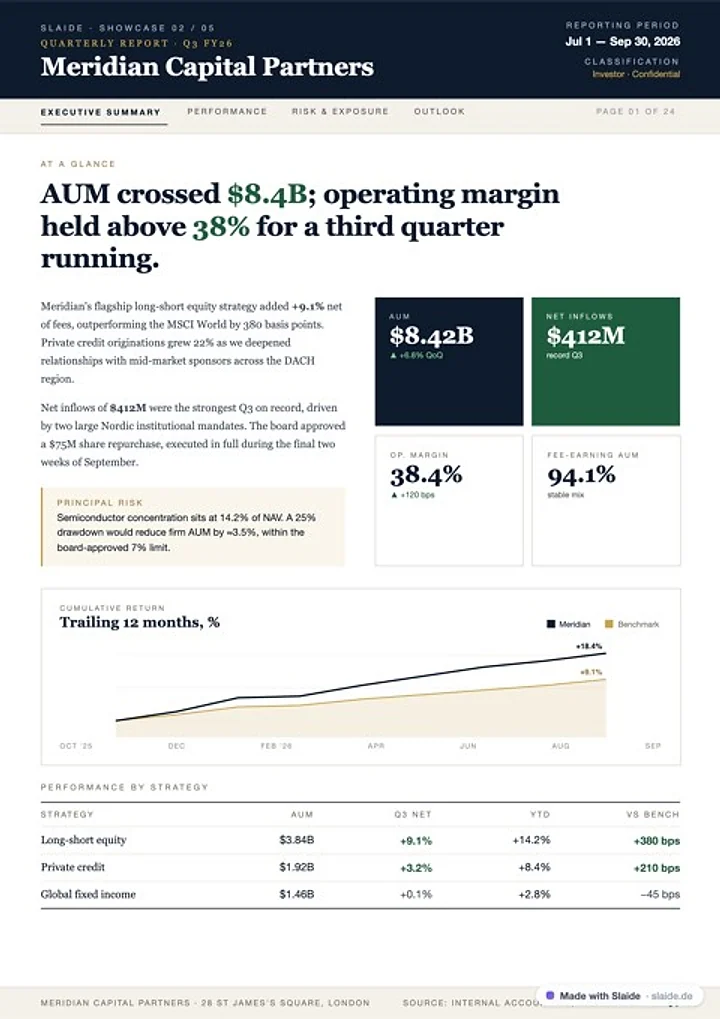 Word.docx
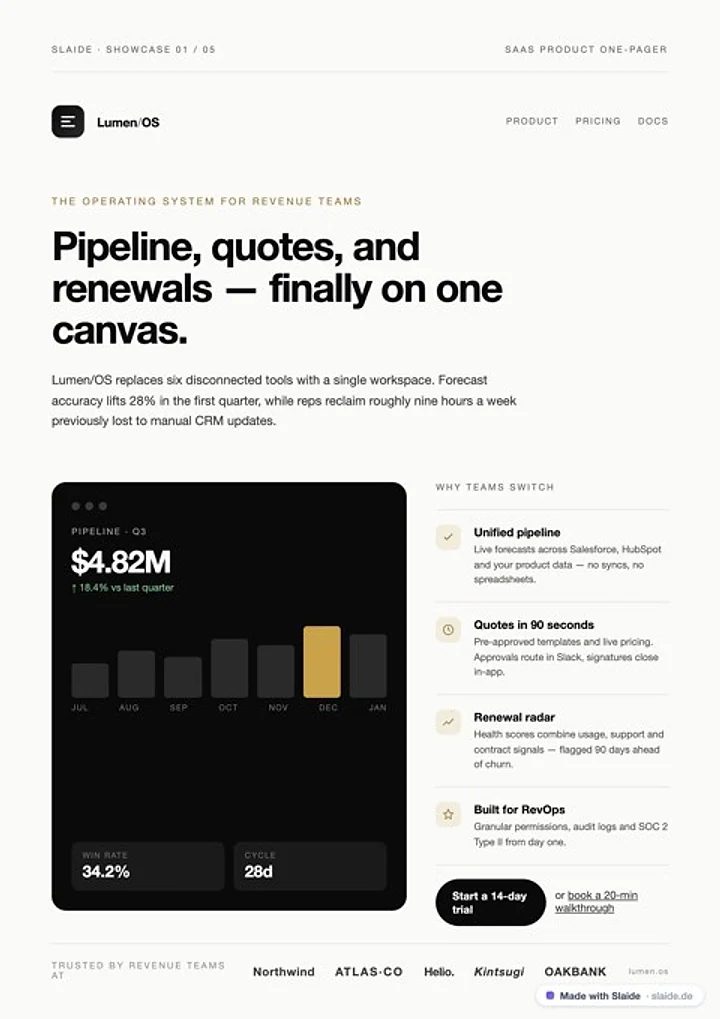 Word.docx
Slaide is an AI workspace in your browser. You describe what you need and attach your own files if you like. Slaide shows you a plan first, then builds the pages, checks every page for overflow and layout errors, and delivers a real file: PowerPoint, Word, Excel or PDF. One document is free, no credit card; paid plans start at €7.99 a month.
How Slaide works
From one sentence to a file, in four steps.
You decide what goes in. Slaide does the work in between and shows you every step.
Describe
Type or speak what you need, and attach files, notes or numbers: PDF, Word, Excel, images or your existing PowerPoint. If something is missing, Slaide asks.
Plan
You see the plan before anything is built: pages, content and the assumptions Slaide made. Changes take one sentence.
Build and check
Slaide researches when needed, writes and designs every page. Before you see it, each page is rendered, checked for overflow and layout errors and fixed if necessary.
Take it with you
You get a real file. Keep editing in Slaide by instruction or by hand, or in PowerPoint, Word and Excel. Every change can be undone.
What you can create
Not just slides: reports, proposals, numbers.
One workspace for presentations, reports, concepts and spreadsheets. Each document type has its own page with examples and prompts to try.
Presentations and decks
For client meetings, the board, banks and investors.
AI presentation maker
From a description to a finished deck, with structure, copy, charts and layout.

AI pitch deck generator
Problem, solution, market, numbers and the clear ask. For investors, banks and funds.
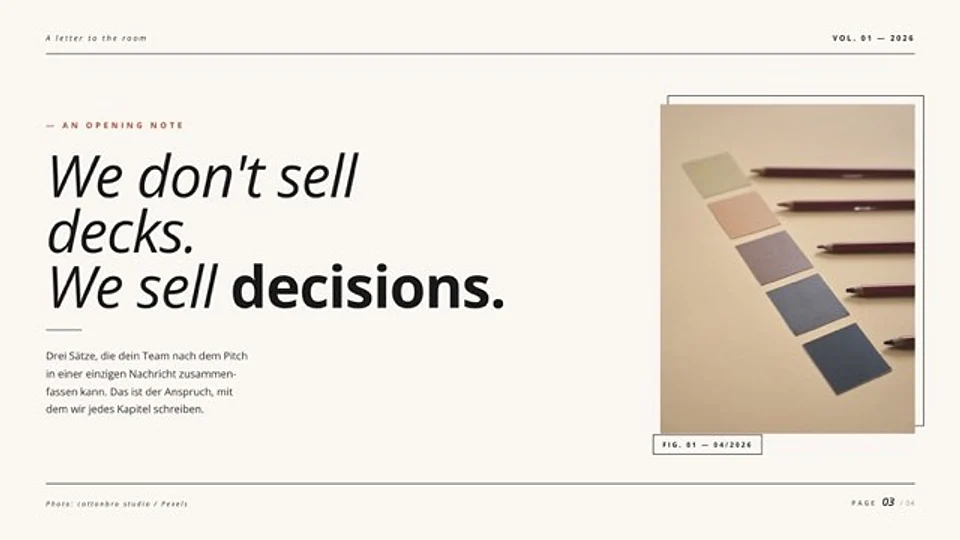
Webpage to presentation
Turn an article or a product page into slides, with or without the Chrome extension.
Reports and documents
Documents that get read and carry decisions.
Work with your own files
Bring what you already have.
Your design, your material
Slaide works with what you already have.
Upload an existing PowerPoint or PDF: Slaide opens it as an editable document, keeps layout, colors and fonts, and only reworks what you ask for. The free plan reads the first 3 slides, Plus up to 12, Pro and Max up to 150; Slaide does not accept the old .ppt format. Scans without a text layer are recognized with text recognition.
Save your brand once, or enter your website address: Slaide reads colors, fonts and logo from the rendered page and uses them for every new document.
Numbers, notes and sources you attach become the basis of the document. For market and competitor topics Slaide researches the web when needed and lists its sources in the assistant panel.
- Open PowerPoint and PDF files, rework them and take them back as files
- Pull logo, colors and fonts from your website and correct them by hand
- Over 130 font families; if one is missing, Slaide picks the closest
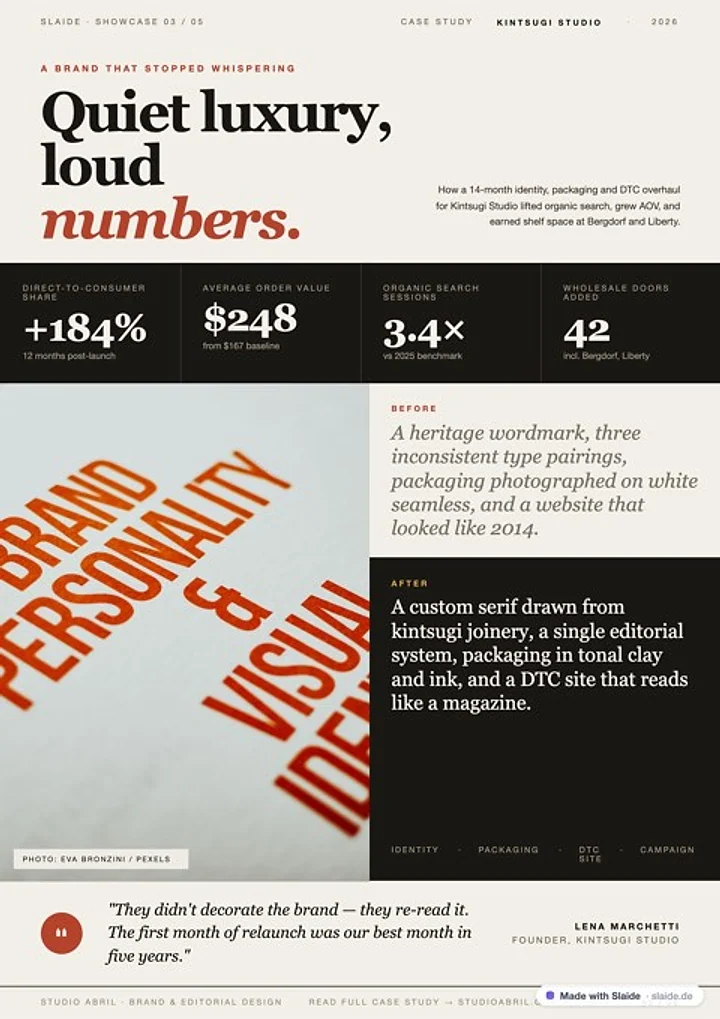 Word.docxPowerPoint.pptxWord.docx
Formats
Real files, honestly described.
What you get, and what stays editable inside the file.
| Format | Used for | What stays editable | Note |
|---|---|---|---|
| PowerPoint (.pptx) | Presentations and pitch decks | Text, text boxes and many shapes | Charts and complex graphics sit in the slide as images |
| Word (.docx) | Reports, proposals, one-pagers | Headings, paragraphs, lists and tables | Complex graphics stay embedded as images |
| Excel (.xlsx) | Spreadsheets, financial plans, calculations | Cells and formulas | Live spreadsheets with working formulas |
| Sharing, printing and archiving | Not editable | Ideal for the final version | |
| PNG | Single pages as images | Not editable | For social media and previews |
Free exports carry a small “Made with Slaide”. Plus, Pro and Max export without it.
Where you work
Slaide comes to you.
In the browser, straight from your AI assistant or as a side panel next to any web page.
ChatGPT, Claude and Grok
Connect Slaide to your assistant. It can search, read, create, change and export documents in your library, but only with your explicit consent.
See the connectionChrome extension
Collect web pages and highlighted passages as sources and turn them into an outline and a presentation, right in Chrome's side panel.
See the extensionFree tools
Compress PowerPoint, pull out notes and images, replace fonts: the six tools run entirely in your browser, the file is not uploaded.
All tools
To be honest
What Slaide is not built for.
Collaboration is kept simple: you invite people by email to edit, they edit the document live, and Slaide merges simultaneous changes element by element. There are no comments, live cursors or shared team workspaces.
Video, large social-media libraries and print production are not Slaide's job; a design tool like Canva fits those better. And AI makes mistakes: check figures, names and statements before you pass a document on.
With very specific layouts some touch-up can remain. Then you edit the file in PowerPoint or Word, or tell Slaide what to change.
Slaide fits if you …
- need presentations, reports or proposals fast as a real, editable file
- want to work with your own PowerPoint, PDF or brand
- care more about content, structure and sources than a template gallery
We would rather tell you the rest up front.
Keep reading
Frequently asked
Good to know before you start.
What is Slaide?
Slaide is an AI workspace in the browser for presentations, reports, proposals, spreadsheets and other documents. You describe what you need; Slaide plans, writes, designs and checks the document and delivers it as a real file: PowerPoint, Word, Excel or PDF.
Which files do I get?
PowerPoint, Word, Excel, PDF and PNG. Text and many shapes stay editable in PowerPoint and Word; complex graphics and charts sit in the file as images. Tables come with formulas as Excel.
Can I use my existing PowerPoint or my brand?
Yes. You can upload a PowerPoint or a PDF and have Slaide rework it without losing layout, colors and fonts. The free plan reads the first 3 slides, Plus up to 12, Pro and Max up to 150; Slaide does not accept the old .ppt format. You save your brand once or let Slaide read it from your website.
How long does a document take?
A typical document is ready after about a minute. With many pages, attachments and research it takes longer. You see the plan first, the pages build in front of you, and you can step in at any time.
What does Slaide cost?
One document is free, no credit card: Slaide plans up to 12 pages and builds the first 3. Plus is €7.99 a month, or €5.99 a month billed yearly; Pro €17.99 (€14.99 a month billed yearly), Max €59.99 (€45.99 a month billed yearly). All prices are final prices in EUR, VAT exempt under § 19 UStG where applicable. You cancel yourself in the settings, and the plan runs until the end of the paid period.
Where is my data, and does Slaide train on my content?
Your account, files and documents are stored with Supabase in the EU. To create a document, your request and the content it needs go through OpenRouter to the language model in the USA. Using your content to train AI models is contractually excluded. Details are on the security page and in the privacy policy.
Is Slaide suited to teams?
In a simple form: you invite people by email to edit, they edit the document live, and Slaide merges simultaneous changes element by element. There are no comments, live cursors or shared team workspaces. For teams of three or more there is a team plan on request, with shared credits and one invoice.
Does Slaide replace PowerPoint or Word?
No. Slaide creates the file; you open it in your own program and keep working there if you like. Or you edit the document in Slaide by instruction or by hand.
Try it with your own brief.
Describe what you need. You see the plan before anything is built.
Free to start, no credit card. You create an account to begin.