AI alternative to Google Slides
Google Slides AI alternative: a whole deck from a prompt, no Workspace plan
Google Slides is a genuinely great free editor, browser-based, real-time collaborative, accessible anywhere with a Google account. On the free editor alone, you build every slide yourself.
Free: 1 document, plan up to 12 pages, first 3 built, no credit card. Plans from €7.99/mo
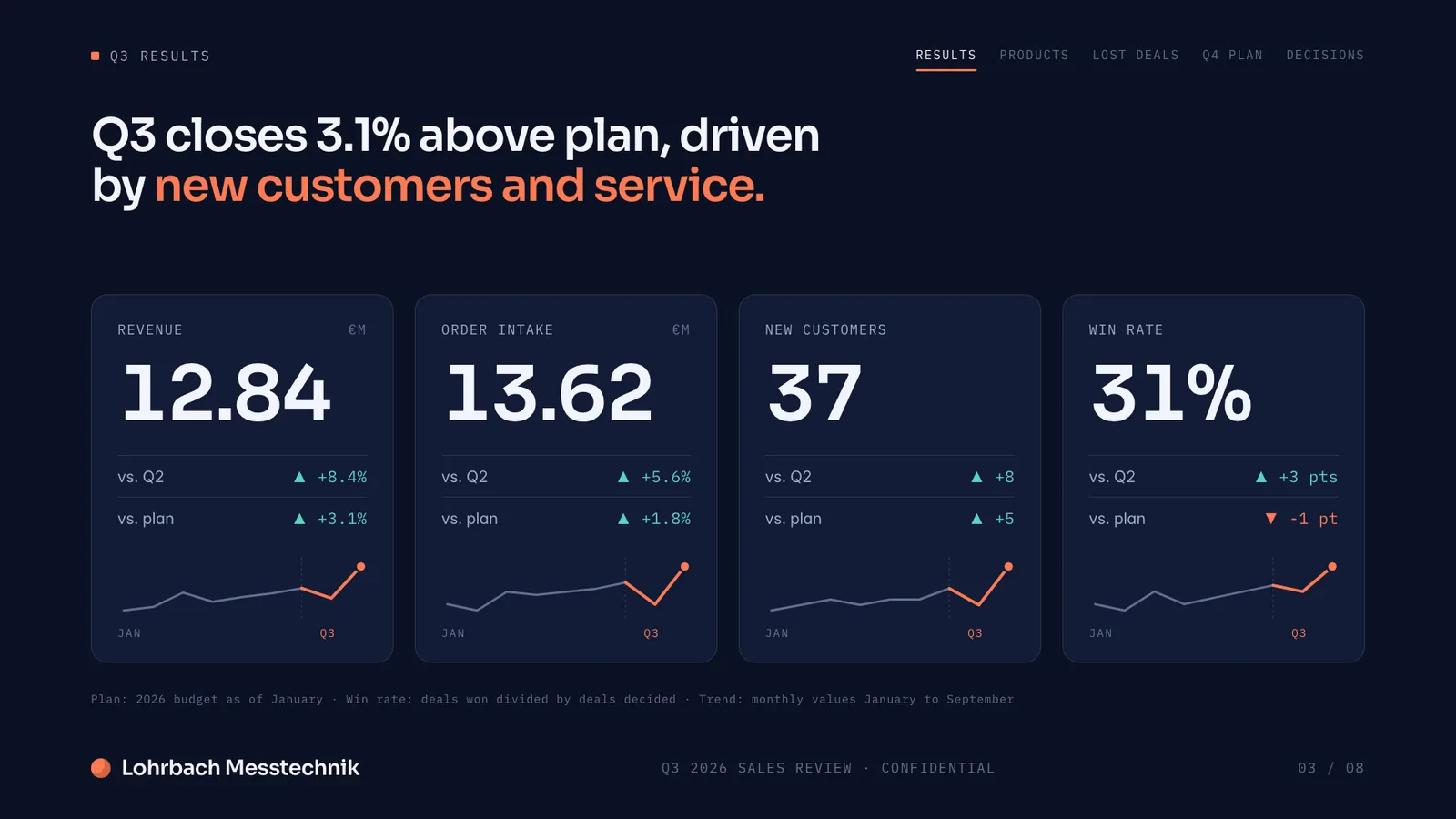
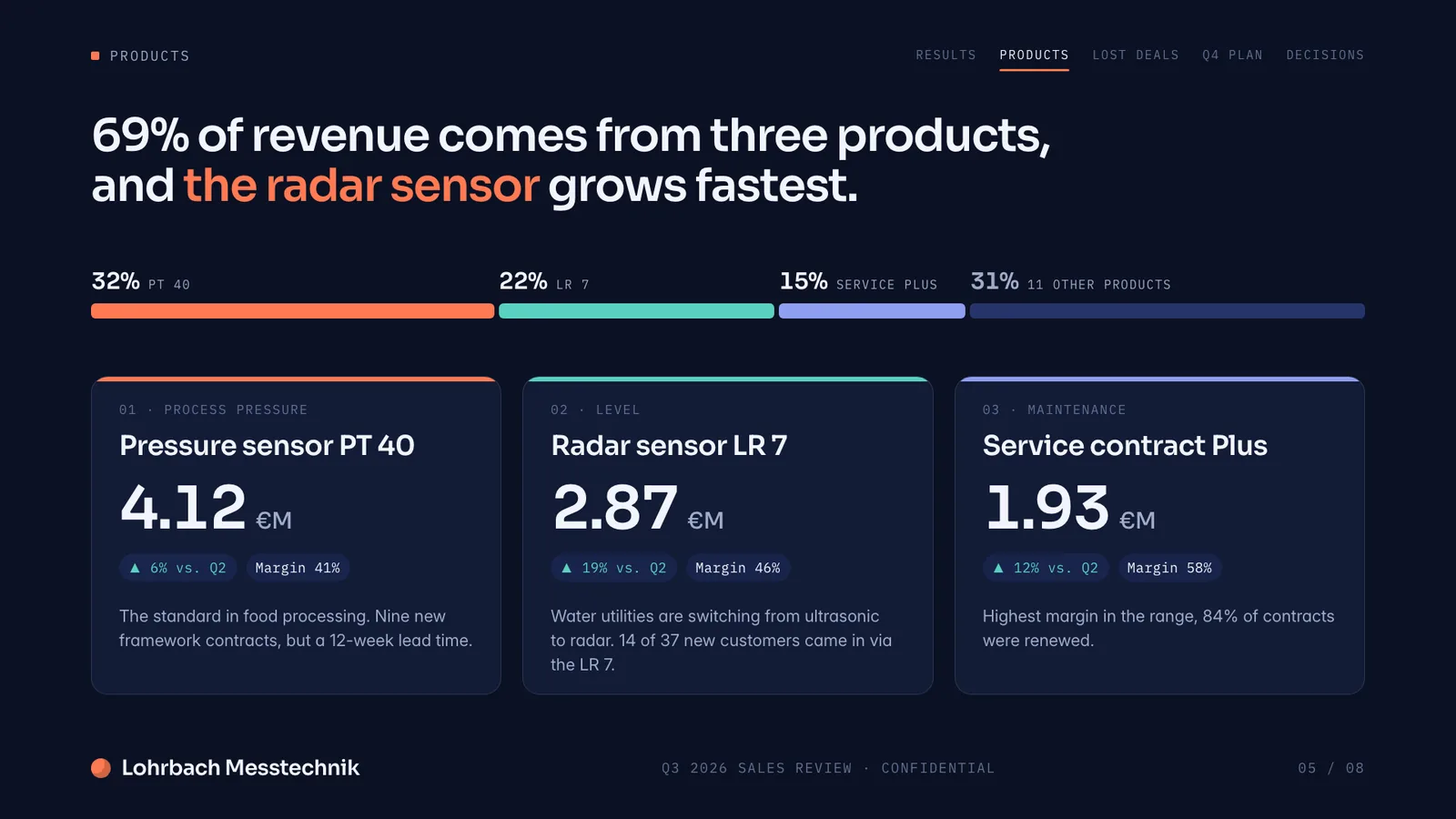
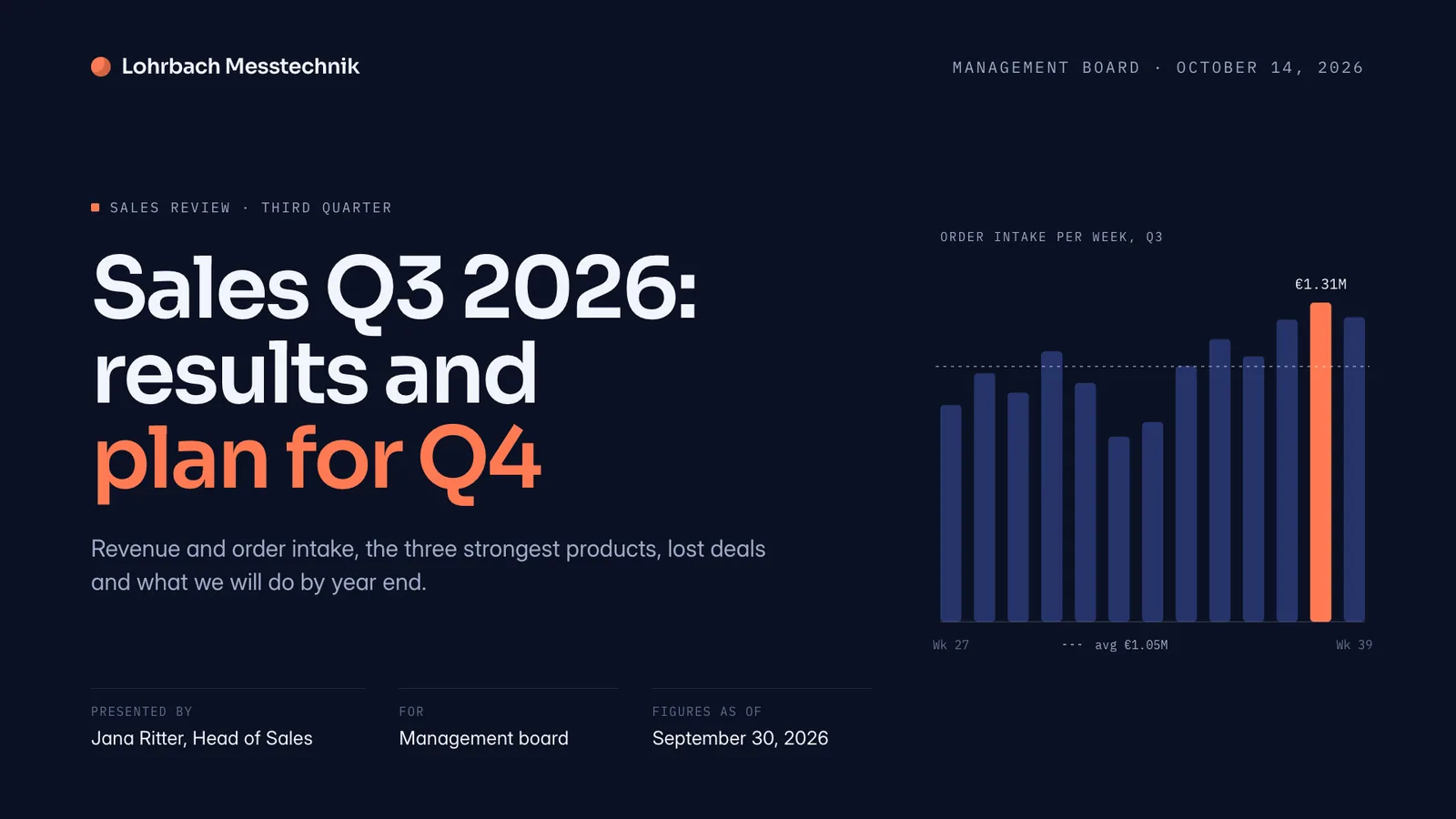
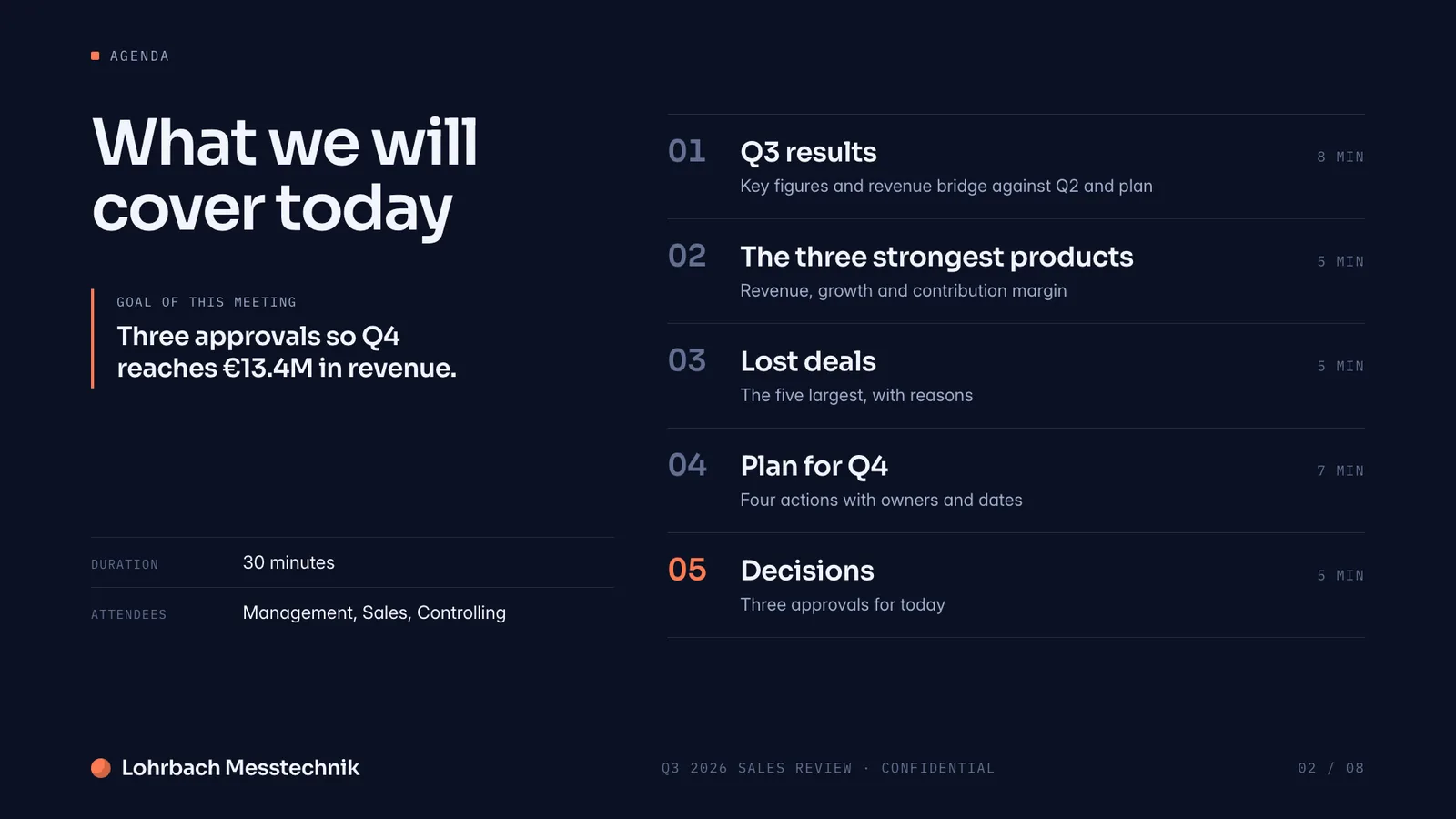
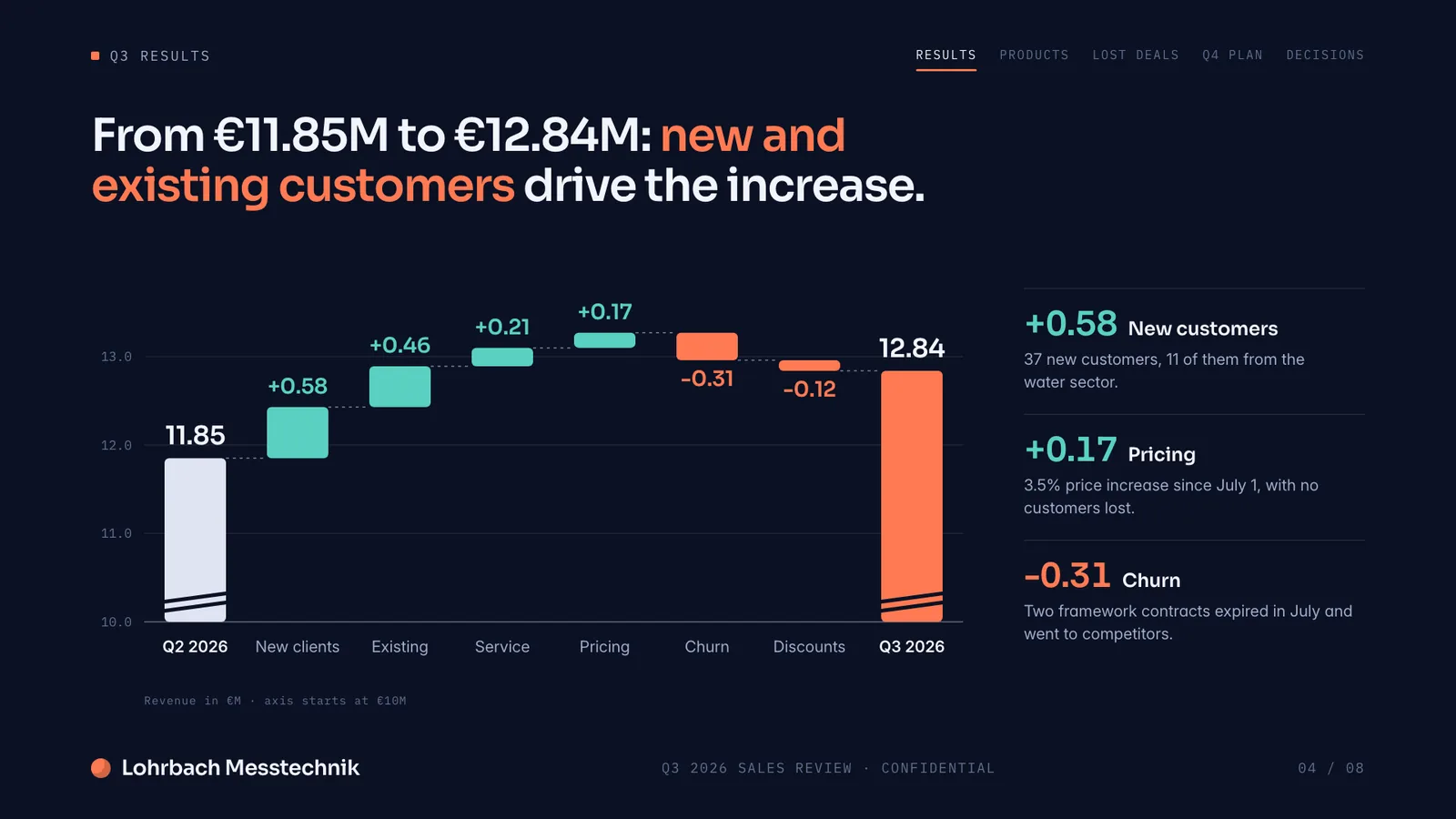
Example presentation for a fictional company. Names and numbers are sample valuesSee all 8 slidesExample in detail
If you want AI to build the whole deck without a paid Google plan, use Slaide: its free plan plans the deck from your prompt, builds the first 3 pages and exports PowerPoint or PDF, which you can also open in Google Slides. Gemini in Google Slides can now generate full presentations too, but Google lists it for eligible Workspace or Google AI plans, on desktop and in English only (checked September 27, 2026). If your team already pays for Workspace Business Standard or higher and edits decks together, Gemini in Slides is the more natural choice.
Gemini in Slides can now generate a whole presentation, on eligible Workspace or Google AI plans. Slaide does the same on its free plan: describe what you need, and it plans, writes and designs the deck, no Workspace subscription required.
What a finished result looks like
Every page below was designed as a real deck: layout, charts and copy. Click a page to see it large.
Why professionals look for a Google Slides alternative
Gemini generation needs a paid plan
The free Google Slides editor is manual. Gemini in Slides requires an eligible Workspace or Google AI plan, and isn't included in Workspace Business Starter. Slaide's free plan includes real AI generation from the start.
Presentations only
Google Slides makes slide decks. Slaide makes pitch decks, CVs, reports, proposals, and live Excel spreadsheets, all from the same prompt.
Gemini's deck builder has limits
Google says generating a full presentation with Gemini is available on desktop and in English only. Slaide works in the browser on any device and writes in the language of your prompt.
Checked before you see it
Slaide searches the web for current context before writing and self-checks each page, so layout problems are fixed before the deck reaches you.
Slaide vs Google Slides: feature by feature
| Feature | Slaide | Google Slides | Winner |
|---|---|---|---|
| Free to use | Yes, one document with 3 generated pages and a plan up to 12, no card | Yes, basic editor with a Google account | Tie |
| AI generation on free tier | Yes, included in the free grant | No, requires an eligible Workspace or Google AI plan (personal accounts only via a tester program) | Slaide |
| Real-time collaboration | Invite people by email to edit live; AI tasks stay with the owner, no comments | Excellent, multi-user editing | Google Slides |
| Document types | Pitch decks, reports, CVs, spreadsheets, one-pagers and more | Presentations only | Slaide |
| Web search before writing | Yes | Yes with Gemini on eligible plans, when you ask it to use Google Search | Tie |
Our verdict
Google Slides is hard to beat for free, real-time collaborative editing, especially for teams already living in Google Workspace. That part of the product is genuinely excellent.
AI generation is where the plan matters: Gemini in Slides can build a whole deck, but only on an eligible paid plan, on desktop and in English, so the free editor most people actually use has no AI help.
Slaide puts AI generation in the free plan itself, no Workspace subscription needed, and covers document types Google Slides does not make. Use Google Slides for the collaborative editing after; use Slaide to get the first finished draft.
FAQ
Anything missing? Ask us
Is Gemini free in Google Slides?
No. The basic Google Slides editor is free, but Gemini in Slides, including generating a whole presentation, requires an eligible Workspace or Google AI plan; it's not included in Workspace Business Starter. Personal accounts can only try deck generation through Google Workspace Experiments, a trusted tester program. Checked September 27, 2026.
Can I collaborate in real time on a Slaide document like Google Slides?
Partly. You can invite people by email to edit a Slaide document live, you see who is in it, and Slaide merges simultaneous changes element by element. There are no comments, live cursors or shared team workspaces, so Google Slides stays stronger for heavy team editing. You can also export to PowerPoint or PDF to share the result.
Does Slaide make anything besides presentations?
Yes. Slaide creates pitch decks, CVs, board reports, proposals, one-pagers and live Excel spreadsheets, all from a single description.
The AI alternative to Google Slides
Describe what you need. Slaide plans the structure, writes the content, designs every page and self-checks its own work. Free to start, no credit card.