Best AI presentation tools (2026)
AI presentation tools have settled into a few clear shapes: some build a deck from a prompt, some keep teams on-brand, and some are broad design suites where AI is one feature. Which fits you depends on what you make and who you make it with.
Free: 1 document, plan up to 12 pages, first 3 built, no credit card. Plans from €7.99/mo
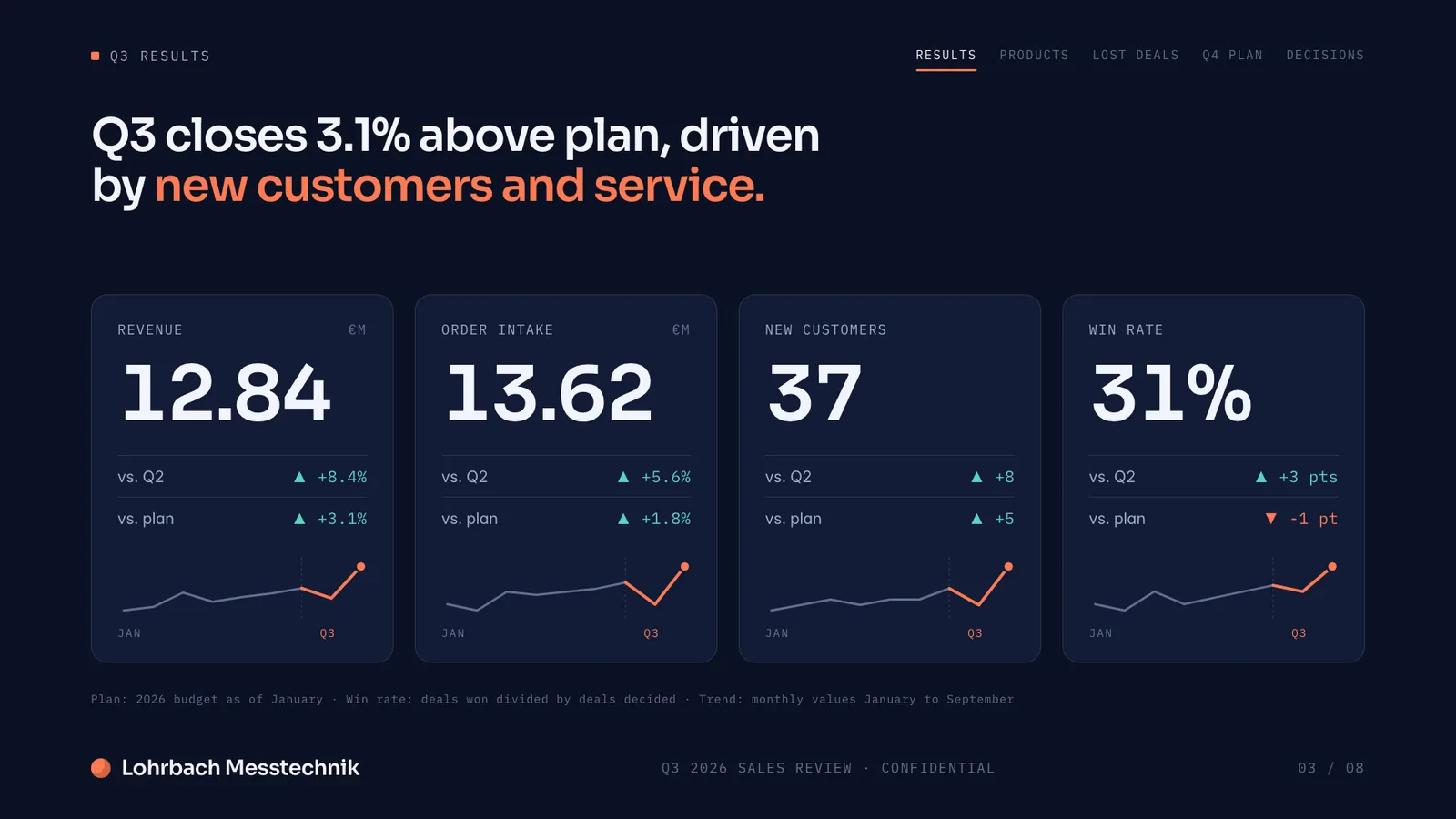
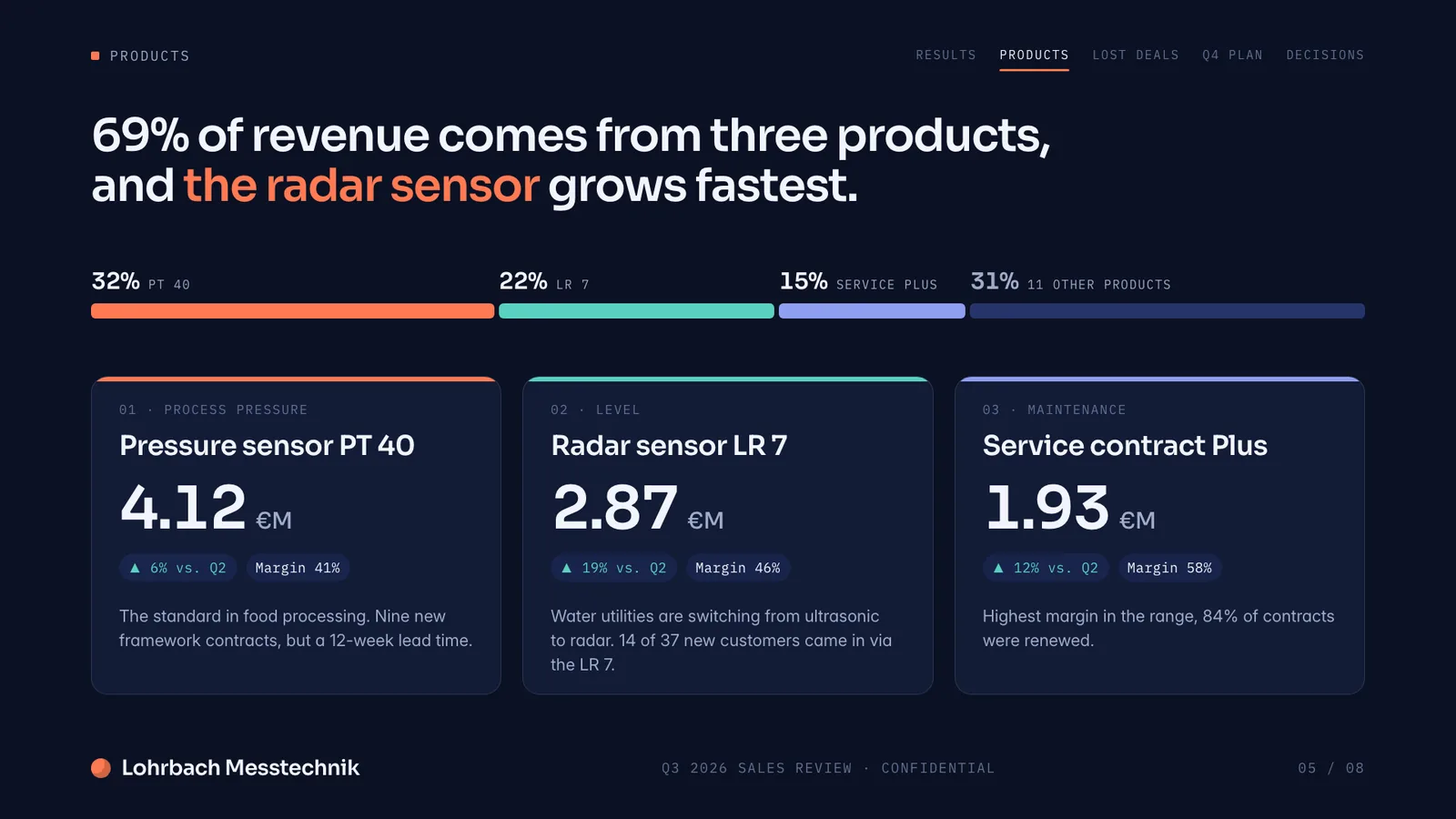
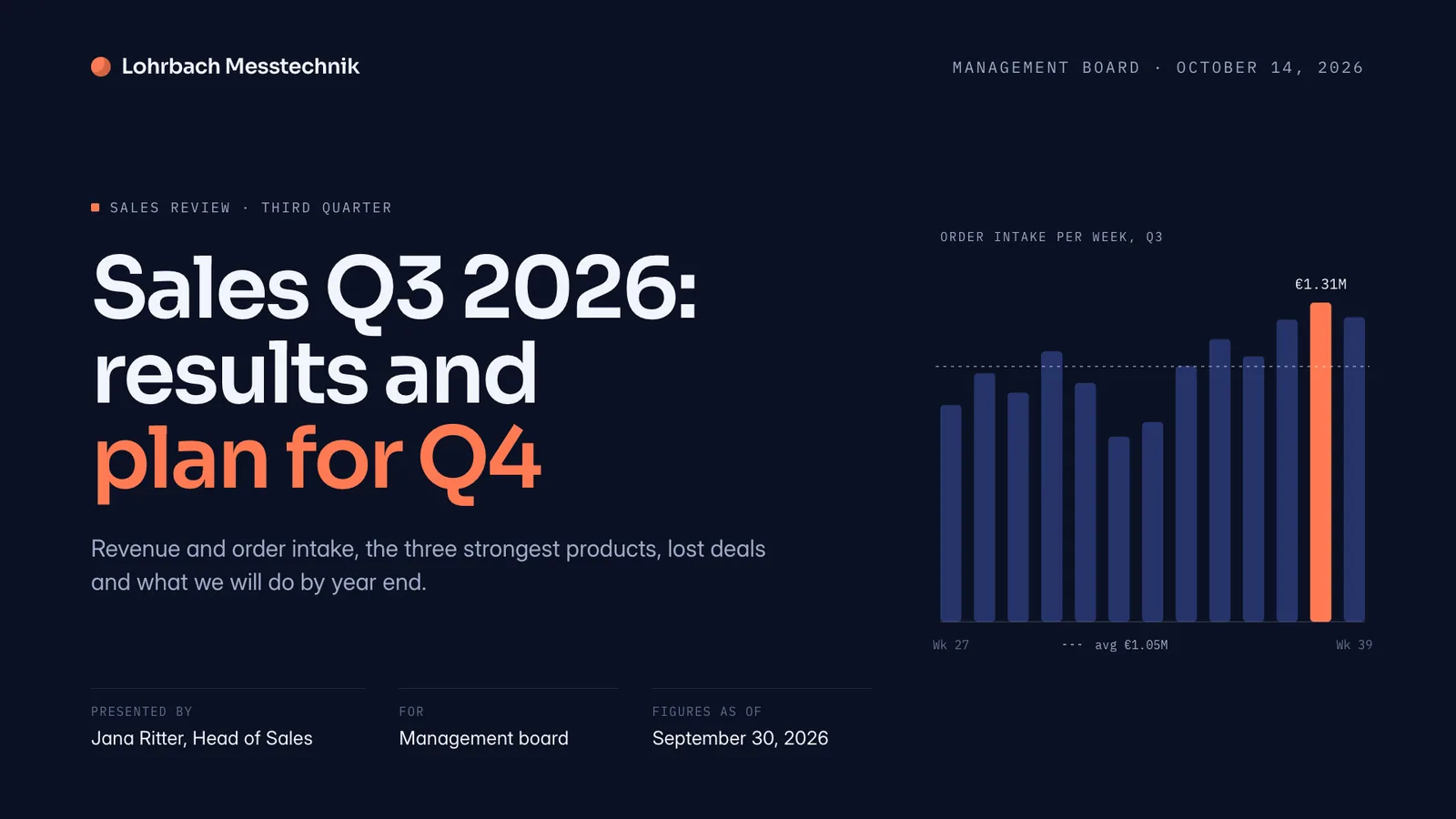
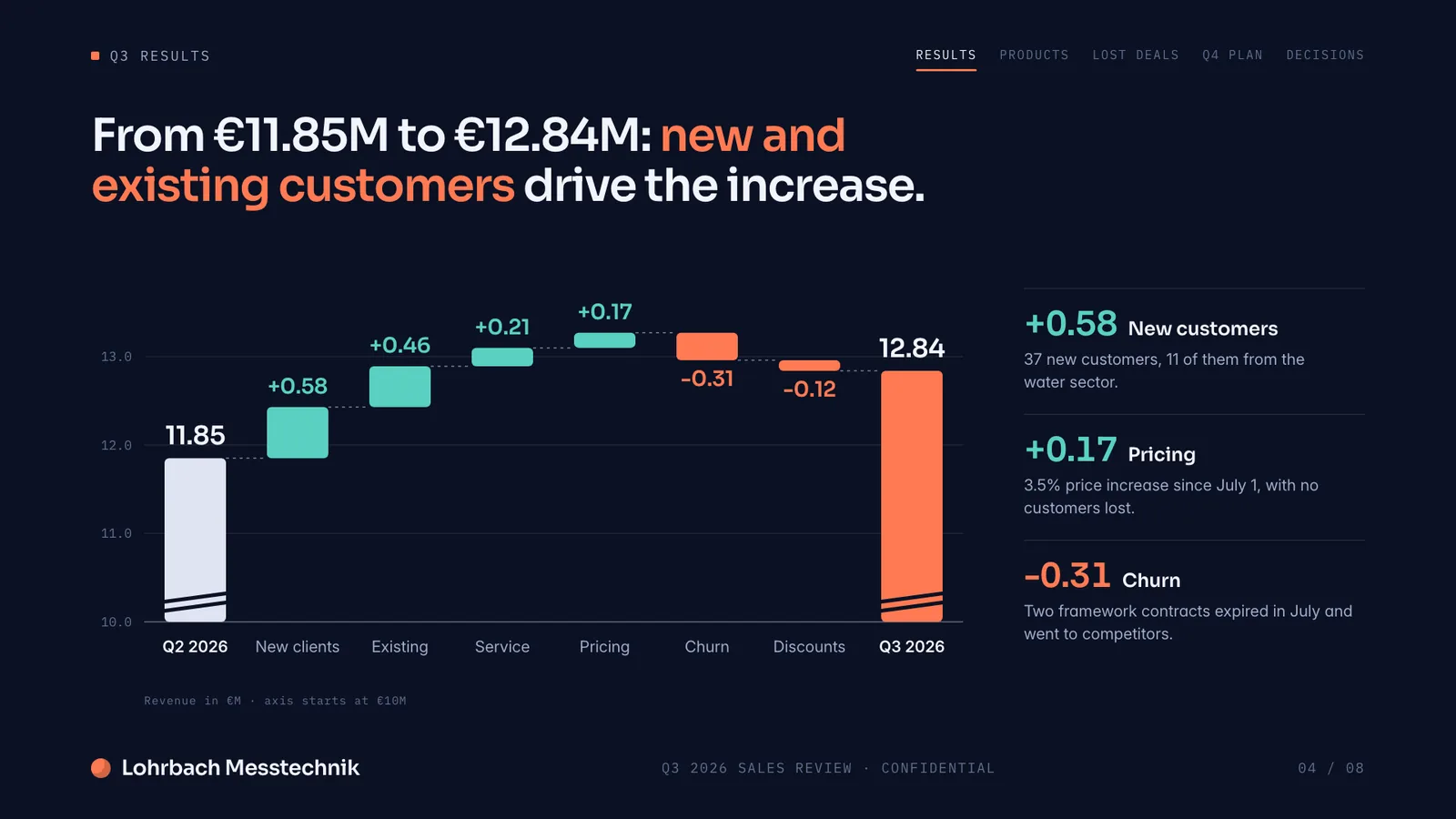
Example presentation for a fictional company. Names and numbers are sample valuesSee all 8 slidesExample in detail
The best AI presentation tools in 2026 are Slaide, Gamma and Beautiful.ai. Slaide builds a finished, designed deck from a prompt and self-checks its own layouts, and is free to start with no card. Gamma is the fastest way to get a polished deck from a prompt, while Beautiful.ai keeps team decks on-brand automatically.
This list starts with Slaide, then covers the strongest current options. Each entry names where it genuinely leads, so you can match the tool to the job rather than the marketing.
Using ChatGPT for slides? What ChatGPT can do for a presentation, where it stops, and prompts that get you further.
ChatGPT for presentations
The list
Slaide
Our pickBest for: Anyone who wants a finished professional document fast, free to start with no card.
An AI workspace that builds any professional document from a prompt: presentations, pitch decks, reports, CVs, one-pagers, live spreadsheets and more. The system plans the structure, writes every page, designs it from scratch and self-checks its own layouts. Click anything to edit. No templates, no manual layout.
Not ideal for: Teams that need real-time co-editing in the deck, or anyone who wants to start from a fixed corporate template rather than have the design generated.
Gamma
Best for: Quick, good-looking decks and web pages straight from a prompt.
Presentation-first and fast: describe a topic and Gamma produces a polished deck, document or simple web page in its own responsive format. Conversational editing and modern themes make it a strong prompt-to-deck choice; note the free plan's watermark and one-time credit pool.
Not ideal for: Pixel-exact PowerPoint hand-off, and free users who cannot ship a watermark.
Beautiful.ai
Best for: Teams that present often and want every deck to stay consistent automatically.
Built around 'Smart Slides' that re-arrange themselves as you add content, with brand controls and viewer analytics. It genuinely leads on keeping team decks tidy and on-brand without manual layout work; there's no permanent free plan, and the trial requires a card.
Not ideal for: Anyone who needs a permanent free plan, or wants to try it without entering a card.
Pitch
Best for: Teams co-editing decks and tracking engagement for sales.
A collaborative presentation workspace with real-time co-editing, shared brand libraries, tracked links and sales rooms. It's the clear pick when presenting is a team sport; Pitch Agent builds decks from a prompt on the template you pick, and deck import takes .pptx files only.
Not ideal for: Solo users, and anyone who expects the AI to do the heavy lifting. Importing beyond PowerPoint is limited.
Canva
Best for: One place for design across many formats, with the occasional deck.
A broad design suite spanning social, video, print, docs and presentations, with AI (Magic Design) as one feature among many. Its template and asset library is hard to beat for breadth; AI allowances vary by plan, and Pro or Business customers can add AI Pass for more capacity.
Not ideal for: Prompt-to-finished-deck in one step; AI here is one feature in a large suite, with allowances that vary by plan.
Microsoft Copilot for PowerPoint
Best for: Organisations already on Microsoft 365 that want AI inside PowerPoint.
Microsoft's AI assistant built into PowerPoint and Microsoft 365. It respects company templates and can draft a deck from source documents; current consumer M365 plans include Copilot features, while Business and Enterprise capabilities depend on the organisation's licence.
Not ideal for: Anyone outside Microsoft 365, or on a licence whose Copilot capabilities depend on an admin decision.
FAQ
Anything missing? Ask us
What is the best AI presentation tool in 2026?
It depends on the job. Gamma is excellent for fast prompt-to-deck work, Beautiful.ai keeps team decks on-brand, and Pitch is built for collaboration. Slaide is the best fit if you want to build a deck from your own files and also make reports, CVs and spreadsheets in one place, free to start.
Which AI presentation tools are free to start?
Slaide is free to start with no credit card. Gamma, Canva and Pitch have free plans with limits (Gamma's free exports carry a watermark; Canva's AI allowance varies by plan). Beautiful.ai has no permanent free plan, and Microsoft Copilot is included with current paid Microsoft 365 consumer plans while work features depend on the organisation's licence.
Can these tools build a presentation from my existing files?
Most can import files to some degree. Gamma and Copilot mainly pull in text and reapply styling. Slaide is designed around your materials, it reads mixed PDFs, Excel sheets, Word docs and photos together and builds the design from them.
Can I get a polished deck without hiring a designer?
Yes. Slaide, Gamma and Beautiful.ai all generate the layout and design for you, so no design skills or a separate designer are needed. Slaide goes furthest: it designs every page from scratch for your specific content rather than filling a template, and self-checks its own layouts before handing the deck over.
Try Slaide free
Describe what you need and add your files. The free plan builds the first 3 pages of one document, no credit card.