Quick answers
Slaide, answered
Everything people ask before they start, pricing, files, exports, privacy and how Slaide compares.
Free: 1 document, plan up to 12 pages, first 3 built, no credit card. Plans from €7.99/mo
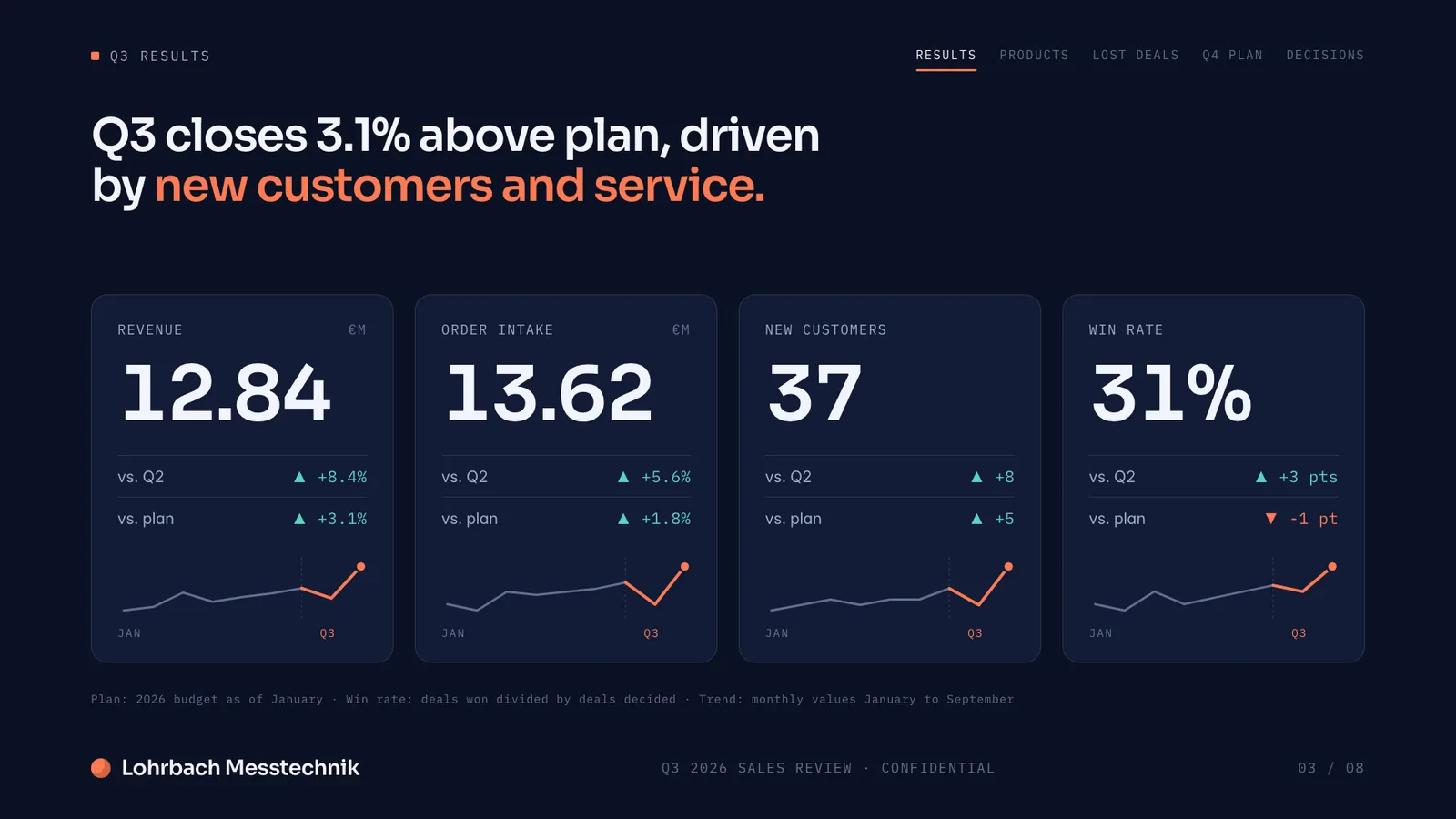
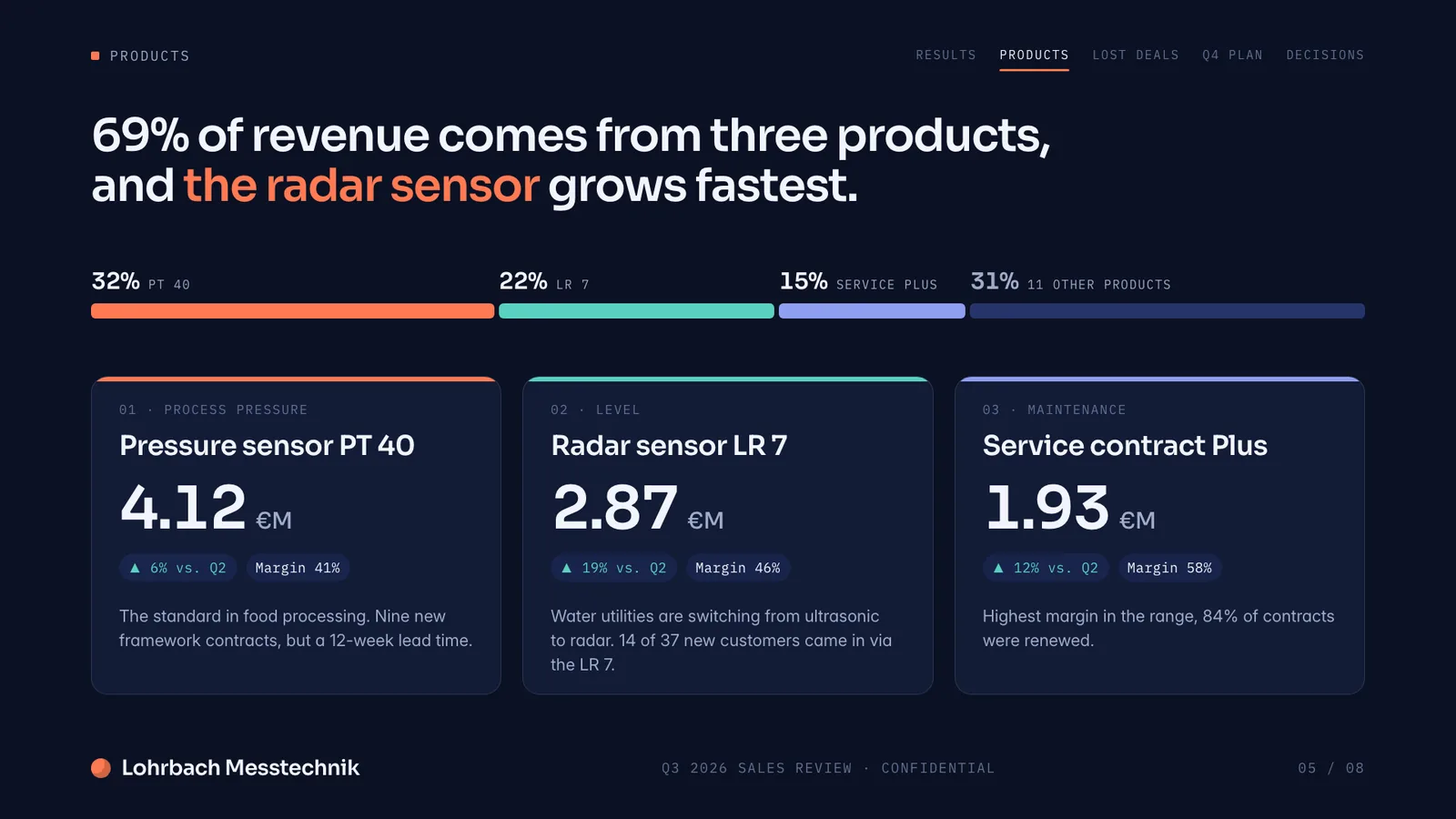
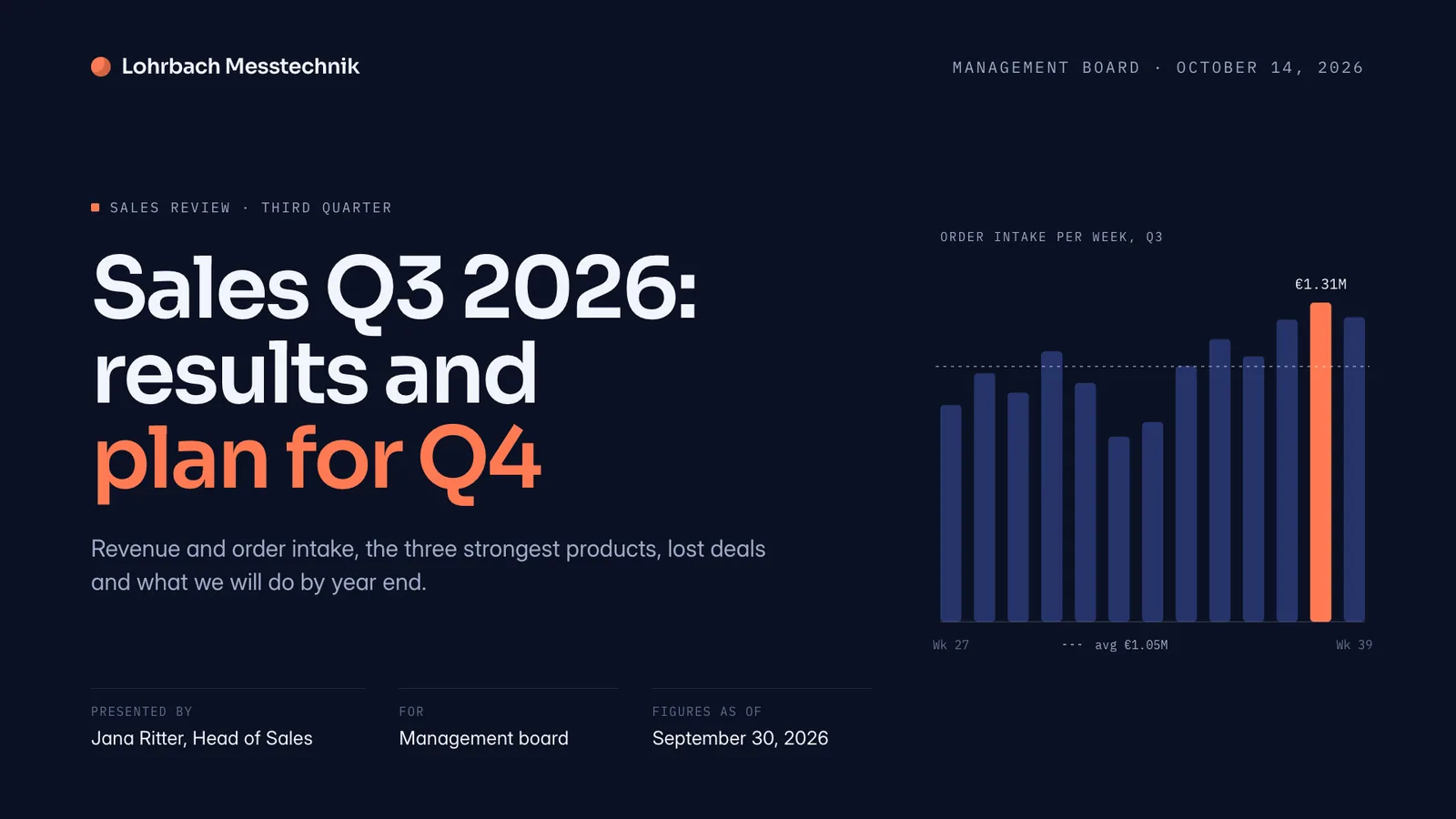
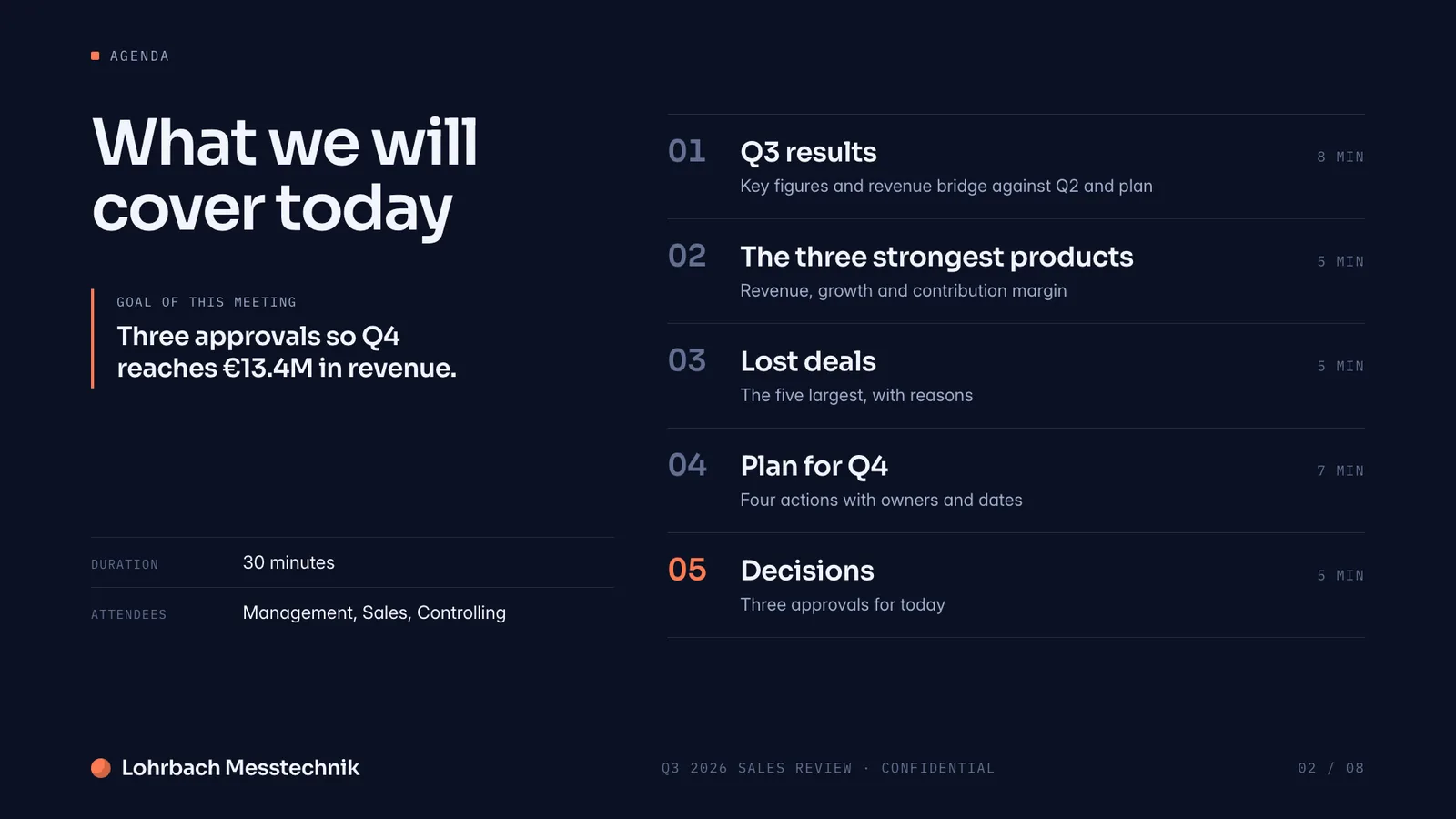
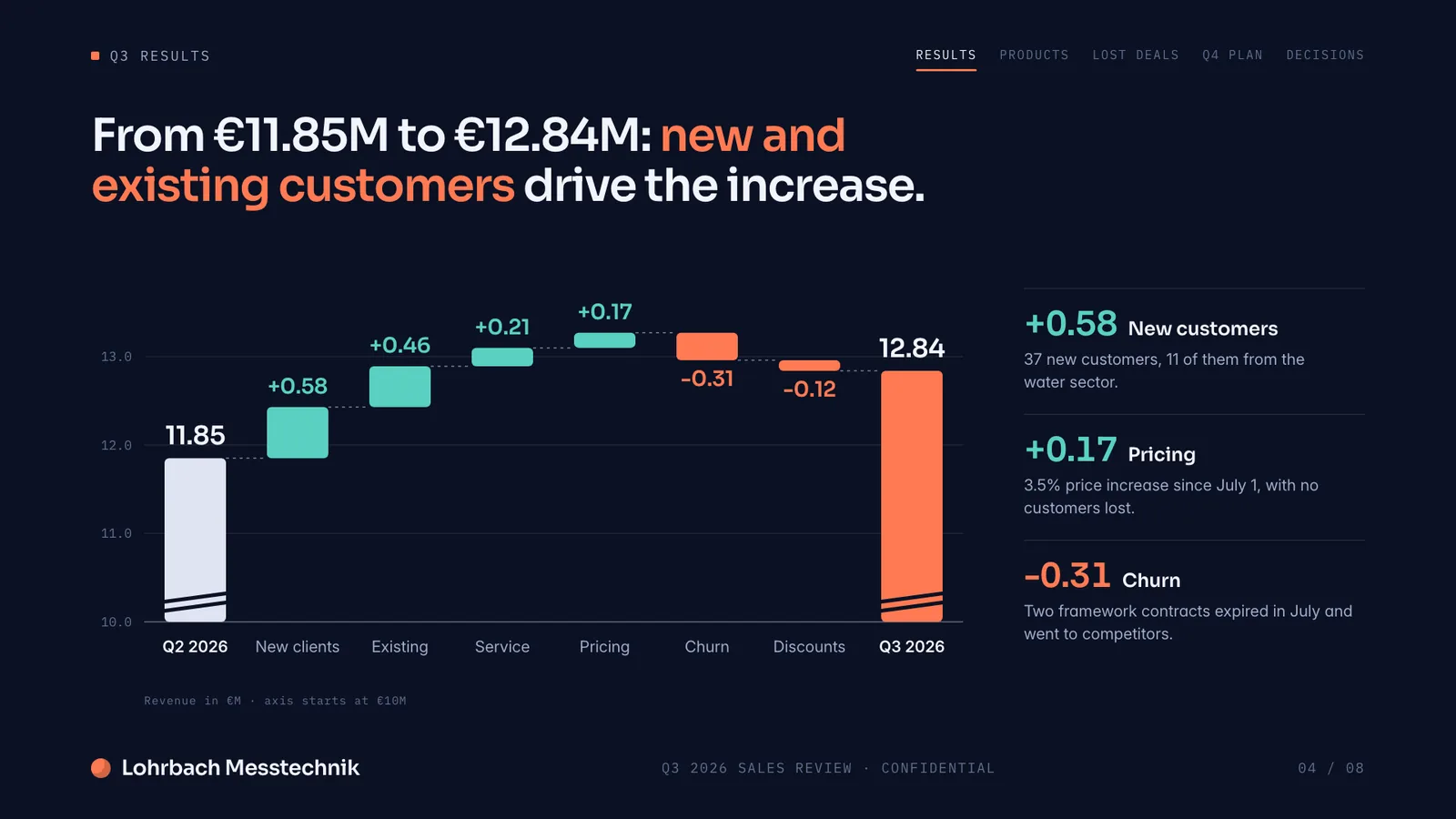
Example presentation for a fictional company. Names and numbers are sample valuesSee all 8 slidesExample in detail
Frequently asked questions
Anything missing? Ask us
What is Slaide?
Slaide is an AI workspace for professional documents. Bring your own PowerPoint deck or PDF and Slaide reopens it as an editable document that keeps its design while it reworks or extends it, or add your brand kit; or describe what you need, a pitch deck, a consulting report, a CV, a board presentation, a one-pager, a spreadsheet, and Slaide plans the structure, writes every page, designs it from scratch and self-checks the layouts before you see the result. The same workspace makes presentations, pitch decks, reports, CVs, spreadsheets, social posts, real estate exposés and more.
Is Slaide free?
Yes. You can start free with no credit card: 1 free document with 3 generated pages and a visible plan for up to 12 pages. If you need more, Plus is €7.99/month or the equivalent of €5.99/month billed annually; Pro is €17.99/month or the equivalent of €14.99/month billed annually. Both lift the watermark and add a monthly budget. Optional usage billing charges only the portion of a completed run not covered by your balance, up to a monthly limit you set; it does not add credits.
How much does Slaide cost?
Free to start (no card). With monthly billing, Plus is €7.99, Pro €17.99 and Max €59.99 per month; billed annually, their monthly equivalents are €5.99, €14.99 and €45.99. Paid plans add monthly budget, higher page limits and no “Made with Slaide” branding on exports. Optional usage billing settles only usage beyond the available balance and stops at a monthly limit you set.
What can I create with Slaide?
Presentations, pitch decks, reports, CVs and résumés, spreadsheets, social media posts, invitations, posters, menus, one-pagers and more. Unlike presentation-only tools, Slaide isn't limited to slides, the same workspace handles documents and spreadsheets too.
What files can I upload?
Photos, PDFs, Excel spreadsheets, Word files and plain notes, mixed freely. Slaide reads them all together and builds your document from them, so you can turn a spreadsheet and a few notes into a finished report or deck.
Do I need any design skills?
No. Describe what you want in a sentence and Slaide handles layout, colours and typography. It also checks its own work, reviewing each page and fixing overflow or broken layouts before you see them.
Can I edit what Slaide makes?
Yes, anything. Click on any text, image or colour to change it, and every edit can be undone. Slaide gives you a finished starting point rather than a locked result.
Can I export to PDF, PowerPoint, Word, PNG or Excel?
Yes. You can export slides as PowerPoint (.pptx), documents as Word (.docx), plus PDF/PNG and spreadsheets to Excel. On Pro there's no Slaide branding on exports.
Is Slaide a good alternative to Gamma, Canva or PowerPoint?
It can be, depending on what you make. Slaide's edge is breadth, it builds presentations plus reports, CVs and spreadsheets from your own files, and is free to start with no card. We keep honest, side-by-side comparisons so you can judge for yourself: see the comparisons page.
What happens to my files and data?
Your files are only used to build your document, never to train AI models. You decide what Slaide sees, and you stay in control of your content.
Is Slaide GDPR-compliant? Where is my data stored?
Slaide is built for the GDPR. Your account data, documents and uploads are stored in the EU. To generate a document, your brief and the relevant content are processed by AI providers (including in the USA) under GDPR safeguards, and are never used to train models. The full details are in our privacy policy.
Try Slaide free
Describe what you need and add your files. The free plan builds the first 3 pages of one document, no credit card.