AI alternative to Presentations.AI
Presentations.AI alternative: decks, reports and spreadsheets from one prompt
Presentations.AI is a web app that generates a designed deck from a prompt, exports to PowerPoint, PDF and Google Slides, and tracks how shared presentations are viewed. It is built for teams that want branded decks quickly and want to see who looked at them.
Free: 1 document, plan up to 12 pages, first 3 built, no credit card. Plans from €7.99/mo
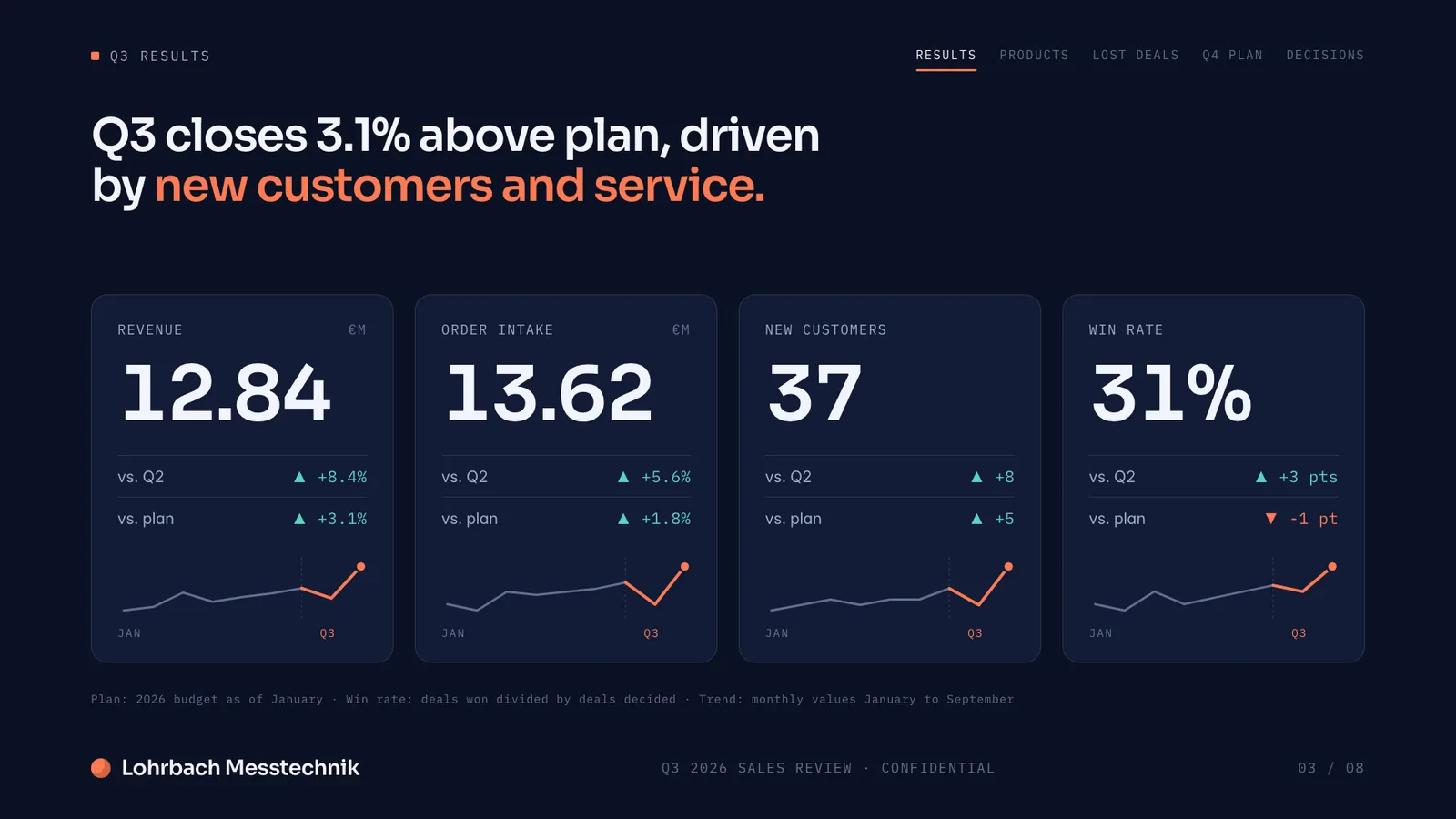
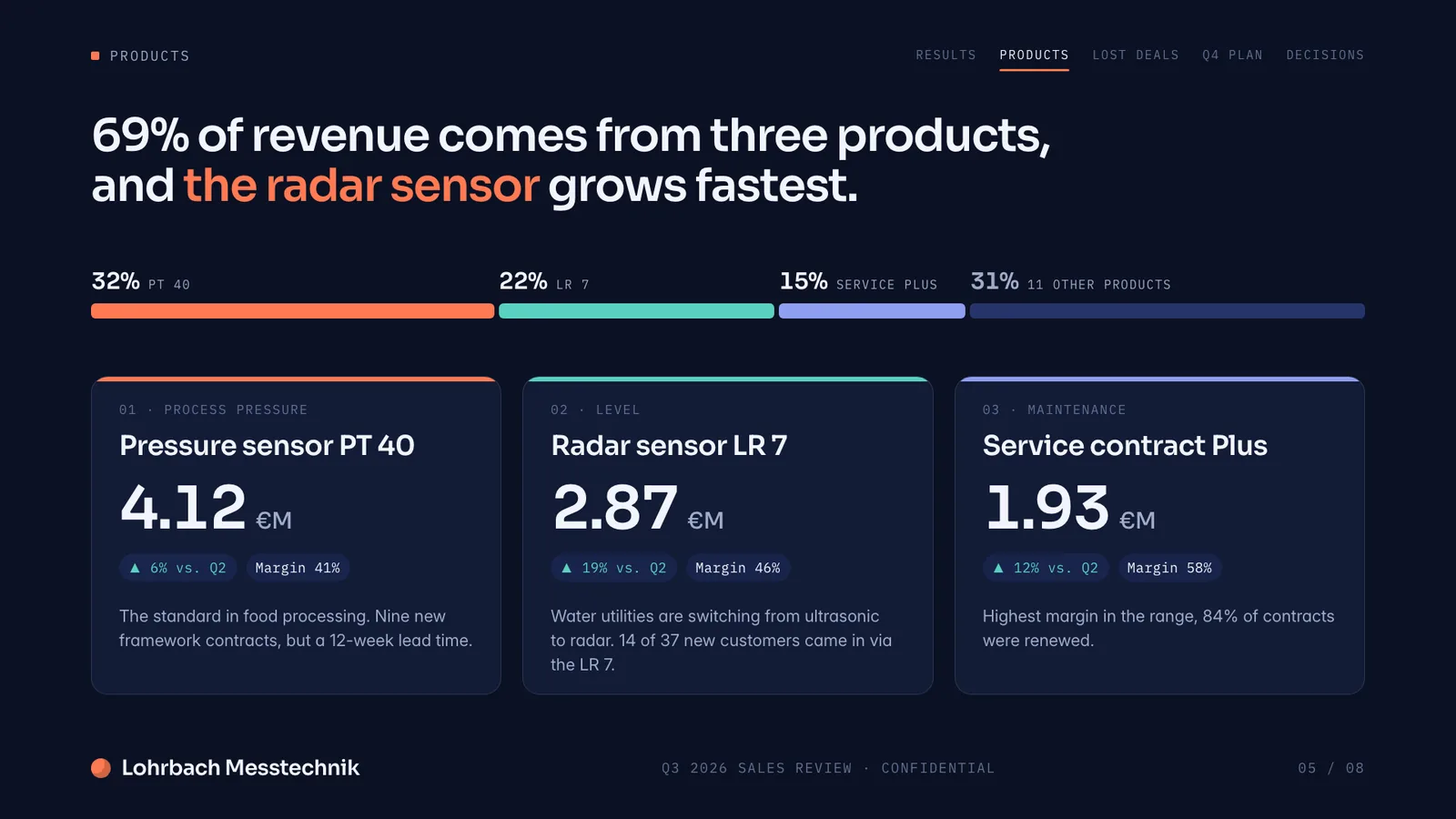
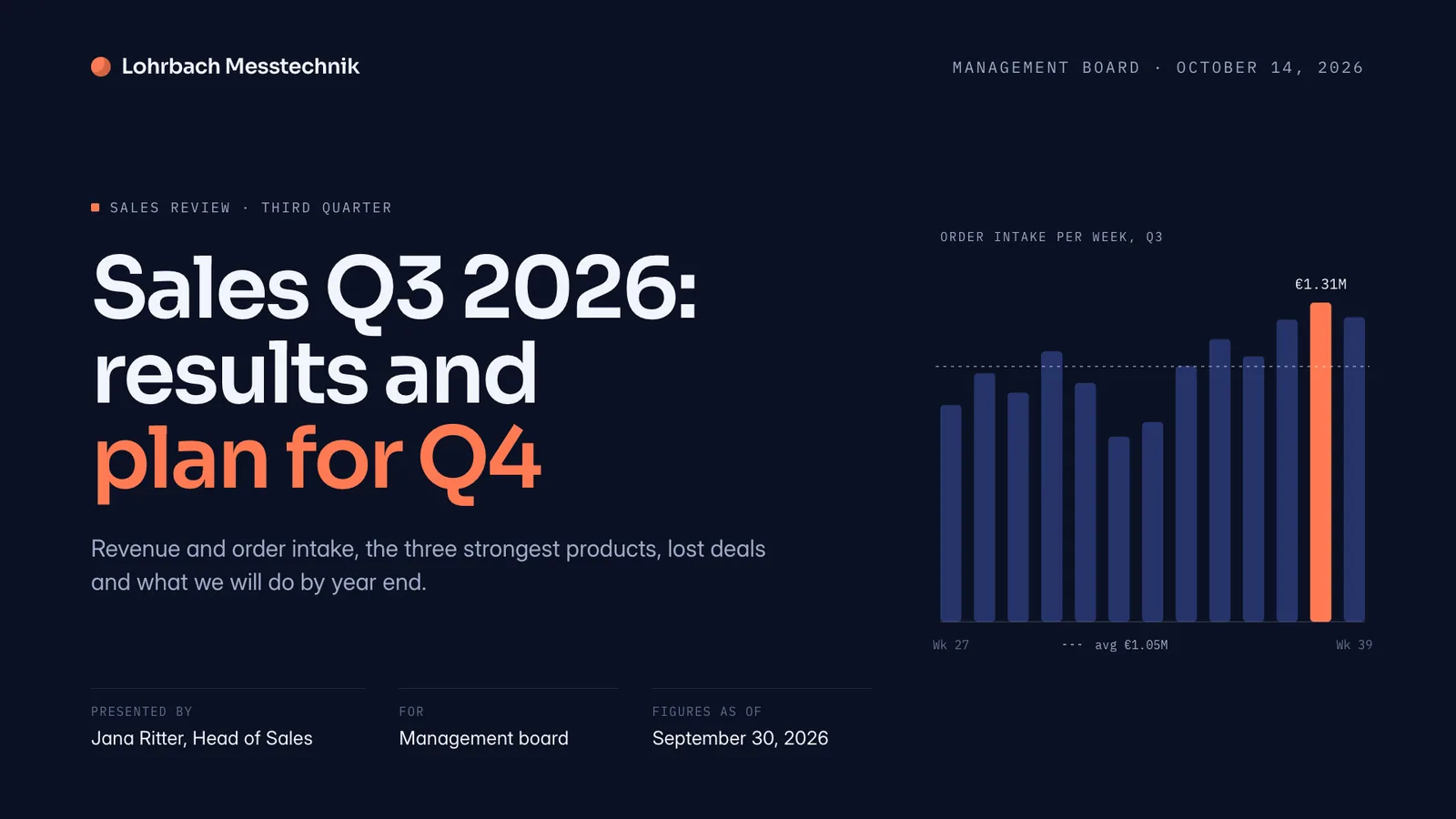
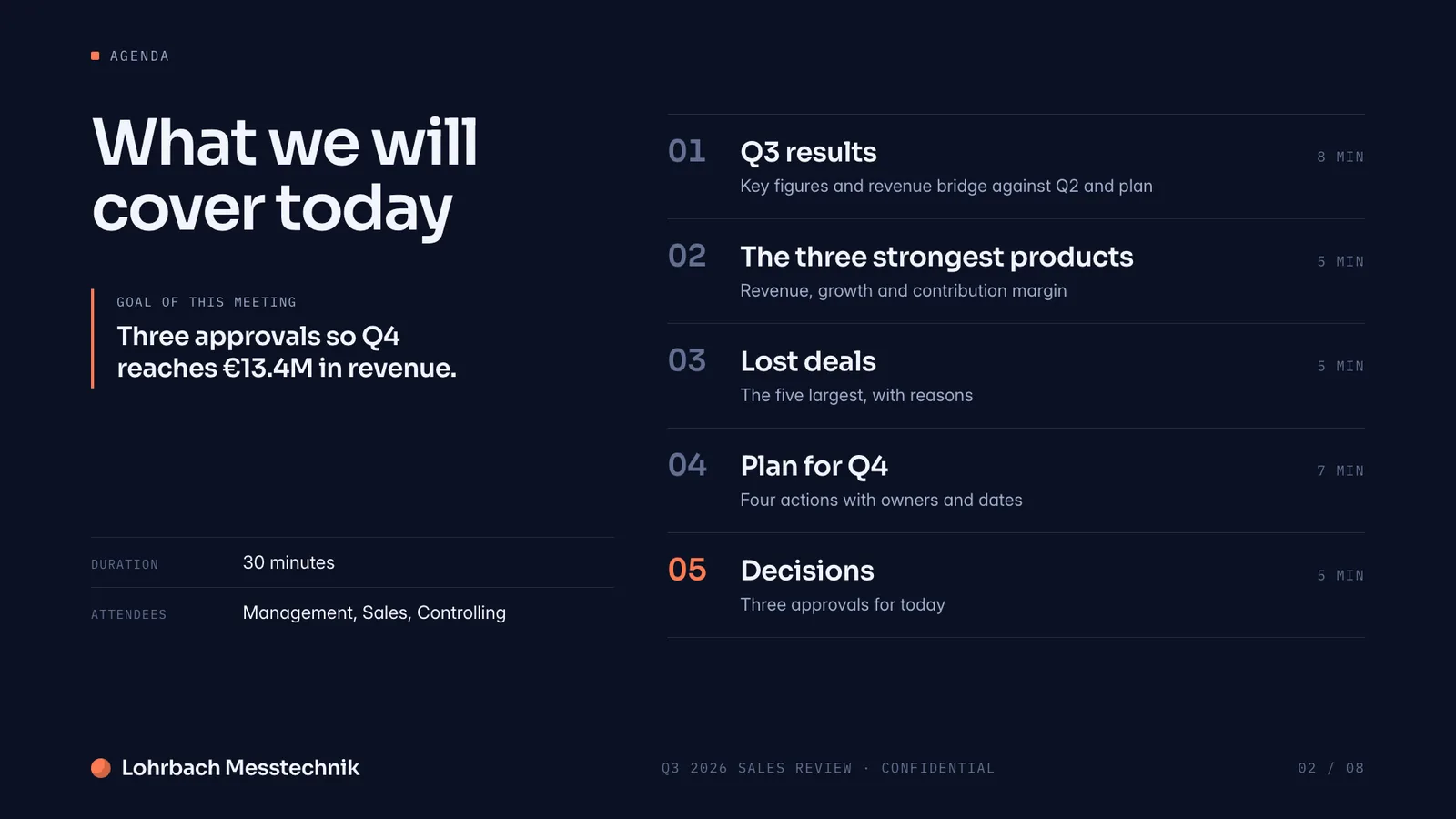
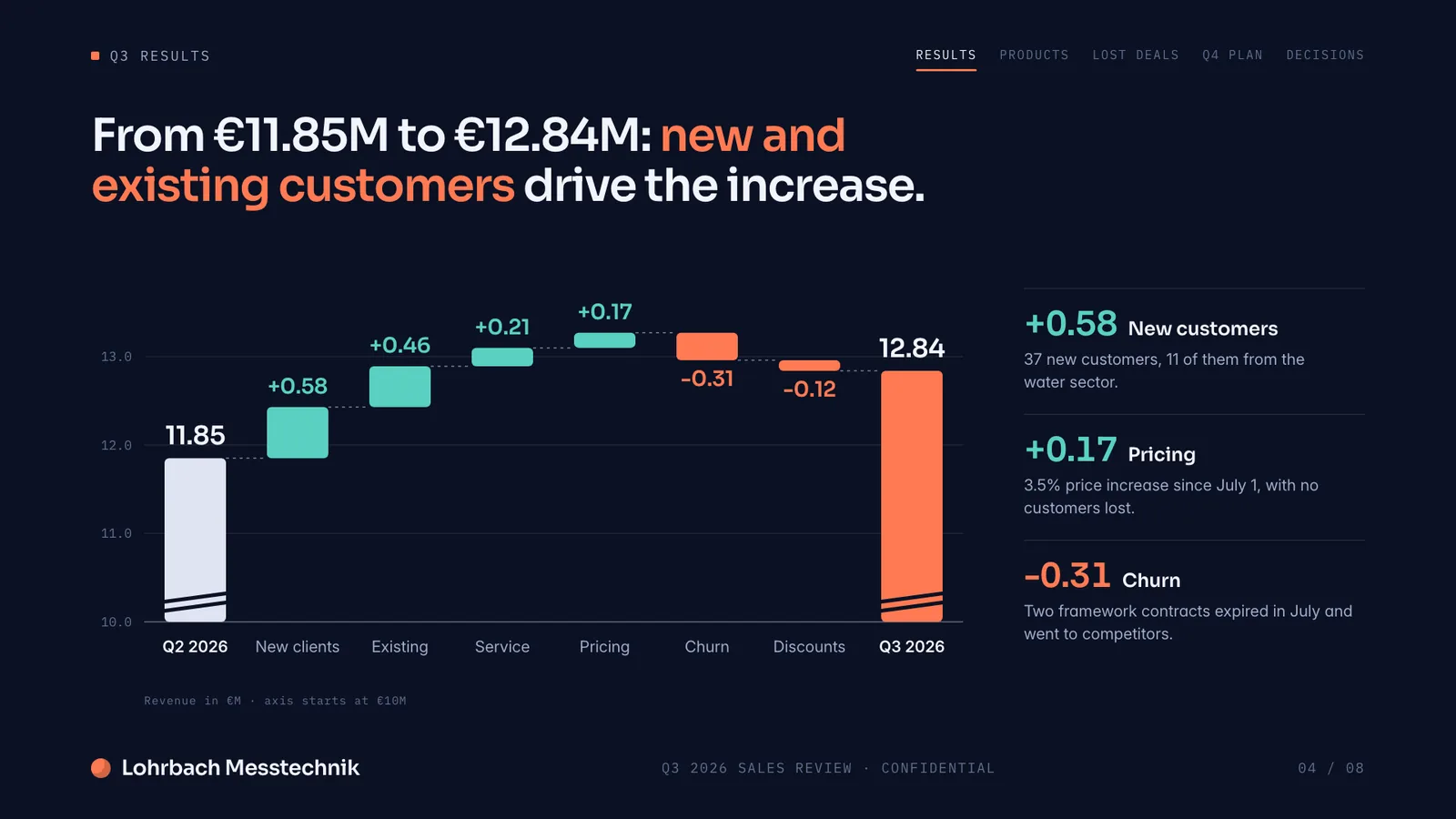
Example presentation for a fictional company. Names and numbers are sample valuesSee all 8 slidesExample in detail
If you need more than a deck, such as a Word report, an Excel file or your own PowerPoint filled in and kept in your design, Slaide builds it from your prompt and exports editable .pptx or .docx. Presentations.AI is the better choice if you want view and engagement analytics, live team editing with comments and a free plan with decks of up to 20 slides (presentations.ai, October 14, 2026).
Slaide starts from the same kind of prompt but covers more document types: it plans the structure, writes the content, designs every page and self-checks it, and it makes Word reports and Excel files as well as decks. It can also open a PowerPoint you already have and keep its design.
What a finished result looks like
Every page below was designed as a real deck: layout, charts and copy. Click a page to see it large.
Making a pitch deck? How the AI tools founders actually use compare for investor decks: output, PowerPoint export, free plans and prices.
Best AI tools for pitch decksWant your own PowerPoint design kept? How Slaide reads the layouts, fonts and colours of a PowerPoint you upload, and what it cannot carry over.
Use your own PowerPoint template with AI
Why professionals look for a Presentations.AI alternative
You need a report or a spreadsheet, not only slides
Presentations.AI is built around presentations. Slaide also makes Word reports, proposals, one-pagers and Excel spreadsheets with working formulas from the same prompt box, so a board pack and its numbers come from one place.
You already have a PowerPoint to build on
Slaide reopens a .pptx or PDF as an editable document that keeps its design, and fills, reworks or extends it. Presentations.AI's homepage lists text, PDFs, Word files, URLs, Google Docs and Excel as inputs for new decks, and mentions importing a master presentation for its Refresh feature without naming the file format (October 14, 2026).
No annual billing needed for the paid plan
Presentations.AI Pro costs $20 a month billed annually ($240 a year) for US customers; the vendor says the price varies by country. Slaide Plus starts at €7.99/month and does not require an annual commitment.
Edit by asking, on one slide or the whole file
Slaide can target one slide, section or word and leave the rest as it is, with full undo history. Describe the change, and it preserves the surrounding content where possible.
Slaide vs Presentations.AI: feature by feature
| Feature | Slaide | Presentations.AI | Winner |
|---|---|---|---|
| AI document generation | Full: plans, writes, designs and self-checks every page | Designed deck from a prompt in the web app | Tie |
| Free plan | One free document: 3 generated pages, plan up to 12, branded exports, no card | Starter: 100 AI credits, decks up to 20 slides, PDF and PowerPoint download | Presentations.AI |
| Analytics on shared decks | Not the focus | Views and slide engagement; fuller tracking on Pro | Presentations.AI |
| Collaboration | Invite people by email to edit live; AI tasks stay with the owner, no comments | Real-time collaboration with comments on its homepage; guest limits of 5 on Starter, 10 on Pro, unlimited on Gold | Presentations.AI |
| Start from your own PowerPoint | Reopens a .pptx or PDF as an editable document that keeps its design | Inputs listed: text, PDFs, Word, URLs, Google Docs, Excel; a master presentation for Refresh, file format not named | Tie |
| Document types | Pitch decks, reports, spreadsheets, one-pagers, proposals and more | Presentations | Slaide |
| Paid plan | Plus €7.99/month, no annual commitment required | Pro $20/month billed annually (US price); Gold $50/month billed annually | Tie |
Presentations.AI plans at a glance
What the vendor's pricing page lists today. Prices are US prices; the vendor says they can vary by country.
| Plan | Price (billed annually) | AI credits | What it adds |
|---|---|---|---|
| Starter | Free | 100 | Decks up to 20 slides, PDF and PowerPoint download, brand colors and fonts, unbranded public links, up to 5 guests |
| Pro | $20 a month ($240 a year) | 5,000 | High-quality PowerPoint export, presentation tracking and analytics, password-protected links, up to 10 guests |
| Gold | $50 a month ($600 a year) | 25,000 | Custom templates, unlimited guests, supporting documents as AI context |
Checked on presentations.ai/pricing on October 14, 2026. The vendor's own page is not fully consistent (its structured data shows a different Gold price than the visible $50), so check the current figure before you buy. Sources: Presentations.AI pricing
Where Presentations.AI is the better choice
Choose Presentations.AI if the question after sending is "who opened it?". Its pricing page lists views and slide engagement on every plan and fuller presentation tracking on Pro, and Slaide has no viewer analytics.
It is also the better fit for teams that edit one deck together: its homepage describes real-time collaboration with comments, and it lists SOC 2 Type II and GDPR compliance. Slaide lets you invite people by email to edit a document live, but has no comments, live cursors or shared team workspaces.
And on the free plan it gives you more slides: decks of up to 20 slides on Starter, against three generated pages in one Slaide document (with a visible plan for up to twelve).
Where Slaide is the better choice
Choose Slaide if the job is wider than slides: a Word report that reflows properly, an Excel model with working formulas, a one-pager or a proposal, all from the same prompt, plus an editable PowerPoint when you need one.
Choose it too if you start from a file. Bring a .pptx or PDF and Slaide keeps its design while it fills, reworks or extends it; Word, Excel, photos and notes come along as source material, and your files are only used to build your document, never to train AI models.
Our verdict
Presentations.AI does a clear job well: a designed deck from a prompt, PowerPoint and PDF export from the free plan on, and analytics plus team editing for people who present as a group. If tracking and shared editing are what you buy for, it is a good fit.
Its limits show when the job is not a deck: it is built around presentations, with no reports or spreadsheets on its plans.
Slaide plans, writes, designs and checks the whole document, for decks, Word reports and Excel files, and can start from your own PowerPoint. If your priority is a finished document of any type, rather than tracking a deck after it is sent, start there.
FAQ
Anything missing? Ask us
Does Presentations.AI have a free plan?
Yes. Starter is free with 100 AI credits and decks of up to 20 slides, and it downloads as PDF or PowerPoint (presentations.ai/pricing, October 14, 2026). Slaide Free needs no card and includes one document with 3 generated pages and a visible plan for up to 12 pages. If slide count on a free plan is your priority, Presentations.AI gives you more.
Can Presentations.AI export to PowerPoint?
Yes. Its Starter plan lists PDF and PowerPoint download, and Pro adds high-quality PowerPoint export. Slaide exports editable .pptx on every plan, the free one included (with a small badge), and also .docx for reports and .xlsx for spreadsheets.
Can I open my existing PowerPoint in Presentations.AI?
Its homepage lists text, PDFs, Word files, URLs, Google Docs and Excel as inputs for new decks, and mentions importing a master presentation for its Refresh feature without naming the file format (October 14, 2026), so check its help pages before you rely on it. Slaide reopens a .pptx or PDF as an editable document that keeps its design.
Does Slaide have analytics like Presentations.AI?
No. Slaide has no viewer analytics. Presentations.AI lists views and slide engagement on its plans and fuller presentation tracking on Pro. If you need to know who opened a deck, it is the better fit.
Is Slaide cheaper than Presentations.AI?
Slaide Plus starts at €7.99/month with no annual commitment required. Presentations.AI Pro is $20 a month billed annually ($240 a year), with US prices that the vendor says vary by country. The plans differ in what they include, so compare features first (presentations.ai/pricing, October 14, 2026).
The AI alternative to Presentations.AI
Describe what you need. Slaide plans the structure, writes the content, designs every page and self-checks its own work. Free to start, no credit card.