AI alternative to Publisher
Microsoft Publisher Is Retiring: What To Use Instead
Publisher is going away, and the two dates people keep mixing up are genuinely different. If you are on Microsoft 365, you lose access on October 1, 2026. If you own a perpetual licence, support ends October 13, 2026 alongside Office LTSC 2021 and Consumer Office 2021. The app keeps running after that, just unsupported.
Free: 1 document, plan up to 12 pages, first 3 built, no credit card. Plans from €7.99/mo
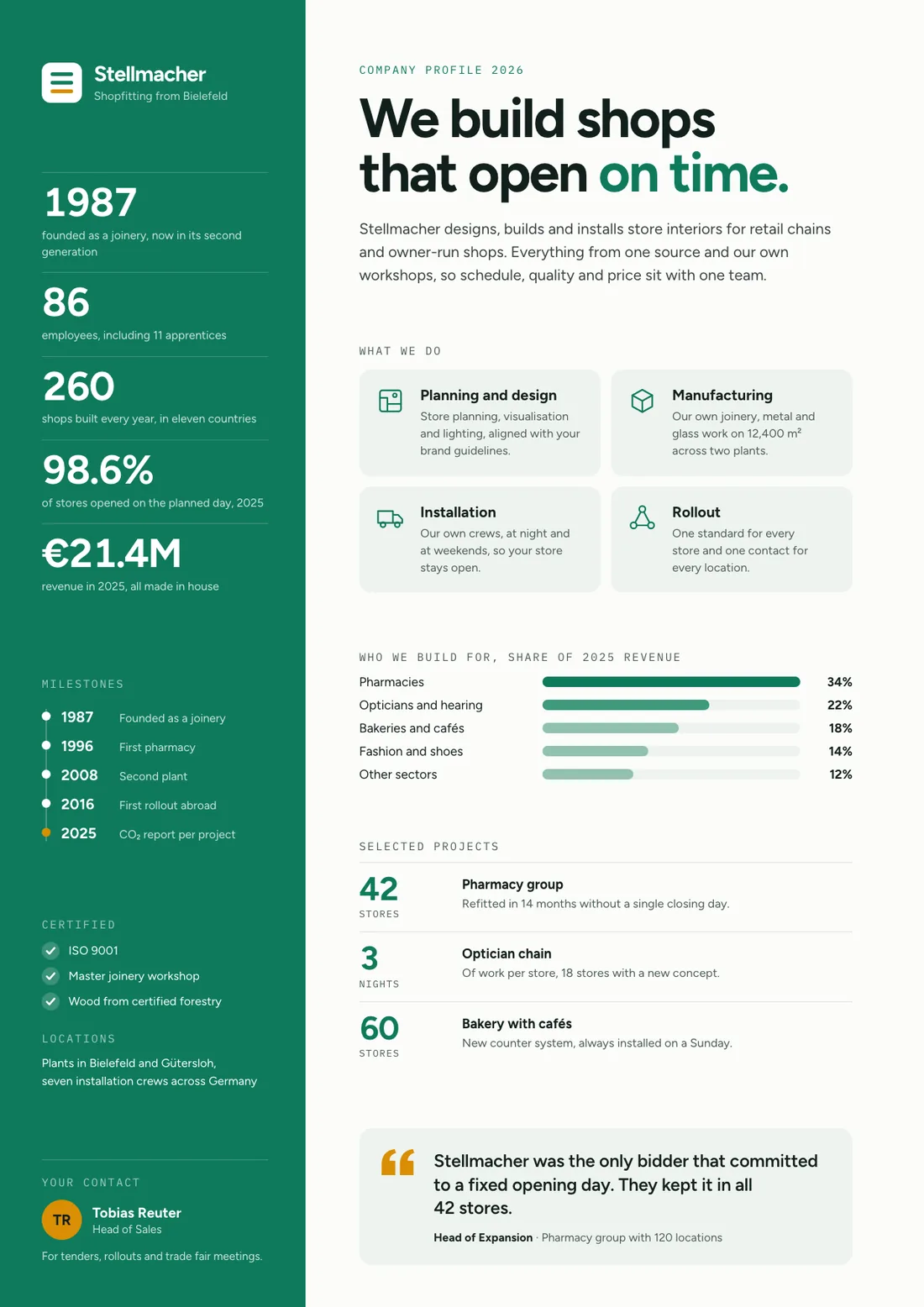
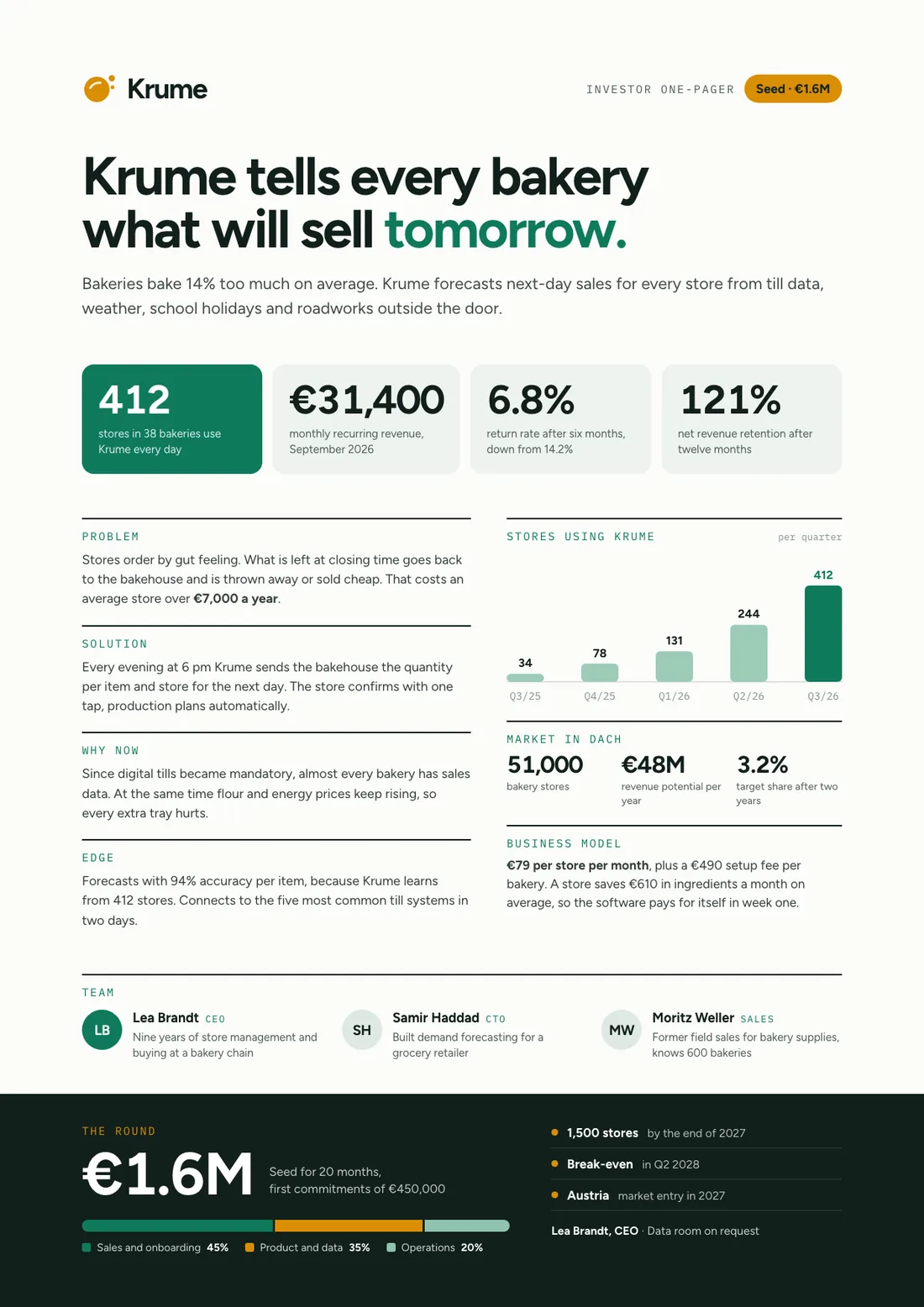
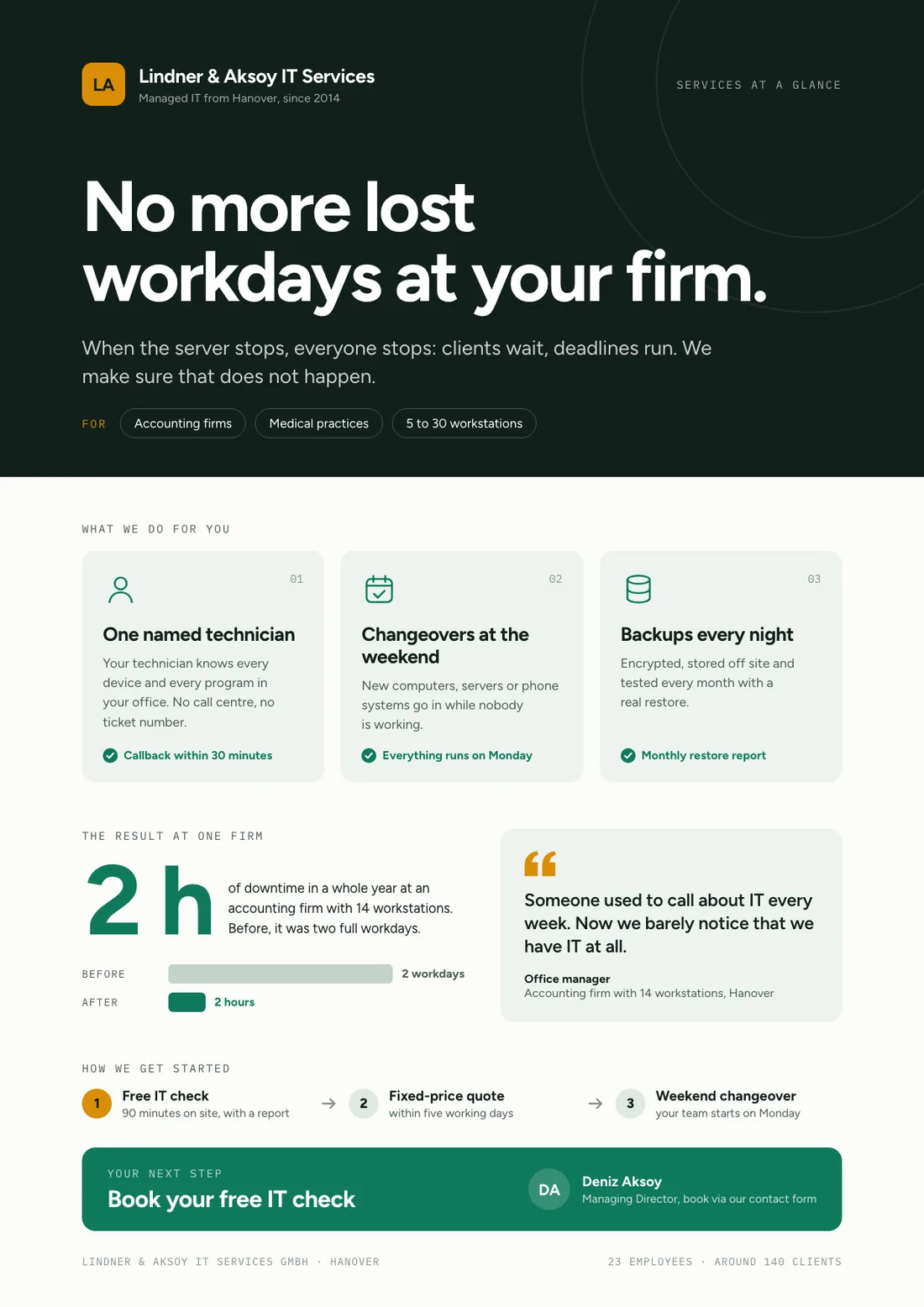
Example one-pagers for fictional companies. Names and numbers are sample valuesSee all 3 pagesExample in detail
Microsoft is retiring Publisher. Two dates apply and they are different: Microsoft 365 subscribers lose access on October 1, 2026, and support for the perpetual version ends October 13, 2026, when Office LTSC 2021 and Consumer Office 2021 reach end of support. If you own a perpetual licence you can keep using the app afterwards, unsupported; Publisher 2016 and 2019 already lost support on October 14, 2025, and Office 2024 no longer includes Publisher. There is no Publisher viewer, so Microsoft's own advice is to convert your files to another format before October 1, and it points people to Word and PowerPoint. Slaide is a fit for the document half of Publisher's job (newsletters, flyers, one-pagers, brochures, programs and reports), which it writes and designs from a description and exports as native Word (.docx) or PowerPoint (.pptx). Export a publication to PDF and Slaide reopens it as an editable document you can update for the next issue. It is not a replacement for true desktop publishing: no CMYK, no bleed, no envelope or label mail merge, and it cannot open .pub files.
The urgent part is not the software, it is the files. Microsoft's own guidance is to convert your documents to another format before October 1, because after that date Microsoft 365 users can no longer open or edit them in Publisher, and there is no Publisher viewer to fall back on. Do that conversion while you still have the app; for whole archives, Microsoft publishes a PowerShell script that turns a folder of .pub files into PDFs.
For what happens next, be honest about which half of Publisher you actually used. If you needed CMYK separations, bleed, labels or mail merge, you need a real DTP tool; Slaide is not that. If what you really made were newsletters, flyers, one-pagers, brochures, programs and reports, Slaide writes and designs those from a description and hands you native Word or PowerPoint files.
What a finished result looks like
Every page below was designed as a real deck: layout, charts and copy. Click a page to see it large.
Example one-pagers for fictional companies. Names and numbers are sample values
Why professionals look for a Publisher alternative
Convert the files before October 1, not after
This is the one deadline that cannot be undone later. Microsoft says to convert existing files to another format before 10/1/2026; after that, Microsoft 365 users cannot open or edit them in Publisher. Export each .pub you care about to PDF, and to Word where the text matters, while the app still opens. Know what each copy keeps: Microsoft says a Word conversion does not preserve design elements such as graphics and columns, so the PDF is your layout copy.
Microsoft is sending Publisher users to Word and PowerPoint
Microsoft's notice states that many common Publisher scenarios are already available in other Microsoft 365 apps such as Word and PowerPoint. That is convenient here for a plain reason: Slaide's output IS native .docx and .pptx, so it lands exactly where Microsoft is pointing you.
The layout work was always manual
Publisher gives you precise control and no help. Every text box, every column, every alignment decision is yours. Slaide plans the structure, writes the copy and designs the pages, then lets you edit the result.
One tool for the documents around the print piece
A newsletter usually arrives with a report, a one-pager or a deck attached. Publisher only ever did the print piece. Slaide makes the whole set from the same description.
Slaide vs Publisher: feature by feature
| Feature | Slaide | Publisher | Winner |
|---|---|---|---|
| Available after October 2026 | Yes, actively developed | No for Microsoft 365 (ends Oct 1, 2026); perpetual runs on unsupported after Oct 13, 2026 | Slaide |
| AI content and design generation | Full: plans, writes, designs and self-checks every page | No, every page is manual | Slaide |
| Opens existing .pub files | No, but it reopens the PDF you export from Publisher as an editable document | Yes, it is the only app that really does | Publisher |
| CMYK, bleed and commercial print prep | No, screen and office output only (PDF, .docx, .pptx, PNG) | Yes, this is what it was built for | Publisher |
| Mail merge for envelopes and labels | No | Yes | Publisher |
| Newsletters, flyers, one-pagers, brochures, programs | Yes, written and designed from a description | Yes, manually | Slaide |
| Native Word and PowerPoint export | Native, editable .docx and .pptx | Export to PDF; .pub is Publisher-only | Slaide |
| Platform | Browser, no install | Windows desktop only | Slaide |
| Free plan | One free document: 3 generated pages, plan up to 12, branded exports, no card | No, bundled with a paid Office suite | Slaide |
Our verdict
Publisher's retirement splits its users cleanly, and pretending otherwise wastes your time. If your work needs CMYK separations, bleed, spot colour, labels or mail merge, no AI document tool replaces that, including this one. Look at a real DTP application, or keep a perpetual licence running unsupported for those specific jobs.
If, like most Publisher users, what you actually produced were newsletters, flyers, one-pagers, brochures, programs and short reports for screen or office printing, then the manual layout work was never the point, it was the tax. Slaide removes that tax: describe the piece, get a finished, designed document, export it as native Word or PowerPoint, which is exactly where Microsoft's own notice points Publisher users.
Whichever camp you are in, do the same thing first: convert the .pub files you care about before October 1, 2026, while the app still opens them. That deadline is the only part of this that you cannot fix later.
FAQ
Anything missing? Ask us
When exactly does Microsoft Publisher stop working?
Two different dates. Microsoft 365 subscribers lose access to Publisher on October 1, 2026. Support for the perpetual version ends October 13, 2026, when Office LTSC 2021 and Consumer Office 2021 reach end of support, but a perpetual licence can still be installed and used after that, without support. Publisher 2016 and 2019 lost support on October 14, 2025, and Office 2024 does not include Publisher. Source: Microsoft's support and lifecycle pages, checked September 24, 2026.
What happens to my existing .pub files?
They do not disappear, but Microsoft 365 users will not be able to open or edit them in Publisher after October 1, 2026. Microsoft's own recommendation is to convert them to another format before that date. Export to PDF to preserve the layout, and to Word where you want the text to stay editable. Do it while the app still opens.
Can Slaide open my .pub files?
No. The .pub format is effectively Publisher-only and Slaide cannot read it. The practical route is to export each publication to PDF in Publisher first. Slaide reopens that PDF as an editable document, keeping its text, images and structure as closely as it can, so you can update it for the next issue and export it as Word, PowerPoint or PDF. Free accounts import the first 3 pages, Plus up to 12; detailed print layouts can need touch-ups.
How do I open a .pub file without Publisher?
LibreOffice Draw is free and imports .pub files, though detailed layouts often shift, and it cannot save back to .pub. Newer dedicated viewers such as stillPUB and Korva also display them, and online converters work but mean uploading the file to someone else's server. A perpetual Publisher licence that still runs remains the cleanest way to open and convert them.
What is the best free alternative to Microsoft Publisher?
For real print layout with CMYK and bleed, Affinity (free since October 2025) or the open-source Scribus. For everyday newsletters and posters, Word and PowerPoint are already in Microsoft 365. If you would rather describe the newsletter or flyer and get it written and designed for you, Slaide is free to start and exports native Word and PowerPoint files.
Is Slaide a replacement for desktop publishing?
Not for print production. Slaide has no CMYK, no bleed, no spot colour, no imposition and no mail merge for envelopes or labels. It replaces the document side of what people used Publisher for (newsletters, flyers, one-pagers, brochures, programs and reports) by writing and designing them for you and exporting native Word, PowerPoint, PDF and PNG.
Why is Microsoft retiring Publisher?
Microsoft's notice says many common Publisher scenarios, including professionally branded templates, printing envelopes and labels, and producing customised calendars, business cards and programs, are already available in other Microsoft 365 apps such as Word and PowerPoint, and points users there.
The AI alternative to Publisher
Describe what you need. Slaide plans the structure, writes the content, designs every page and self-checks its own work. Free to start, no credit card.