Notion AI alternative: decks and reports designed to send, as PowerPoint or Word
Notion AI is genuinely useful for what it does: summarising, rewriting and organising text inside your Notion wiki and project pages. Its guide says it can also create files, including a first draft of a slide deck.
Free: 1 document, plan up to 12 pages, first 3 built, no credit card. Plans from €7.99/mo
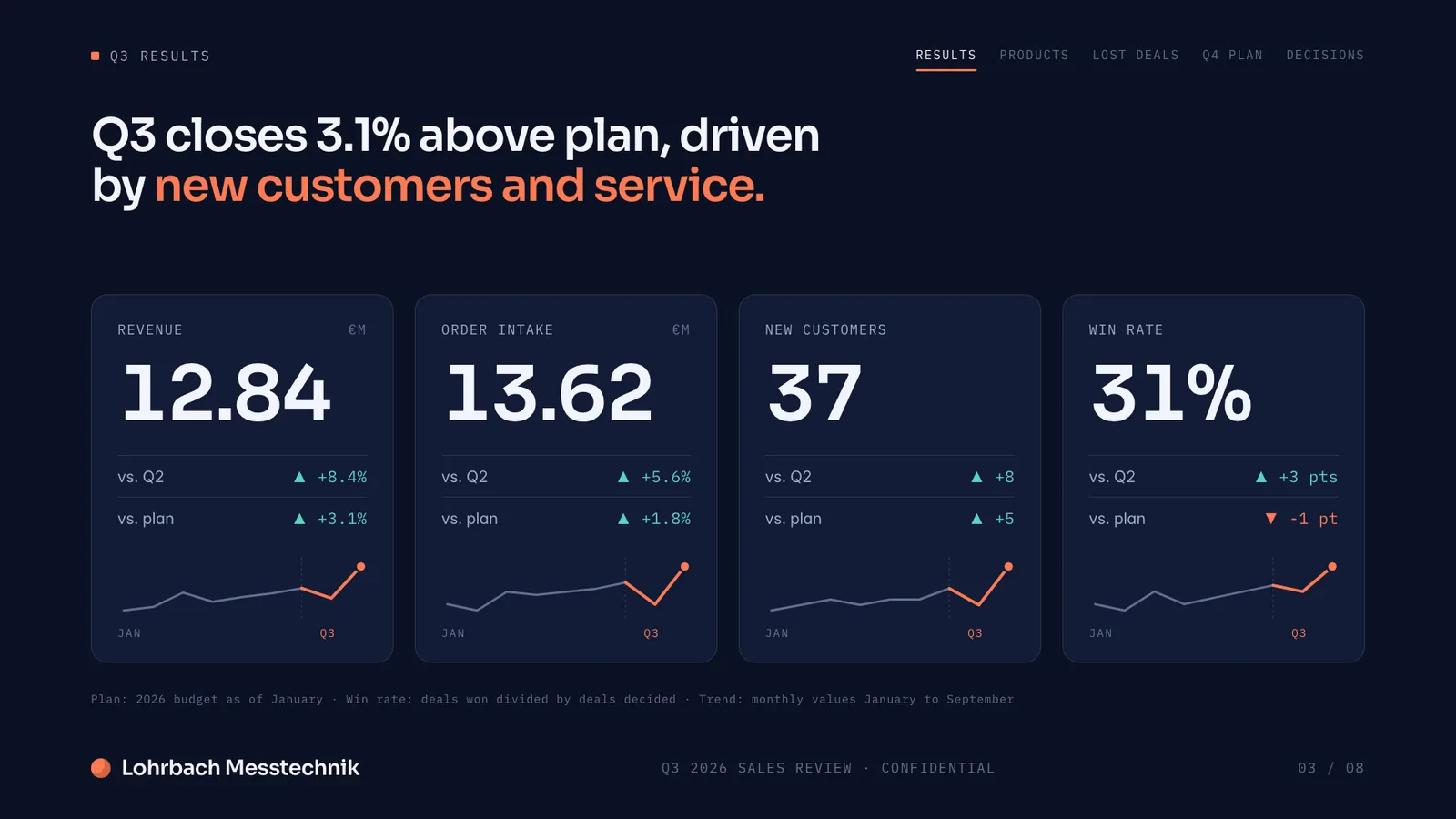
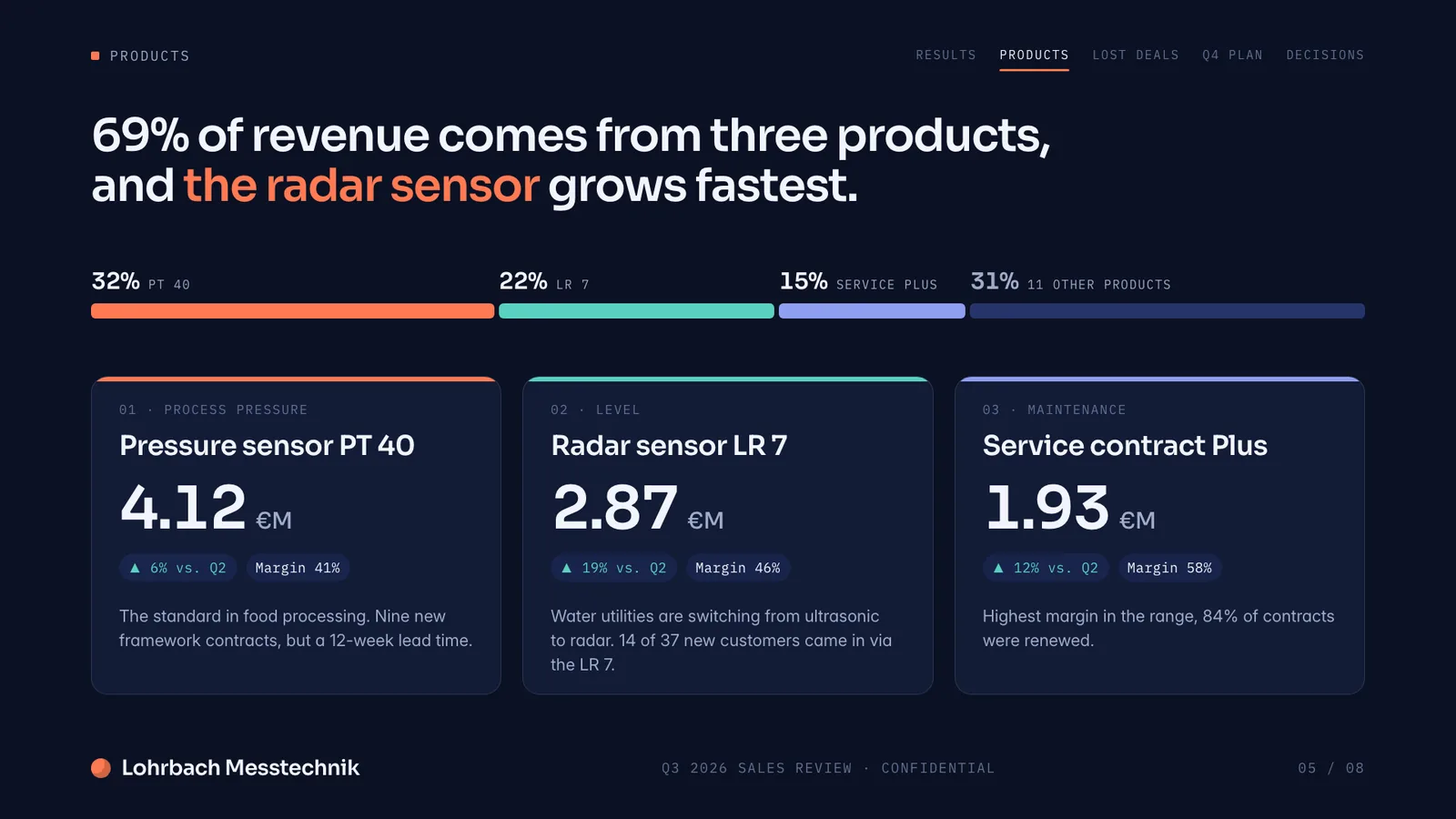
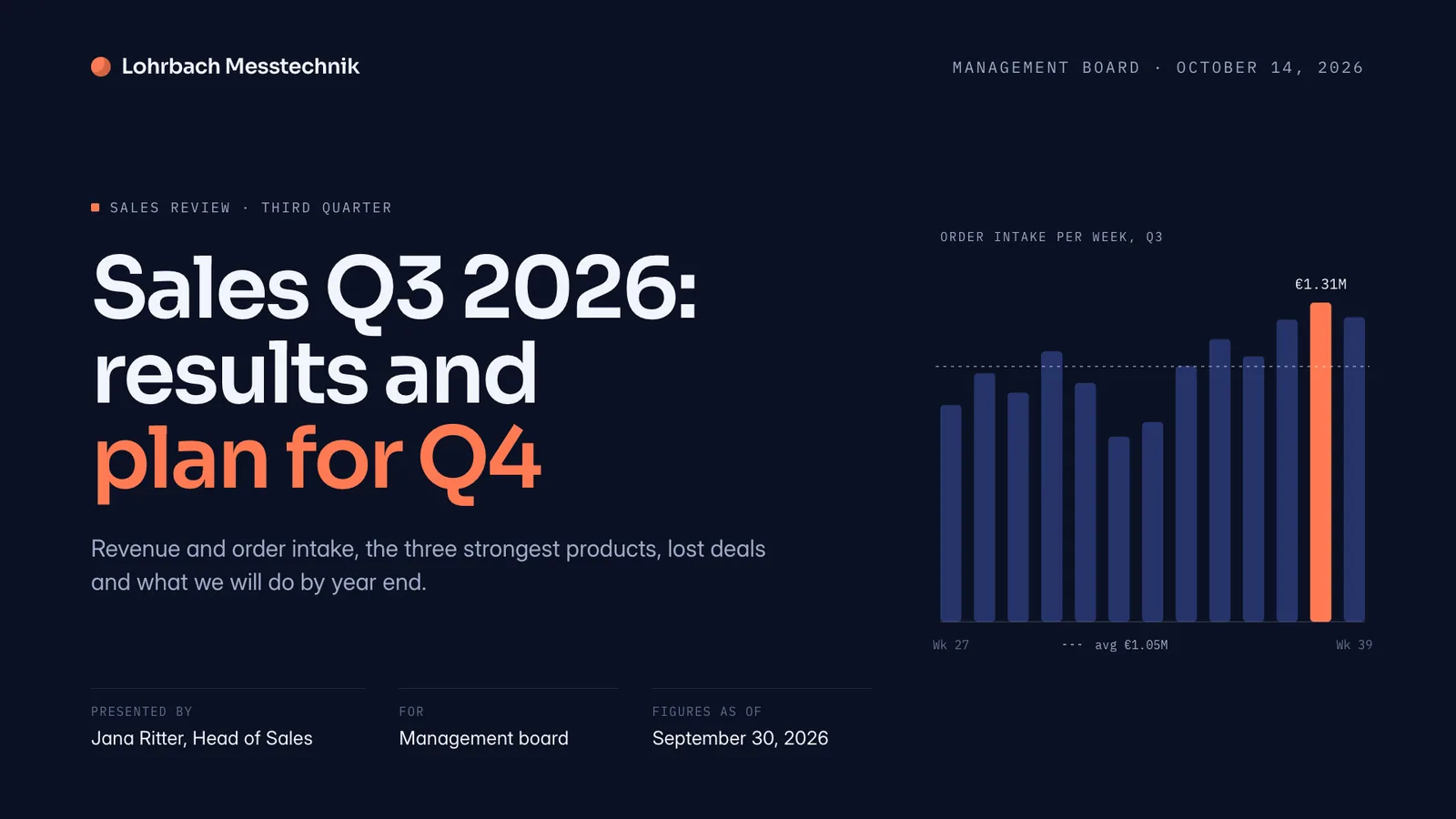
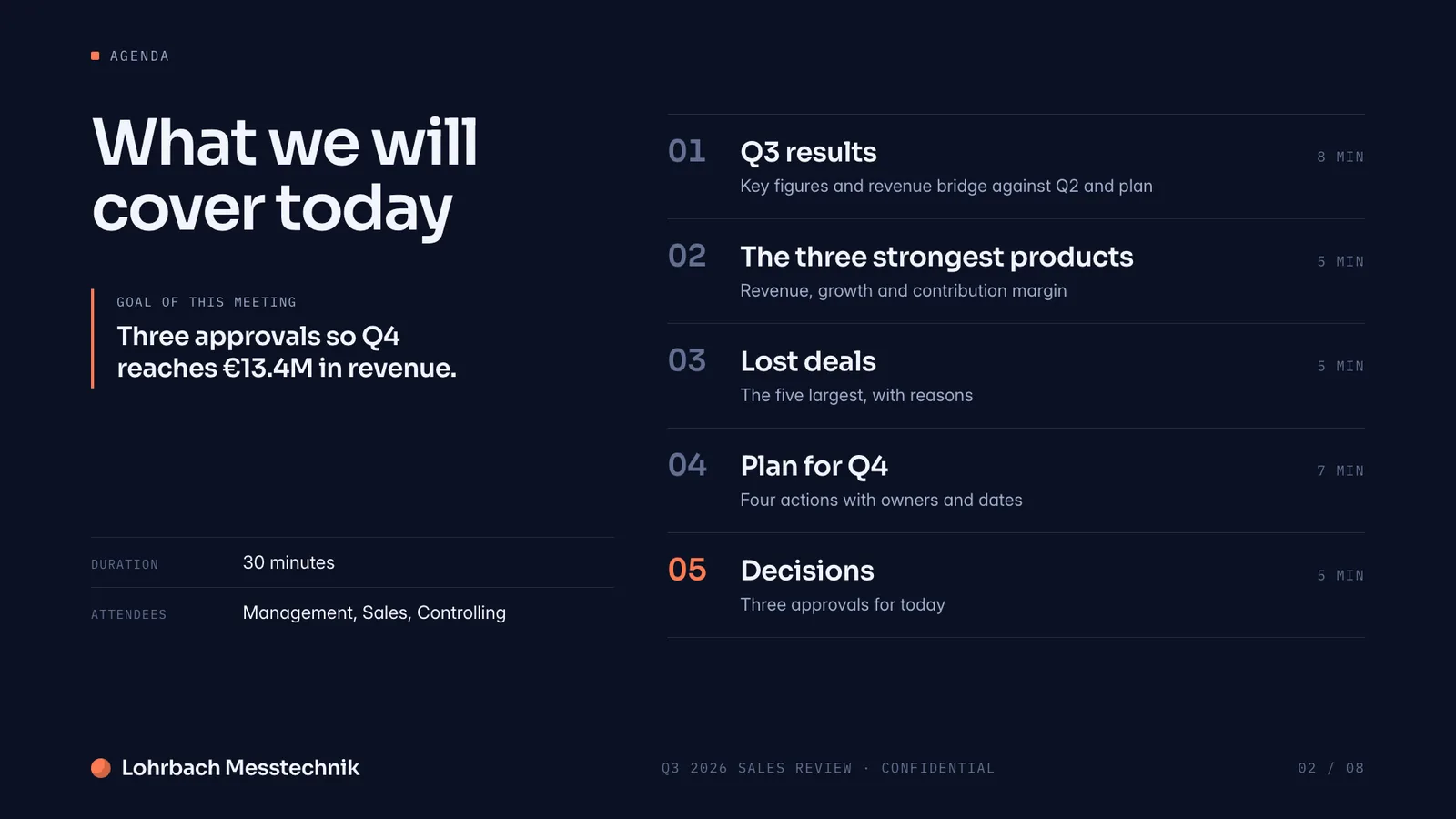
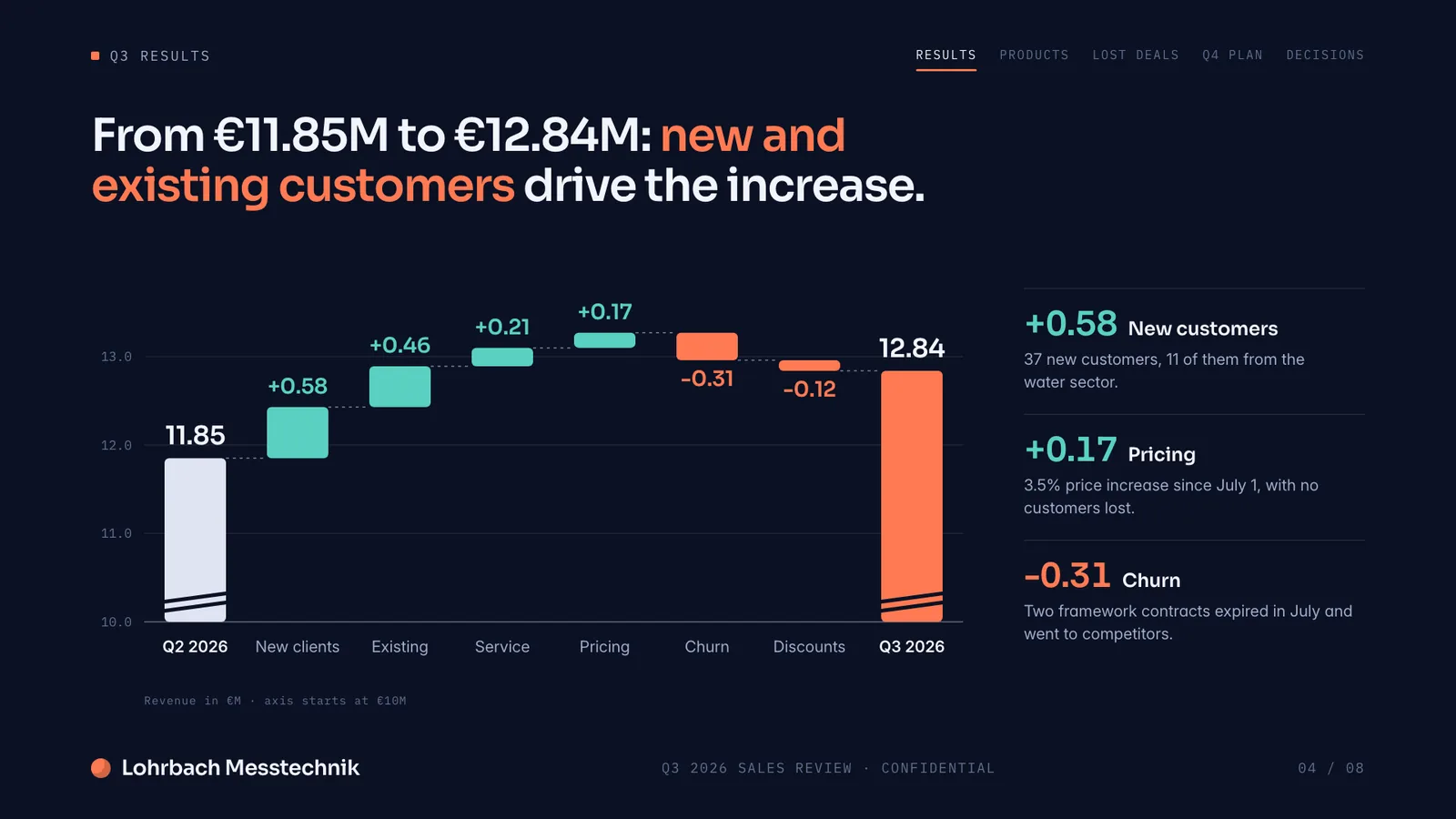
Example presentation for a fictional company. Names and numbers are sample valuesSee all 8 slidesExample in detail
If you need a designed deck or report to send, not text inside a wiki, use a document generator: Slaide plans the pages, writes and designs each one, checks it and exports PowerPoint, Word or PDF. Notion AI works mainly inside Notion pages; its guide says it can also outline slides or draft a new deck as a file, and Notion's pricing lists full Notion AI on the Business and Enterprise plans, with a trial on Free and Plus (checked September 27, 2026). For a team wiki, project docs and meeting notes, stay with Notion.
Slaide creates the finished, designed document itself. Describe the pitch deck, report or proposal you need, Slaide plans the structure, writes the content, designs the layout and self-checks it, ready to export.
What a finished result looks like
Every page below was designed as a real deck: layout, charts and copy. Click a page to see it large.
Drafting reports in Notion? Which AI tools turn your data and notes into a finished Word or PDF report, and where each one stops.
Best AI tools for reports
Why professionals look for a Notion AI alternative
Made for text inside Notion
Notion AI works mainly inside Notion pages: summarising, rewriting, autofilling databases. Its guide says it can also outline slides or draft a new deck as a PPTX file. Slaide is built around the finished document: it plans, writes and designs every page and checks it before you see it.
Full Notion AI starts on Business
Notion's pricing lists a trial of Notion AI on the Free and Plus plans and full Notion AI on Business and Enterprise, with no separate add-on. Slaide's free plan plans a whole document and builds the first 3 pages, no card and no workspace plan needed.
Designed to be sent
Notion pages are made to live in the workspace. Slaide exports designed reports, one-pagers and decks as PowerPoint, Word or PDF, ready to send to clients or investors.
No existing workspace required
Notion AI works best with content already in your Notion workspace. Slaide starts from a prompt, plus any PDF, Word or Excel files you add, and delivers a standalone document.
Slaide vs Notion AI: feature by feature
| Feature | Slaide | Notion AI | Winner |
|---|---|---|---|
| Designed visual documents | Yes, fully designed pages, self-checked | Text and databases inside Notion pages | Slaide |
| Presentations | Full decks, planned, written, designed and self-checked | Can outline slides or draft a new deck as a PPTX file | Slaide |
| Pricing | One free document; Plus from €7.99/month | Trial on Free and Plus; full Notion AI on Business and Enterprise | Slaide |
| Team wiki and project management | Not the focus | Excellent, core Notion functionality | Notion AI |
| Export formats | PDF, PNG, editable PowerPoint, Word, Excel | Notion pages, plus files Notion AI creates, such as PPTX | Slaide |
Our verdict
Notion AI does one job well: helping teams that already live in Notion write and organise internal text faster. If your work is wikis, project docs and internal notes, it's a solid choice.
It was built for text inside a workspace, not for designed documents you send. It can draft a deck as a file, but the full Notion AI sits on the Business and Enterprise plans, with only a trial on Free and Plus.
Slaide fills the gap: the actual designed document, pitch deck, report, one-pager, ready to export and send, free to start with no card and no workspace subscription.
FAQ
Anything missing? Ask us
Can Notion AI create a presentation or slide deck?
Partly. Notion's guide says Notion AI can outline slides, rewrite slide text or draft a new deck as a PPTX file. Slaide is built for the finished deck: it plans, writes and designs every slide, checks each page and exports an editable .pptx with speaker notes.
Do I need a paid Notion plan to use Notion AI?
For the full version, yes. Notion's pricing page lists a trial of Notion AI on the Free and Plus plans and full Notion AI on Business and Enterprise; there is no separate AI add-on any more. Checked on notion.com/pricing, September 27, 2026.
Does Slaide replace Notion for my team wiki?
No. Notion remains the better tool for team wikis, project databases and internal knowledge management. Slaide is for creating finished, designed documents, presentations, reports and proposals, that you then share or send.
The AI alternative to Notion AI
Describe what you need. Slaide plans the structure, writes the content, designs every page and self-checks its own work. Free to start, no credit card.