How-to guide
How to write a consulting proposal with AI
A consulting proposal is a sales document that has to read like a delivery plan. The client needs to see that you understood the brief, that you have a credible approach, and that the fee is proportionate to the outcome. Most proposals fail because they are either too generic or too long.
Free: 1 document, plan up to 12 pages, first 3 built, no credit card. Plans from €7.99/mo
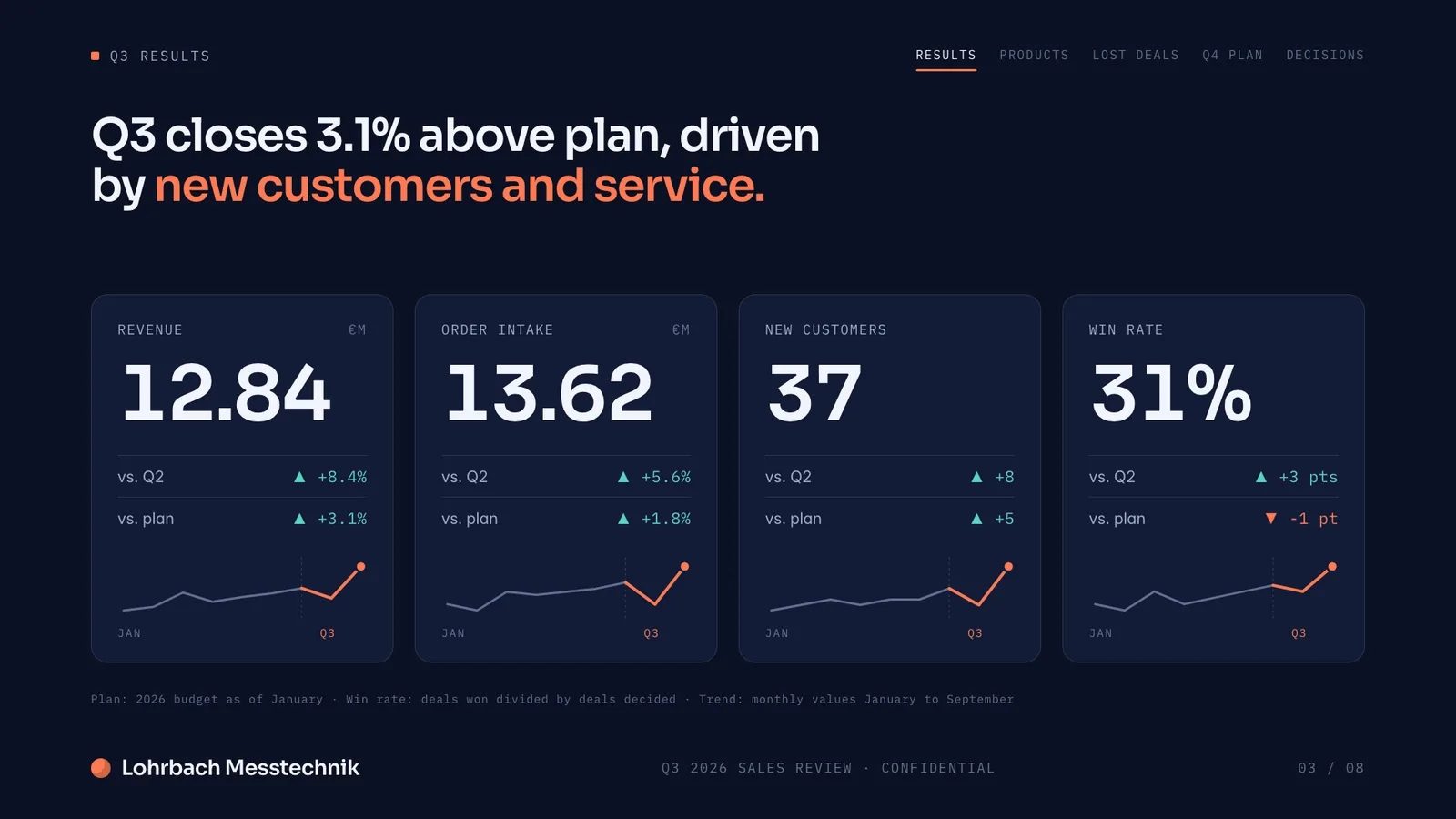
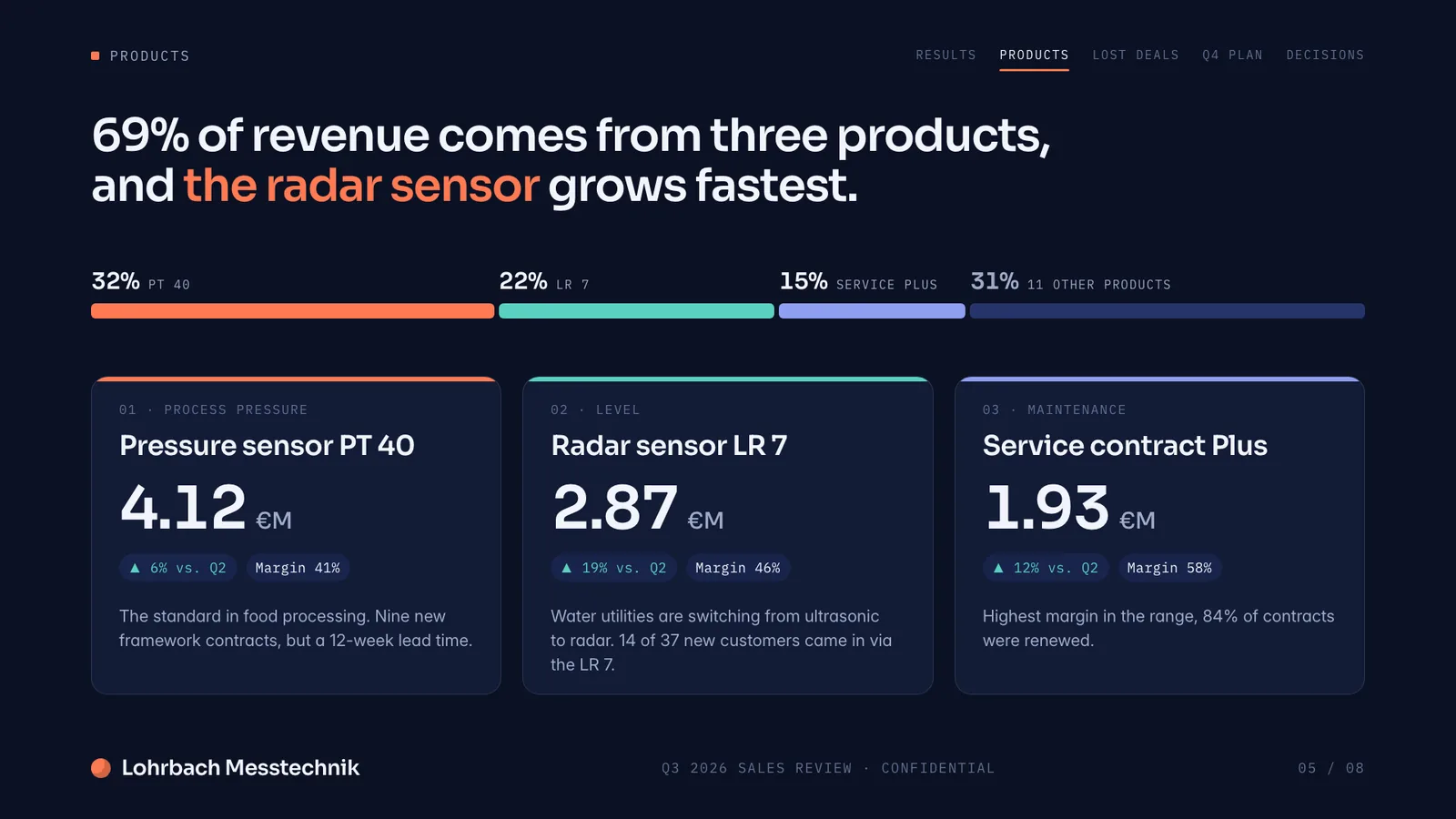
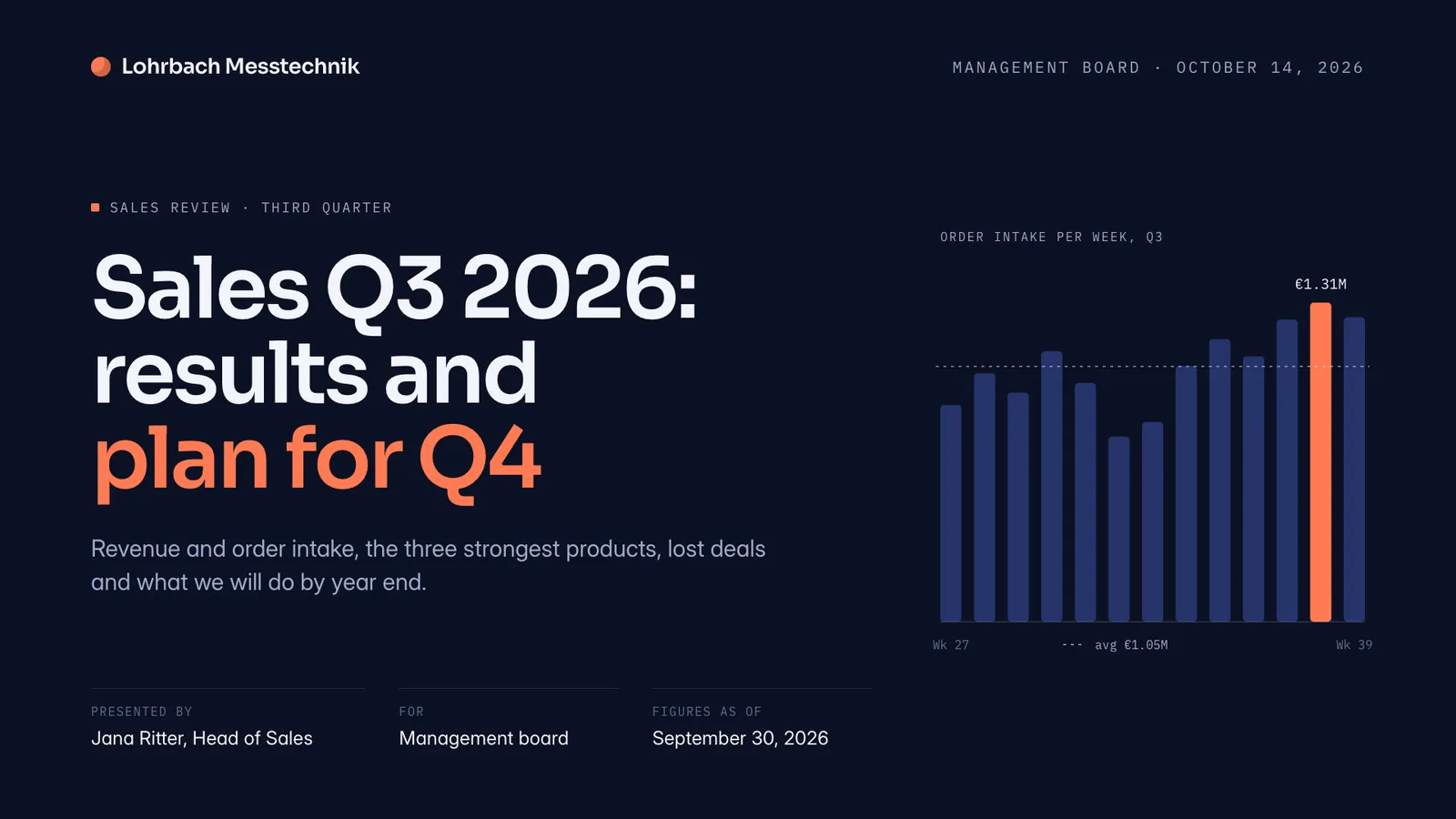
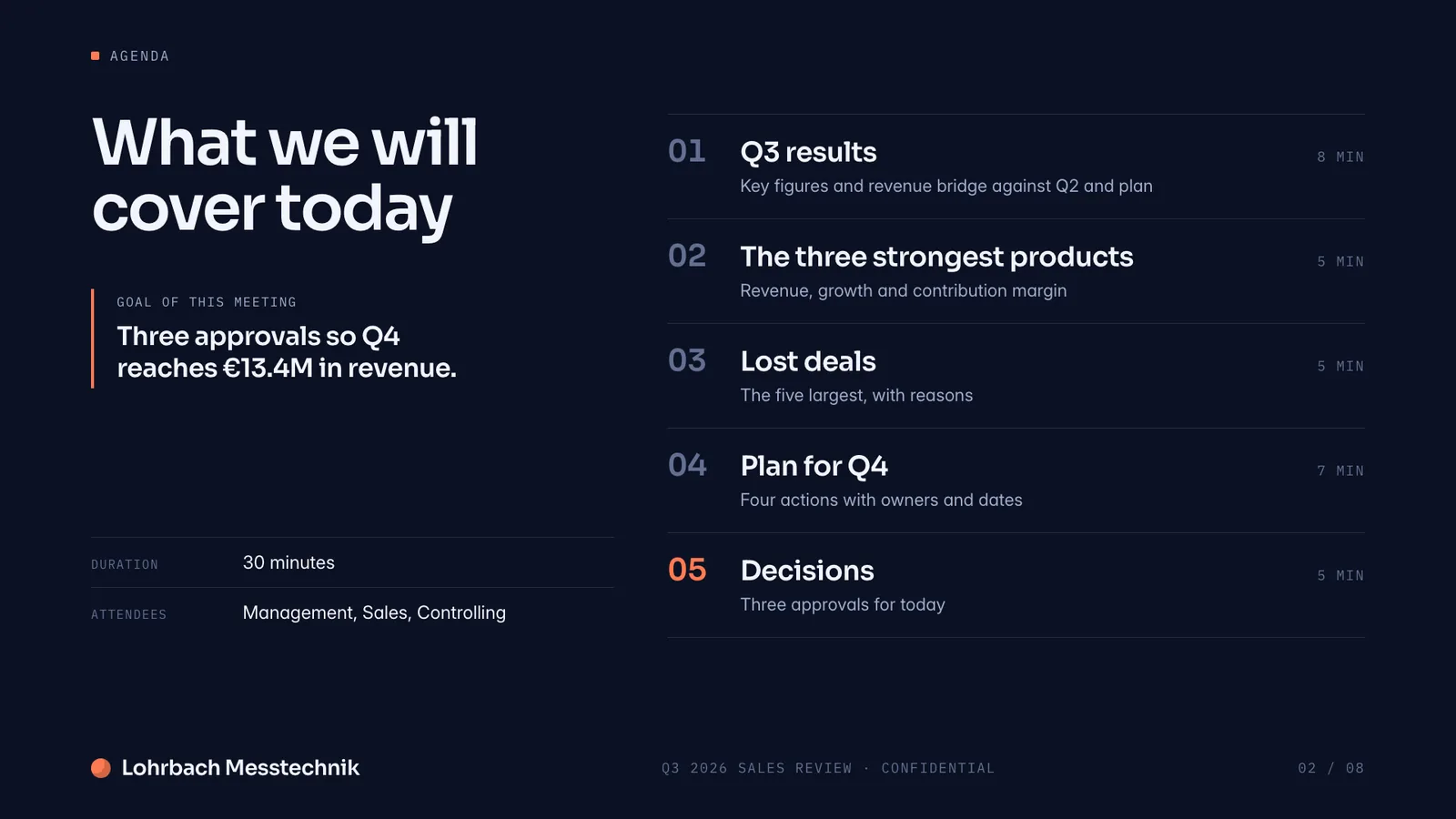
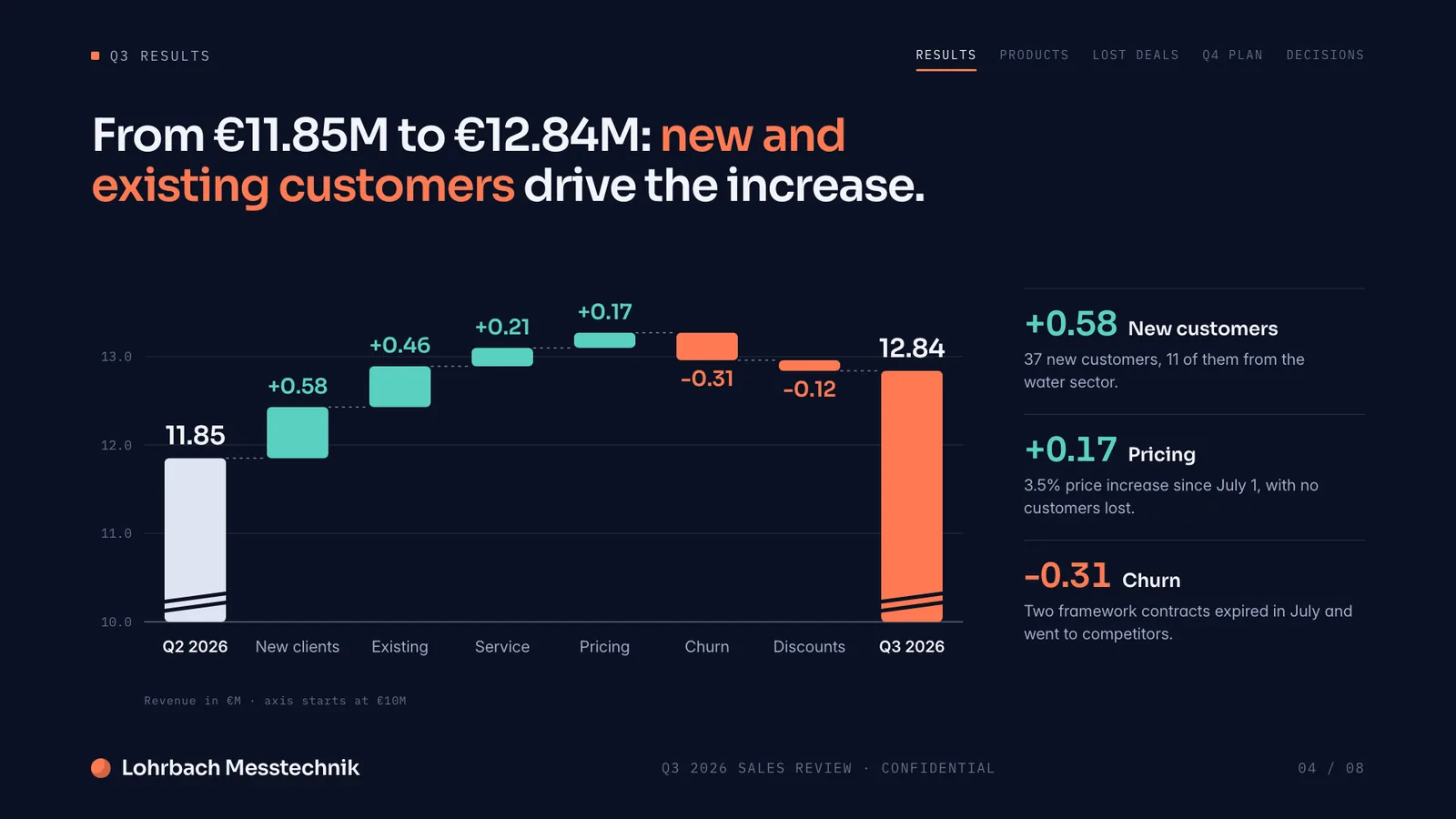
Example presentation for a fictional company. Names and numbers are sample valuesSee all 8 slidesExample in detail
Write a consulting proposal with AI by first stating the client's problem in one sentence and defining scope, approach, and deliverables. Slaide drafts the complete document, executive summary, situation, approach, team, timeline, and fee section, and mirrors the client's language if you upload the brief or RFP. Review for client-specific wording, then export as PDF and check the scope and fee section for consistency.
AI produces a clean first draft fast, so you can spend your time on the parts that actually win the work: the framing of the client's situation and the sharpness of the proposed approach. Write the brief carefully. The output mirrors what you put in.
What a finished result looks like
Every page below was designed as a real deck: layout, charts and copy. Click a page to see it large.
Step-by-step: how to build a consulting proposal with AI
Understand the brief before anything else
Write down what the client actually said, what they did not say but implied, and what a successful outcome looks like to them. This is your raw material. Do not start the proposal until you can state the client's problem in one sentence that the client would agree with.
Define scope, approach, and deliverables
List what is in scope and what is out. Describe your approach in phases or workstreams. Name the specific deliverables: a workshop, a report, a set of recommendations, a roadmap. Clear scope prevents disputes later and gives the AI enough detail to write a specific proposal.
Let AI draft the full document
Slaide produces the complete proposal: executive summary, situation, approach, team, timeline, and fee section. The design is professional and consistent. Upload the original brief or RFP as context and Slaide will mirror the client's language.
Review for client-specific language
Read the draft looking for places where generic consulting language crept in. Replace 'stakeholder alignment' with the client's actual situation. Replace 'value creation' with the specific outcome. Proposals that reflect the client's own words score better.
Export as PDF and check the fee section last
Export as PDF for delivery. Before sending, re-read only the scope, deliverables, and fee section in sequence. These three have to be internally consistent. A mismatch between scope and fee is the most common reason proposals are rejected without a conversation.
Write a consulting proposal for [client name], a [industry] company. Engagement: [scope in one sentence]. Our approach: [phases or workstreams]. Deliverables: [list]. Timeline: [N weeks]. Team: [roles]. Fee: [structure and amount]. Tone: direct and professional. Length: approximately 4-6 pages.
Common mistakes to avoid
FAQ
Anything missing? Ask us
How long should a consulting proposal be?
Four to eight pages covers most engagements. A single-workstream project needs less. A multi-phase transformation needs more. Err on the side of shorter: executives skim proposals, and a dense ten-page document often gets less attention than a tight five-pager.
Can I upload the client's RFP and have Slaide use it?
Yes. Upload the RFP as a PDF or Word file. Slaide reads it and uses the client's framing, terminology, and requirements when writing the proposal. This significantly reduces the editing time after the first draft.
Can Slaide produce a proposal in a specific format or template?
Slaide designs each proposal fresh based on your brief. If your firm has specific section requirements, list them in the prompt. If you need to match a client's preferred format, describe it or upload a reference document.
What file format should I deliver the proposal in?
PDF for almost every situation. It preserves the design exactly and cannot be accidentally edited by the client. If the client specifically asks for an editable Word document, export directly to native Word (.docx); no workaround needed.
Build your consulting proposal with Slaide
Describe what you need and Slaide plans, writes, designs and self-checks the whole thing. Free to start, no credit card.