AI alternative to Gamma
Gamma alternative: investor and sales decks as editable PowerPoint files
Gamma turns a prompt into a designed deck fast, three output types, slides, documents and simple websites. It's genuinely quick.
Free: 1 document, plan up to 12 pages, first 3 built, no credit card. Plans from €7.99/mo
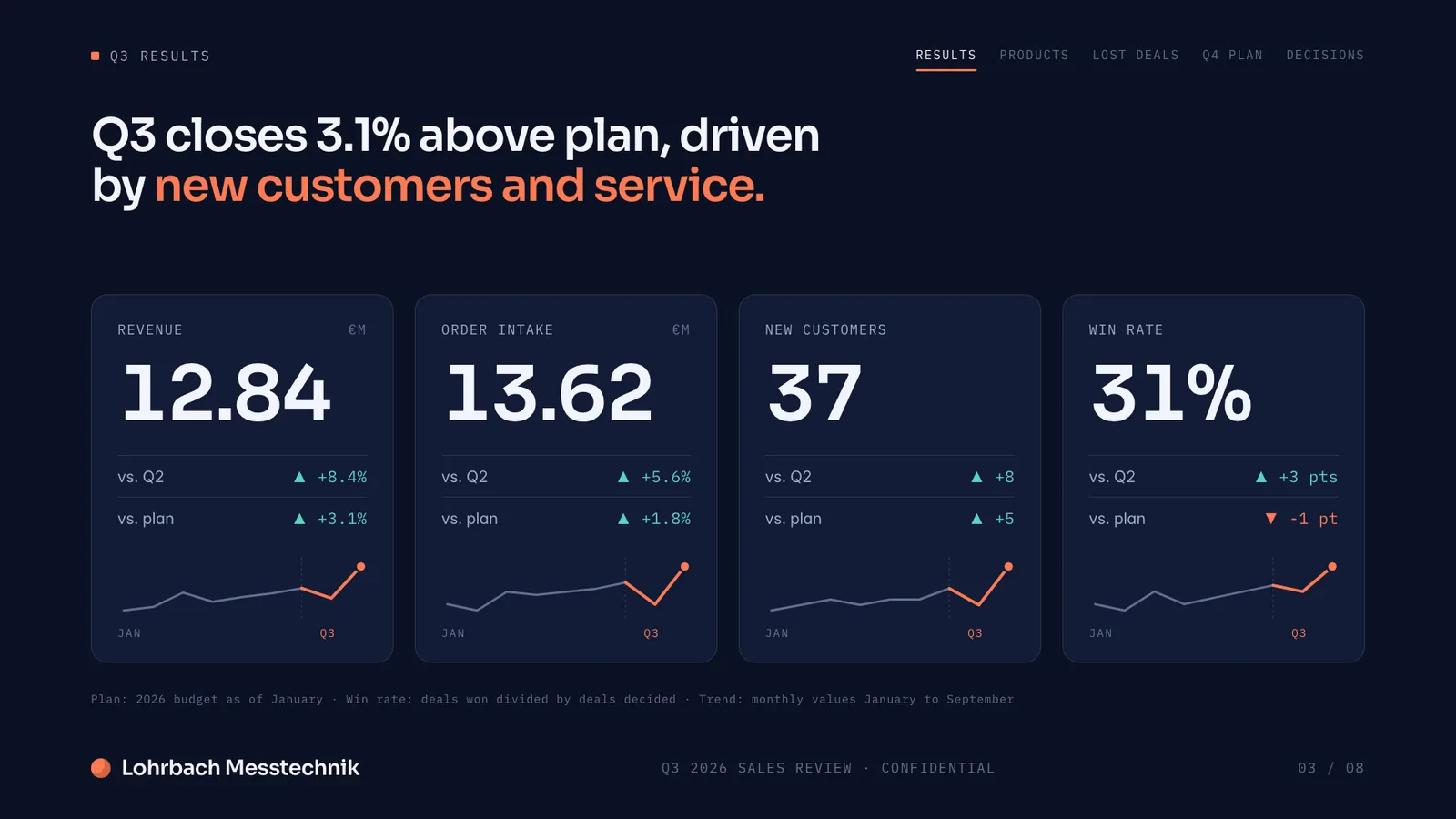
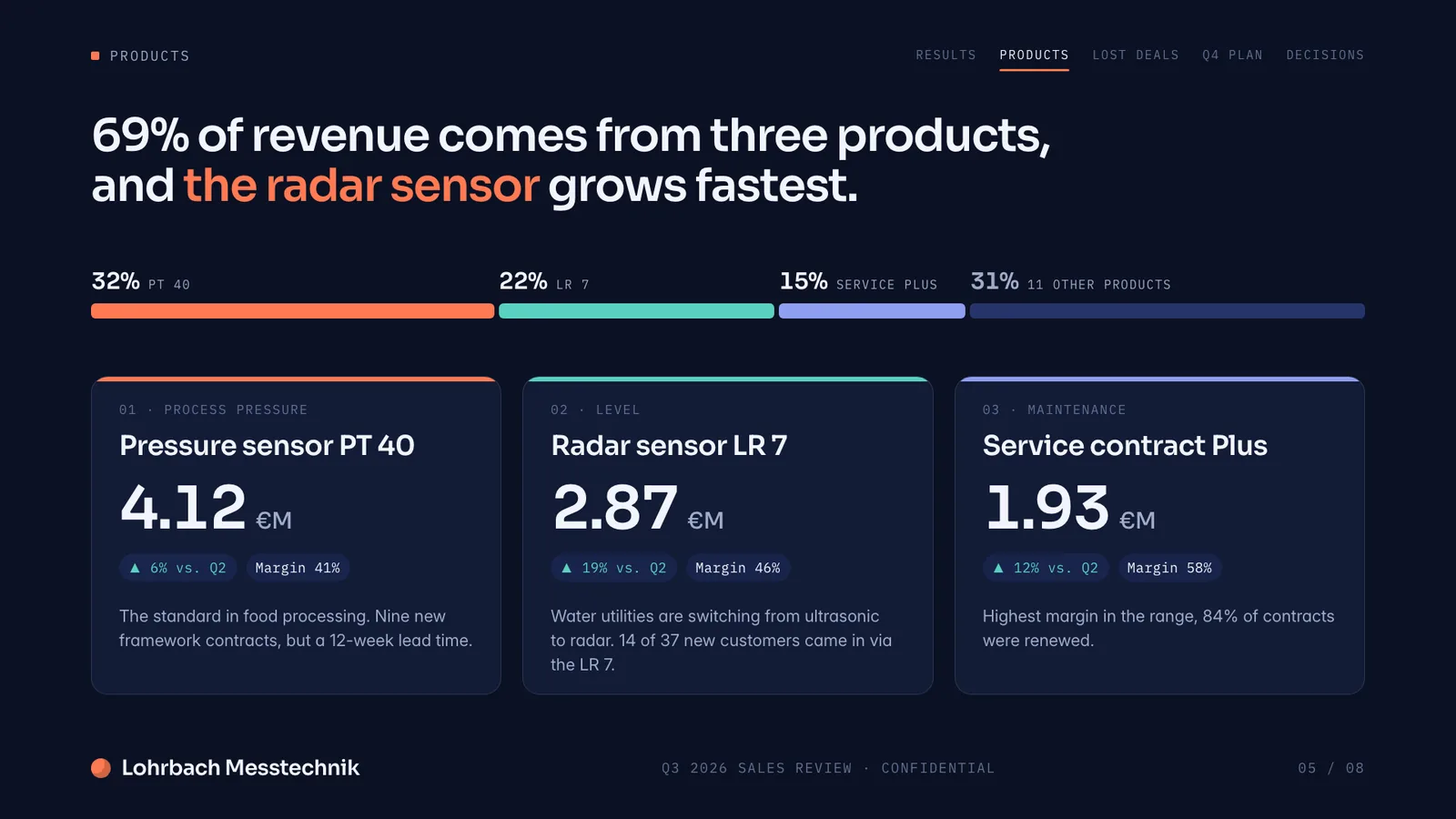
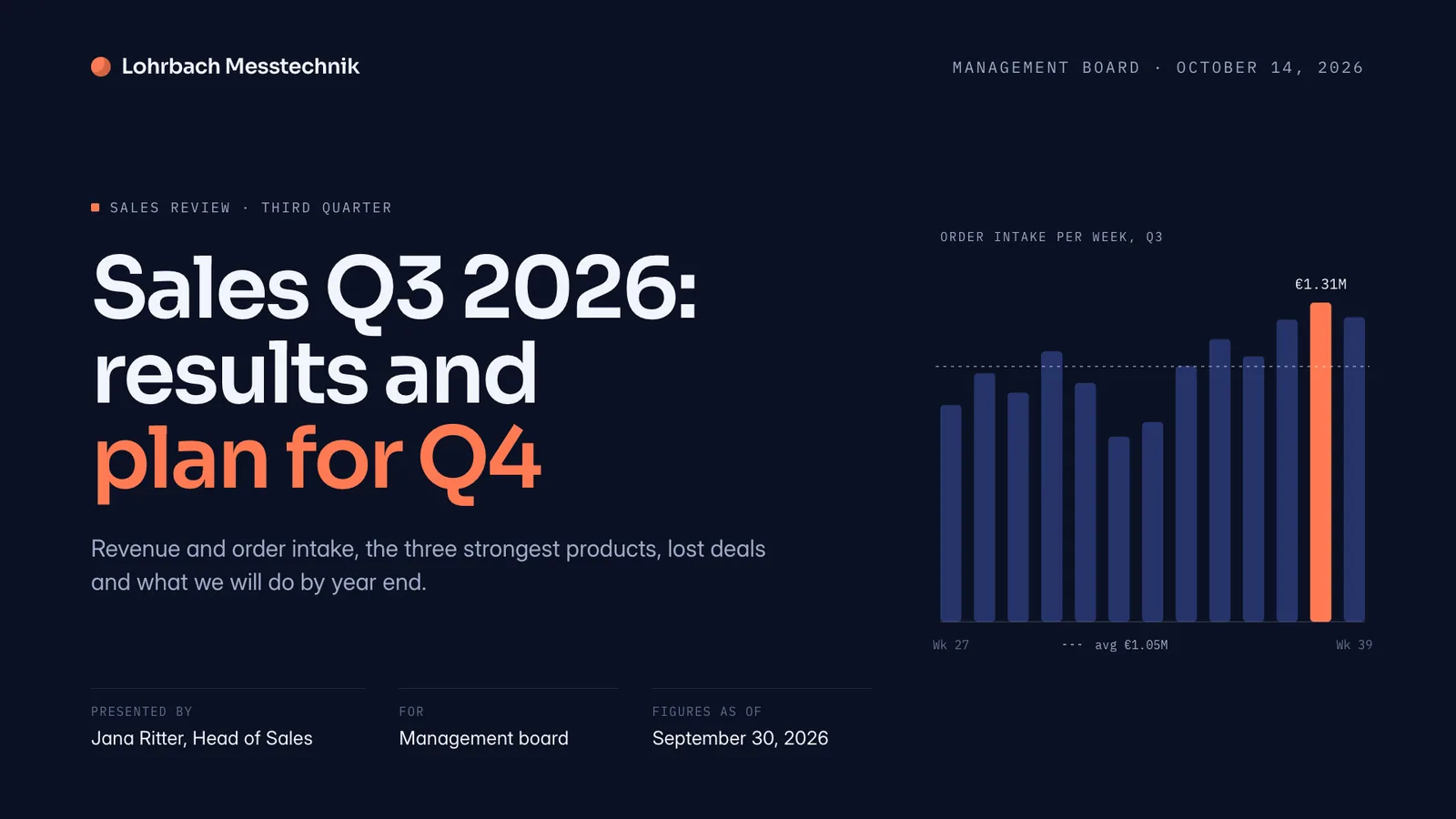
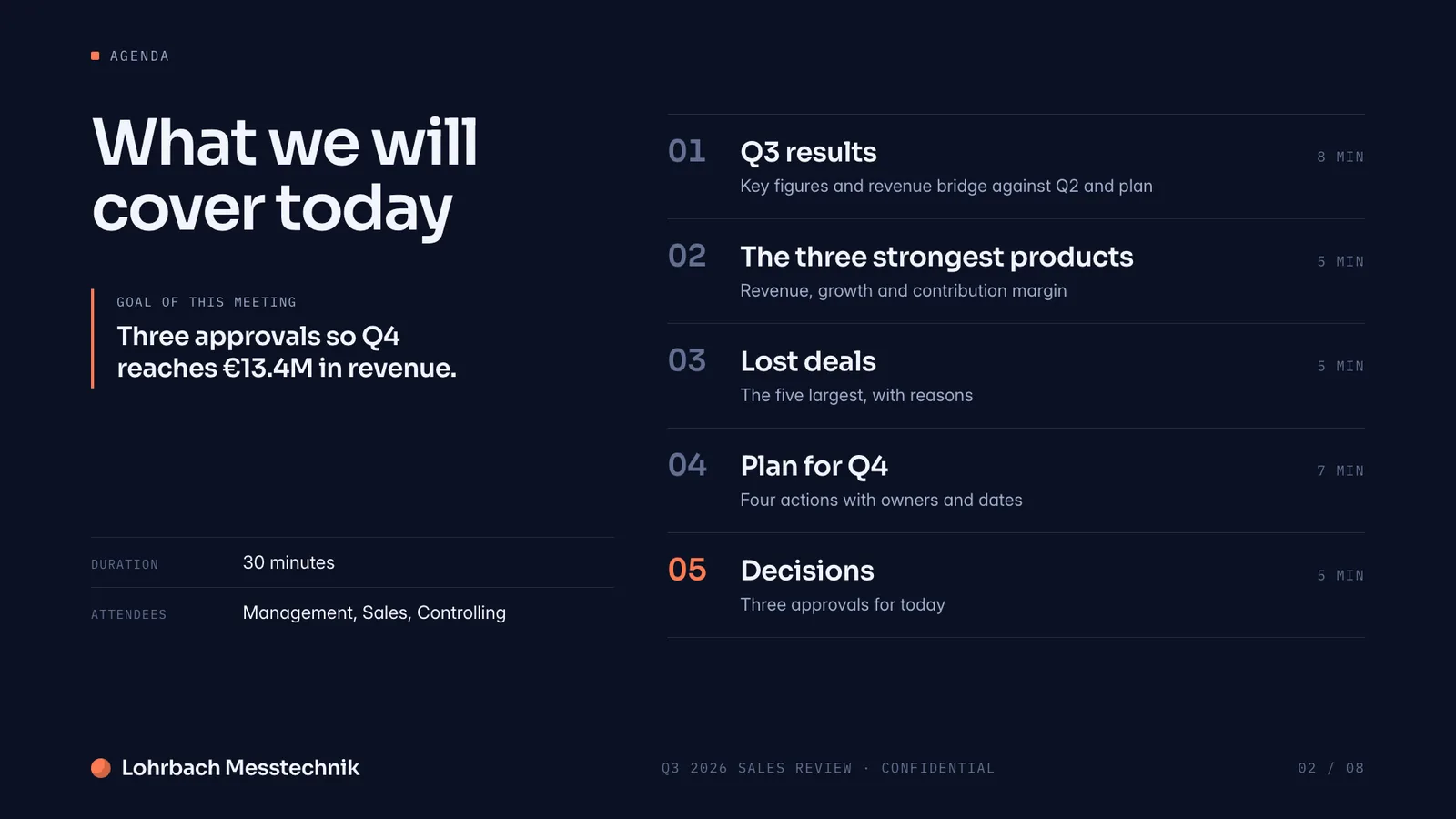
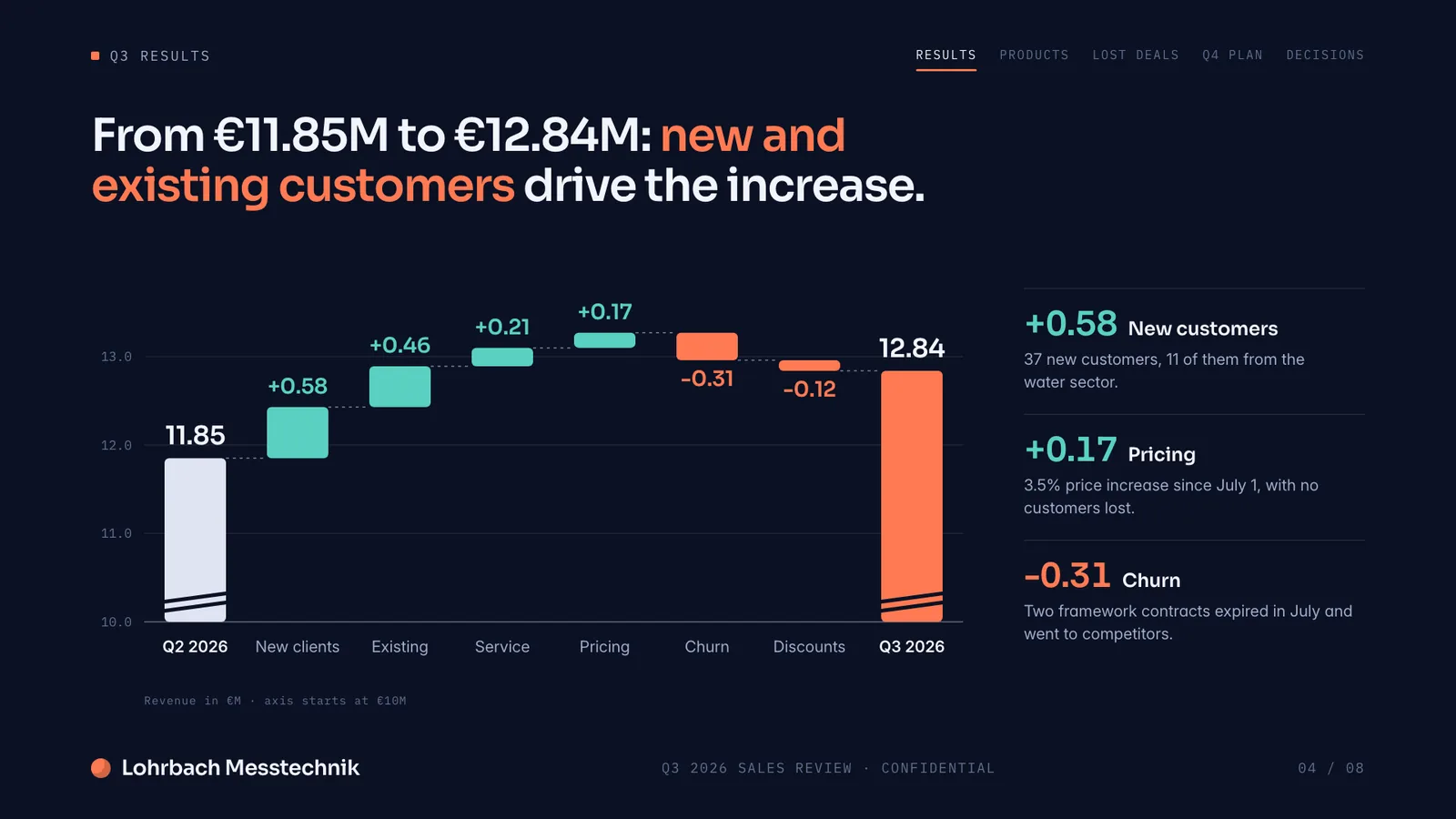
Example presentation for a fictional company. Names and numbers are sample valuesSee all 8 slidesExample in detail
If your deck has to end up in PowerPoint, for investors or clients, use a tool that builds it as a PowerPoint file: Slaide plans, writes and designs the whole deck from your prompt, checks every page and exports an editable .pptx with speaker notes. Gamma stays the better pick for web-style decks and simple websites you share as a link; its own help center says exports follow Present Mode and that italics and gradient headings can look different in the .pptx.
Slaide spends more time generating but finishes more of the job: it plans the structure, writes every section, designs the layout and self-checks each page, then exports to real, editable PowerPoint rather than a web-native format that can shift after export.
What a finished result looks like
Every page below was designed as a real deck: layout, charts and copy. Click a page to see it large.
Making a pitch deck? How the AI tools founders actually use compare for investor decks: output, PowerPoint export, free plans and prices.
Best AI tools for pitch decksWant your own PowerPoint design kept? How Slaide reads the layouts, fonts and colours of a PowerPoint you upload, and what it cannot carry over.
Use your own PowerPoint template with AI
Why professionals look for a Gamma alternative
Export can drift from what you designed
Gamma supports PPTX export, but fonts, gradients and the Present Mode layout can look different once opened elsewhere. Slaide's PowerPoint export is built to match what you see on screen.
Free credits don't renew
Gamma's free plan gives 400 signup credits once, not a monthly refresh, and exports keep a “Made by Gamma” badge until you pay. Slaide Free instead includes one document with 3 generated pages and a visible plan for up to 12 pages; paid plans remove branding from €7.99/month.
Themes restyle a template, they don't design one
Gamma's themes change colors, fonts and a logo on top of a fixed template structure, the layout logic underneath is the same one every Gamma user picks from. Slaide has no template to restyle: structure and content are designed together for your specific request, so the result has no shared visual fingerprint.
Presentations, documents and websites, not CVs or spreadsheets
Gamma covers three output types. Slaide adds CVs, board reports, research papers, one-pagers and live Excel spreadsheets with working formulas, all from the same prompt box.
Slaide vs Gamma: feature by feature
| Feature | Slaide | Gamma | Winner |
|---|---|---|---|
| PowerPoint export fidelity | Exports match the on-screen design | Supported, but fonts, gradients and layout can shift | Slaide |
| Free plan credits | One free document: 3 generated pages, plan up to 12, branded exports, no card | 400 one-time signup credits, no renewal | Tie |
| Design freedom | Structure and layout designed around your specific content | Restyle colors, fonts and logo on a fixed theme template | Slaide |
| Visual identity | Designed fresh per document, no shared fingerprint | Consistent “house style” across decks | Slaide |
| Collaboration | Invite people by email to edit live; AI tasks stay with the owner, no comments | Real-time collaborative editing | Gamma |
| Document types | Pitch decks, reports, CVs, spreadsheets, one-pagers and more | Slides, documents, simple websites | Tie |
Our verdict
Gamma is genuinely fast, and its conversational editing makes small restyles easy. For a quick internal deck where visual consistency across a team matters more than uniqueness, it's a reasonable pick.
Where it struggles is fidelity and identity. Export can drift from the design you approved, and its theme system restyles colors and fonts on a template structure that stays the same for every user, so decks converge on a similar look. For anything client- or investor-facing, that similarity works against you.
Slaide trades a little speed for a document that looks like nothing else and exports the way it was designed. For pitch decks, proposals and reports where the details matter, that trade is worth it.
FAQ
Anything missing? Ask us
Does Gamma export cleanly to PowerPoint?
Gamma supports PPTX export, but fonts, gradients and the Present Mode layout can look different once opened outside Gamma. Slaide's PowerPoint export is built to preserve the on-screen design.
Is Slaide as fast as Gamma?
Most Slaide documents are ready in a few minutes. Gamma can be faster for a first draft; Slaide spends the extra time planning, writing, designing and self-checking, so there's less manual cleanup afterward.
Can Slaide make documents beyond slides, like Gamma does?
Yes, and more. Gamma covers slides, documents and simple websites. Slaide also makes CVs, board reports, proposals, and live Excel spreadsheets, all from one prompt box.
The AI alternative to Gamma
Describe what you need. Slaide plans the structure, writes the content, designs every page and self-checks its own work. Free to start, no credit card.